
Google Workspace Marketplace


Rapid Reply
AI email assistant for business owners. It writes emails for you instantly using AI.
Listing updated:12 iunie 2023
Works with:
No reviews
450



Prezentare generală
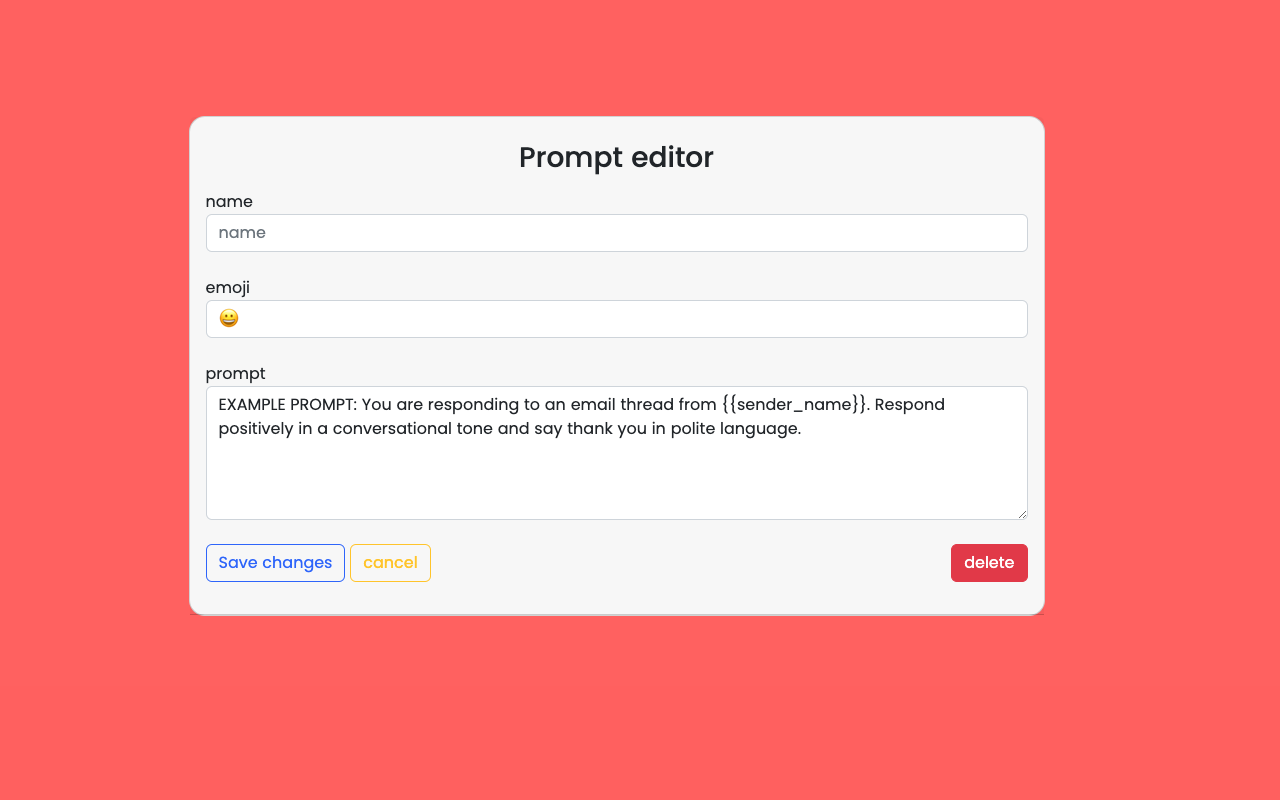
Rapid Reply is a free AI-powered email assistant for Business Owners. It's the first AI email assistant purpose built for business owners. It learns from your writing style and writes emails for you. It is powered by Open AI's GPT-4 / chatGPT.

Save 30 minutes a day doing emails, without typing or memorizing shortcuts.

With Rapid Reply you get...

- 1-click automatic full email suggestions suggestions based on how you want to reply "Thanks", "Yes", "No", "Schedule a meeting", "I'll get back to you soon".

- Software that learns from your writing style and can change its tone, word and sentence structure.

- Short reply to full email suggestions. You write a short text and get a full polite email suggestion.

- Integrations into popular meeting link software like Calendly.com.

- Automatic language translation. If someone emails you in Spanish, Rapid Reply will generate a reply for you in Spanish.

- Automatic spelling and grammar corrections.

- A Chrome extension integrated into your Gmail™ account. It take 10 seconds to set up.

Rapid Reply is purpose built for Business Owners.
Additional information
sell
PricingFree of charge with paid features
code
Developer
email
Asistență
lock
Politica de confidențialitate
description
Condiții de furnizare a serviciilor
flag
RaporteazăFlag as inappropriate



Căutare
Șterge căutarea
Închide căutarea
Aplicații Google
Meniu principal