
Google Workspace Marketplace


RateTheMeeting
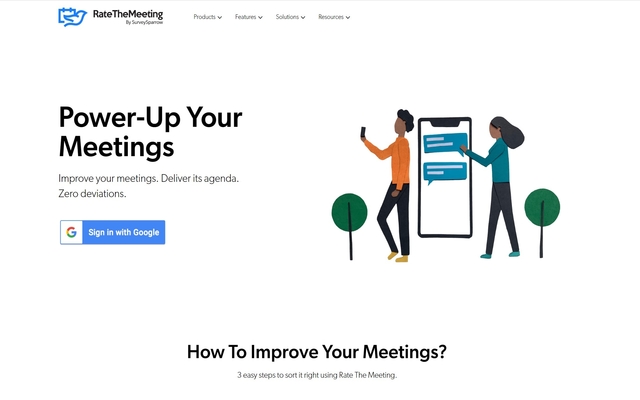
RateTheMeeting is a free tool from SurveySparrow that lets you collect exclusive feedback after every single Google meeting from all the participants. Close the loop with detailed reports and track your meeting score easily.
Happy Meetings!
১ হা+


এক নজরে
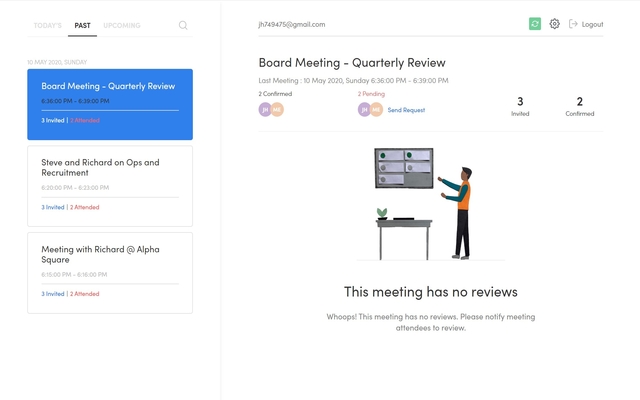
RateTheMeeting is your very own feedback collector for your google calendar meetings with clients and colleagues. With RateTheMeeting you can ask your meeting attendees to provide feedback on parameters of your choice and evaluate your score with our exciting and insightful dashboard.

Let’s see how it works.

Step1 : Signup RateTheMeeting
        Open your browser and type https://ratethemeeting.io/. Sign In using your google account and Viola all your meetings from google calendar will be synchronized automatically.

Step 2: Configure Survey Settings
	Navigate to the Settings icon (which is at the top right side) and click to open the setting screen. Here you set Rating Question, Choose Feedback Question and select sending Options as shown in the below screenshot. After configuring save the settings.

Step 3: View and Evaluate your Feedback scores
	Once the meeting is ended NPS is triggered and the score and comments are captured and reflected in the meeting dashboard.

Thus RateTheMeeting lets you collect exclusive feedback after every single Google meeting from all the participants. Close the loop with detailed reports and insights.

Happy Meetings!Additional information
sell
Pricingউপলভ্য নয়
code
Developer
Trader status unspecified
email
সমর্থনউপলভ্য নয়
lock
গোপনীয়তা নীতি
description
পরিষেবার শর্তাদি
flag
রিপোর্ট করুনFlag as inappropriate




সার্চ করুন
সার্চ মুছুন
সার্চ বন্ধ করুন
Google অ্যাপ্লিকেশানগুলি
প্রধান মেনু