
Google Workspace Marketplace


RateTheMeeting
RateTheMeeting is a free tool from SurveySparrow that lets you collect exclusive feedback after every single Google meeting from all the participants. Close the loop with detailed reports and track your meeting score easily.
Happy Meetings!
1K+


ภาพรวม
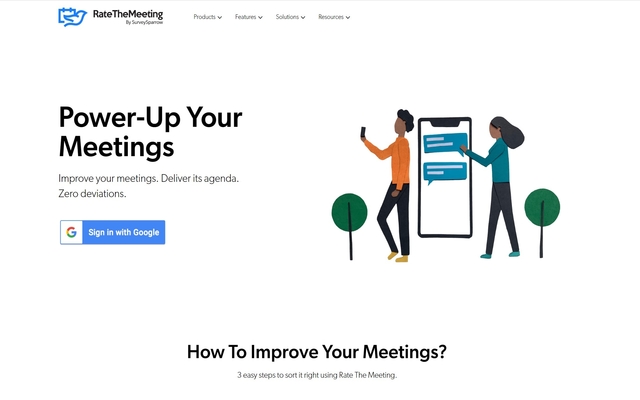
RateTheMeeting is your very own feedback collector for your google calendar meetings with clients and colleagues. With RateTheMeeting you can ask your meeting attendees to provide feedback on parameters of your choice and evaluate your score with our exciting and insightful dashboard.

Let’s see how it works.

Step1 : Signup RateTheMeeting
        Open your browser and type https://ratethemeeting.io/. Sign In using your google account and Viola all your meetings from google calendar will be synchronized automatically.

Step 2: Configure Survey Settings
	Navigate to the Settings icon (which is at the top right side) and click to open the setting screen. Here you set Rating Question, Choose Feedback Question and select sending Options as shown in the below screenshot. After configuring save the settings.

Step 3: View and Evaluate your Feedback scores
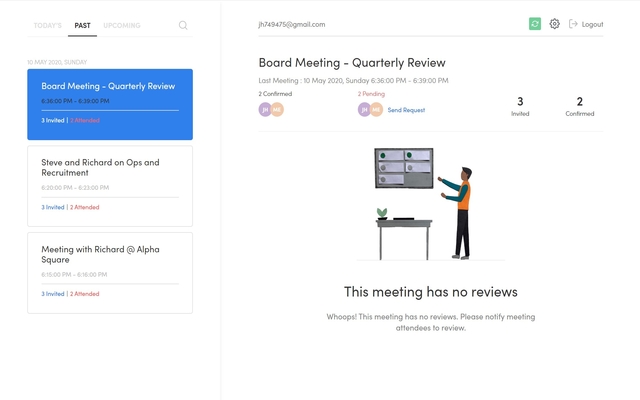
	Once the meeting is ended NPS is triggered and the score and comments are captured and reflected in the meeting dashboard.

Thus RateTheMeeting lets you collect exclusive feedback after every single Google meeting from all the participants. Close the loop with detailed reports and insights.

Happy Meetings!ข้อมูลเพิ่มเติม
sell
ราคาไม่พร้อมใช้งาน
code
นักพัฒนาซอฟต์แวร์
ไม่ได้ระบุสถานะผู้ค้า
email
การสนับสนุนไม่พร้อมใช้งาน
lock
นโยบายความเป็นส่วนตัว
description
ข้อกำหนดในการให้บริการ
flag




ค้นหา
ล้างการค้นหา
ปิดการค้นหา
แอป Google
เมนูหลัก