
Google Workspace Marketplace


Reportei Sync
Extract Digital Marketing and Sales data into your Google Sheets™ in seconds! Combine data from multiple sources and receive automatic updates.
Listing updated:16 октомври 2026 г.
Works with:
8 хил.+


Общ преглед
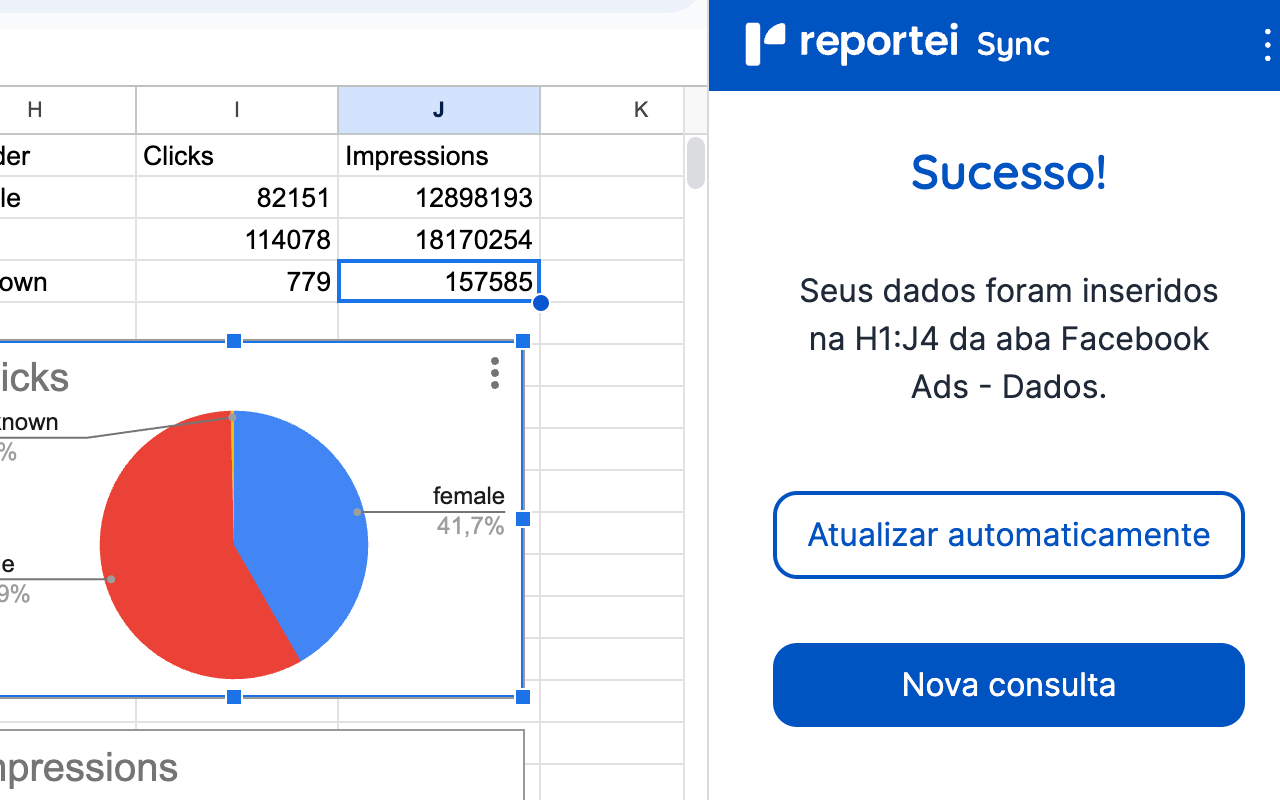
Reportei Sync is the perfect solution to quickly and easily extract Digital Marketing and Sales data into Google Sheets™. If you need to import data from multiple channels and networks to create complete marketing reports, Reportei Sync simplifies the process.

Import your data directly into Google Sheets™ and cross-reference it with 20+ different channels, including Instagram, Facebook, Meta Ads, Google Ads™, TikTok, LinkedIn, RD Station, Pipedrive, HubSpot, YouTube, GA4, and more. Get automatic updates to ensure your reports are always based on the latest information. No more wasting time manually filling in spreadsheets!

Combine and compare data from different sources. Integrate the data imported directly from your Reportei Sync account with your internal information, providing a holistic view by merging insights from multiple platforms. This allows you to gain a deeper understanding of your digital marketing performance and make more informed decisions.

Automatic updates: Stay ahead with data refreshed every hour. With Reportei Sync, you can export your data to Google Sheets™ in real time, without exchange fees, taxes, or hidden costs. Enjoy security and predictability when exporting your data.

Try Reportei Sync free for 7 days! https://reportei.com/sync/

Google Sheets™ is a trademark of Google LLC
Google Ads™ is a trademark of Google LLC
Additional information
sell
PricingPaid
code
Developer
email
Поддръжка
lock
Декларация за поверителност
description
Общи условия
flag
Подаване на сигналFlag as inappropriate




Търсене
Изчистване на търсенето
Затваряне на търсенето
Приложения на Google
Главно меню