
Google Workspace Marketplace


Scrape2Sheets: AI Document & Image Data Extractor
AI-powered OCR for PDFs, invoices & receipts into Google Sheets™ automatically.
정보 업데이트:2026년 7월 20일
호환 기기:
2


개요
Scrape2Sheets uses AI-powered OCR to turn documents into structured Google Sheets™ data — no copy-pasting, no code.

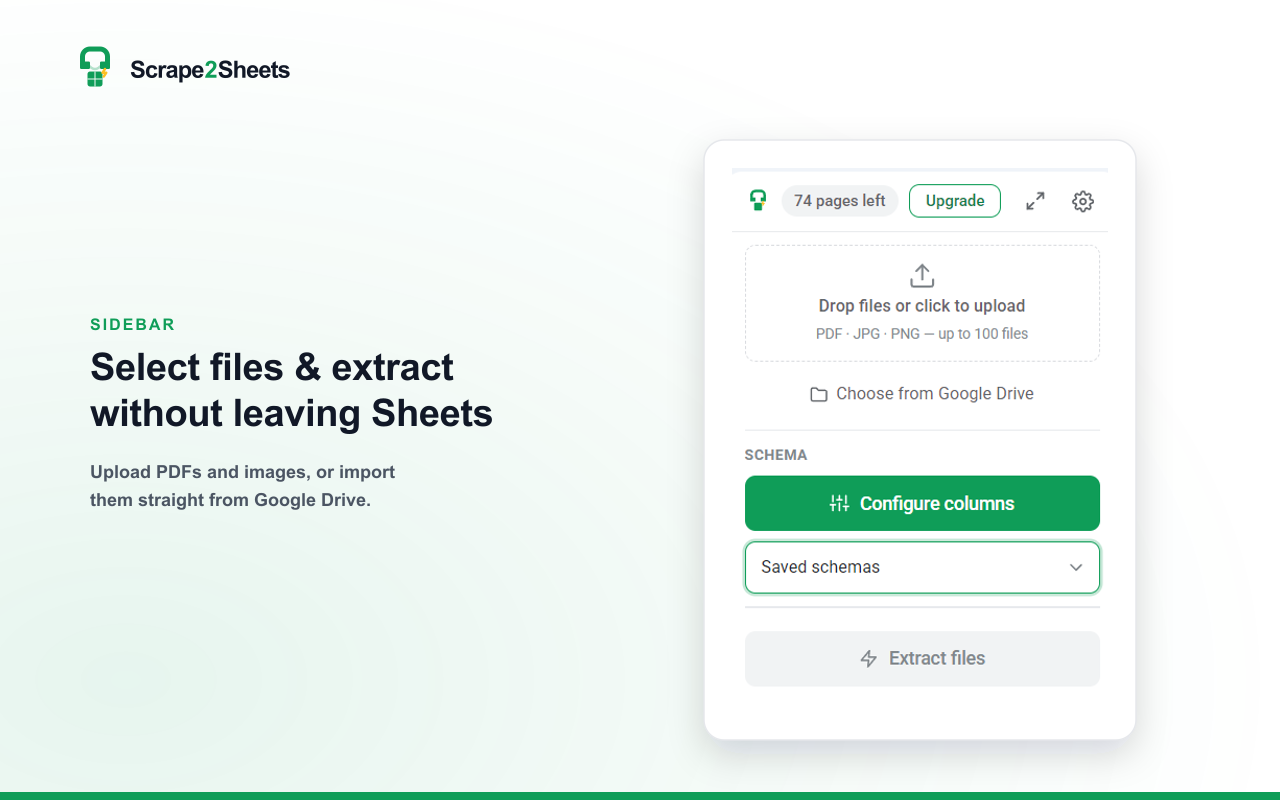
Extract fields from PDFs, invoices, receipts, bank statements, contracts, and scanned images directly inside Google Sheets™. Set the columns you need — or let AI auto-detect them from a sample document — then run a batch. Each row appears in your sheet as it finishes.

WHAT YOU CAN DO
• Extract data from PDF, JPG, and PNG files into clean rows and columns
• AI auto-detects the right columns from your sample documents
• Batch-process up to 100 documents at once, in parallel
• AI-powered OCR reads scanned pages, phone photos, and handwriting — and keeps the output structured, not just raw text
• Save extraction schemas once and reuse them across any spreadsheet
• Import files straight from Google Drive™ — no downloading to your computer
• Type-aware output: numbers, currency, and dates land formatted and ready to sum

BUILT FOR
• Finance & accounting — invoices, receipts, statements
• Bookkeeping — turn month-end data entry into minutes
• Recruitment & HR — CVs, applications, forms
• Legal & operations — contracts, purchase orders
• Any repetitive document-to-spreadsheet workflow

PRIVATE BY DESIGN
Your documents are processed in memory and never stored permanently. We never use your files to train AI models.


Google Sheets™ and Google Drive™ are trademarks of Google LLC.
추가정보




검색
검색어 지우기
검색 닫기
Google 앱
기본 메뉴