
Google Workspace Marketplace

Screenplay Writer
Screenplay Writer is a powerful and intuitive Add-On for use with Google Docs™ designed specifically for screenplay writers—whether you're an amateur or an experienced professional.
Eintrag aktualisiert:23. März 2026
Kompatibel mit:
6670+




Überblick
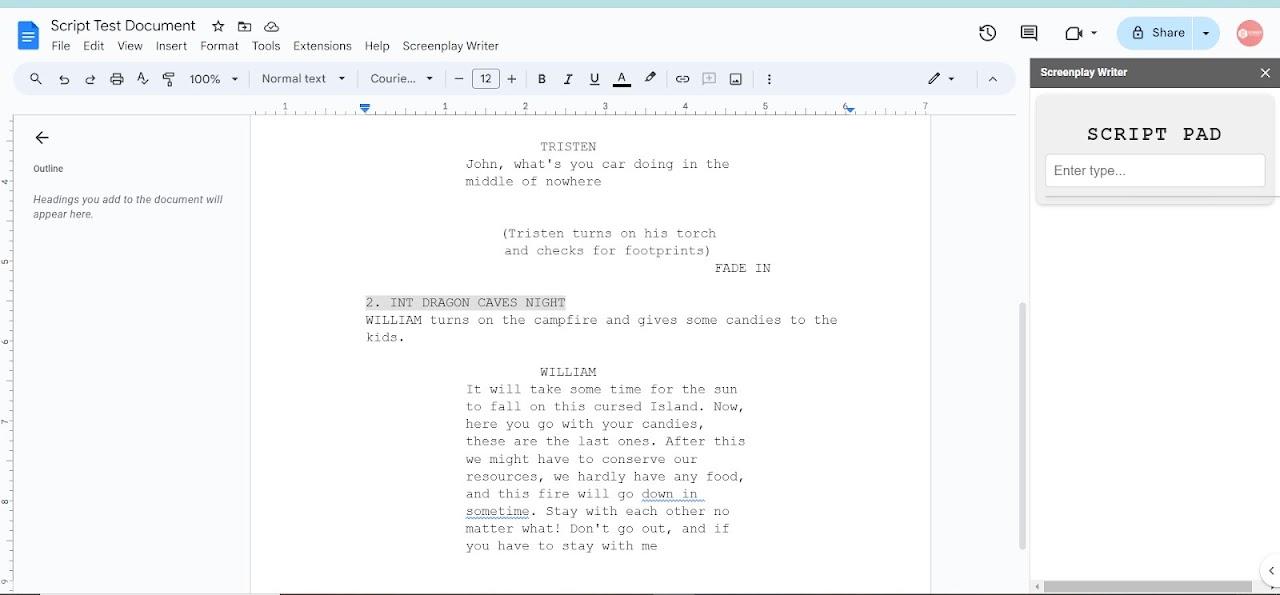
Screenplay Writer is a powerful and intuitive Add-On for use with Google Docs™, designed specifically for screenplay writers—whether you're an amateur discovering your creative voice or an experienced professional working on your next big project.

This tool is seamlessly compatible with Google Docs™, transforming it into a fully-featured scriptwriting environment without the hassle of manual formatting. Say goodbye to the distractions of managing dialogue, scene headings, character introductions, and action lines. With Screenplay Writer, you can focus solely on your creative process while the Add-on takes care of precise formatting automatically.

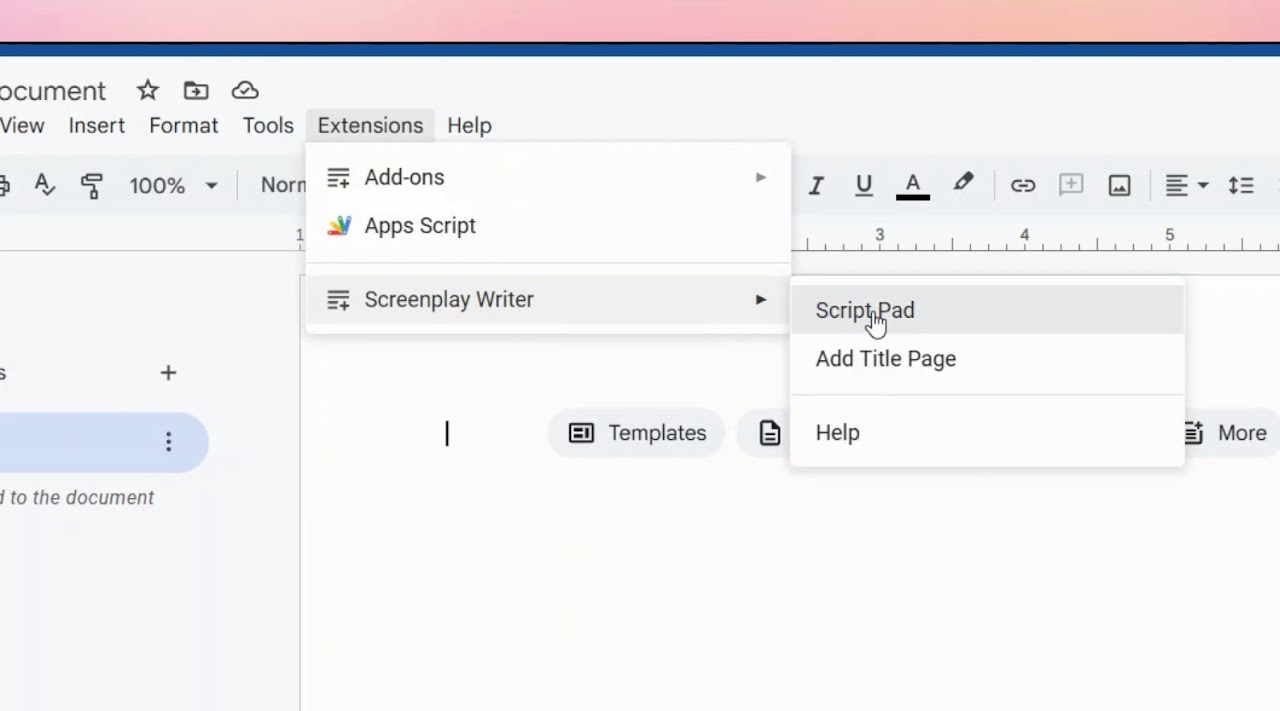
Our interface is thoughtfully designed with convenience and efficiency in mind. With minimal clicks, you can effortlessly transition between script elements—whether you’re adding scenes, dialogues, or characters—allowing your creativity to flow uninterrupted. No need to learn new software or export files; everything happens right within Google Docs™, giving you a familiar space to write while adhering to industry-standard screenplay formats.

Whether you're writing your first screenplay or your fiftieth, Screenplay Writer offers you a streamlined, distraction-free experience, empowering you to focus on what matters most: your story.

Key Benefits:
No need for extra tools: Work directly in Docs™, saving time and effort.
Effortless formatting: Automatic industry-standard formatting as you write.
Seamless workflow: Switch between script elements with minimal clicks, maximizing your productivity.
For all levels: Whether you're just starting out or a seasoned professional, Screenplay Writer adapts to your needs.
Take your screenwriting to the next level.
Weitere Informationen
sell
PreiseKostenloser Testzeitraum
code
Entwickler
Kein Händler
email
lock
Datenschutzerklärung
description
Nutzungsbedingungen
flag
MeldenAls unangemessen melden



Suche
Suche löschen
Suche schließen
Google-Apps
Hauptmenü