
Google Workspace Marketplace


Shared Contacts for Google Drive™
Never give access to your documents or Drive™ folders to the wrong people: Know who is in any Google group, or see and update contact details of any document collaborator. Share Google Contacts.
דף האפליקציה עודכן בתאריך:16 באפריל 2025
האפליקציה פועלת עם:
+275K


סקירה כללית
Shared Contacts for Google Drive™, brings Contact Sharing  to your Drive™ experience:
→ See all the contact details of collaborators of a drive item (Folder or file)
→ Visualize who is in a Google group to always be aware of who can access Drive resources
→ Add any Drive/Doc collaborator as a contact or a shared contact
→ Update the information of a contact directly from Google Drive™
→ See the information and notes that your colleagues have added these contacts

This Drive™ Addon also gives you also access to the Shared Contacts for Gmail® web dashboard that offers all the following possibilities:

→ Share Contact lists (Google Contacts labels) with specific users or groups of users (mailing lists)
→ Share Contacts with Google workspace, G Suite and @gmail.com users
→ Modify or add shared contacts in the shared groups in  one click
→ Manage permissions at the users or group level (Read Only/Can Edit/Can Delete/Can Share)
→ Available as a web dashboard, Gmail Add-on, Chrome extension for Google Contacts,  Android App and iOs iPhone/Ipad App
→ The shared contacts appear in autocomplete of Gmail™, Drive™, Calendar™, Meets™, Google Voice™,  your phone contacts, Whatsapp, and hundreds of other integrated apps.
→ Add comments to your contacts and mention your colleagues
→ Add, edit and access Shared Google Contacts from any device
→ Synchronize contacts instantly with all the devices of your team members
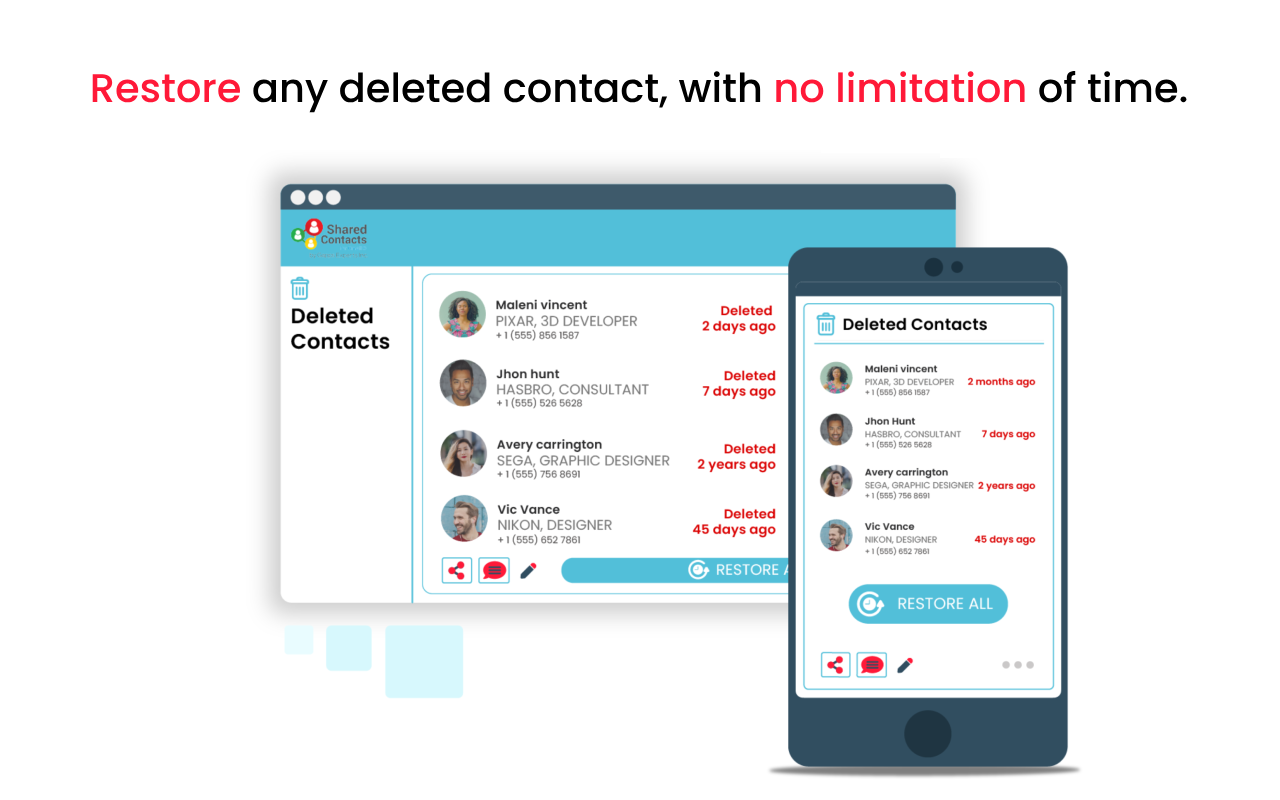
→ Restore deleted contacts within an unlimited period of time
→ Compliant with privacy regulations (GDPR/RGPD, HIPAA, SOC2 ...)
→ Integrates with most CRMs and IP phones systems"
מידע נוסף
sell
תמחורתקופת ניסיון בחינם
code
email
lock
מדיניות הפרטיות
description
תנאים והגבלות
flag
דיווחסימון כבלתי הולמת



חיפוש
ניקוי החיפוש
סגירת החיפוש
אפליקציות Google
התפריט הראשי