
Google Workspace Marketplace


Simple Choice Eliminator
Tired of overbooking appointments, products, or tours? Simple Choice Eliminator is a free Google Form™ add-on that puts you in control.
बनाने वाली कंपनी:
लिस्टिंग को पिछली बार अपडेट किया गया:2 मई 2026
इनके साथ काम करता है:
9 लाख+

अवलोकन
Tired of overbooking appointments, products, or tours?  Simple Choice Eliminator is a free Google Forms™ add-on that puts you in control. Set response limits for each choice in your multiple choice or dropdown questions. Once a choice reaches its limit, it automatically hides from future respondents, preventing double bookings and ensuring a smooth experience.

Perfect for:

Appointment scheduling: Limit each time slot to 1 reservation. Avoid clashing of appointments.
Online ordering: Control the number of orders allowed per product variation.
Event registration: Manage participant capacity for tours, workshops, or events.
Simple Choice Eliminator keeps your Google Forms™ organized and efficient. Install it today and take control of your response availability!


Here's what sets us apart:

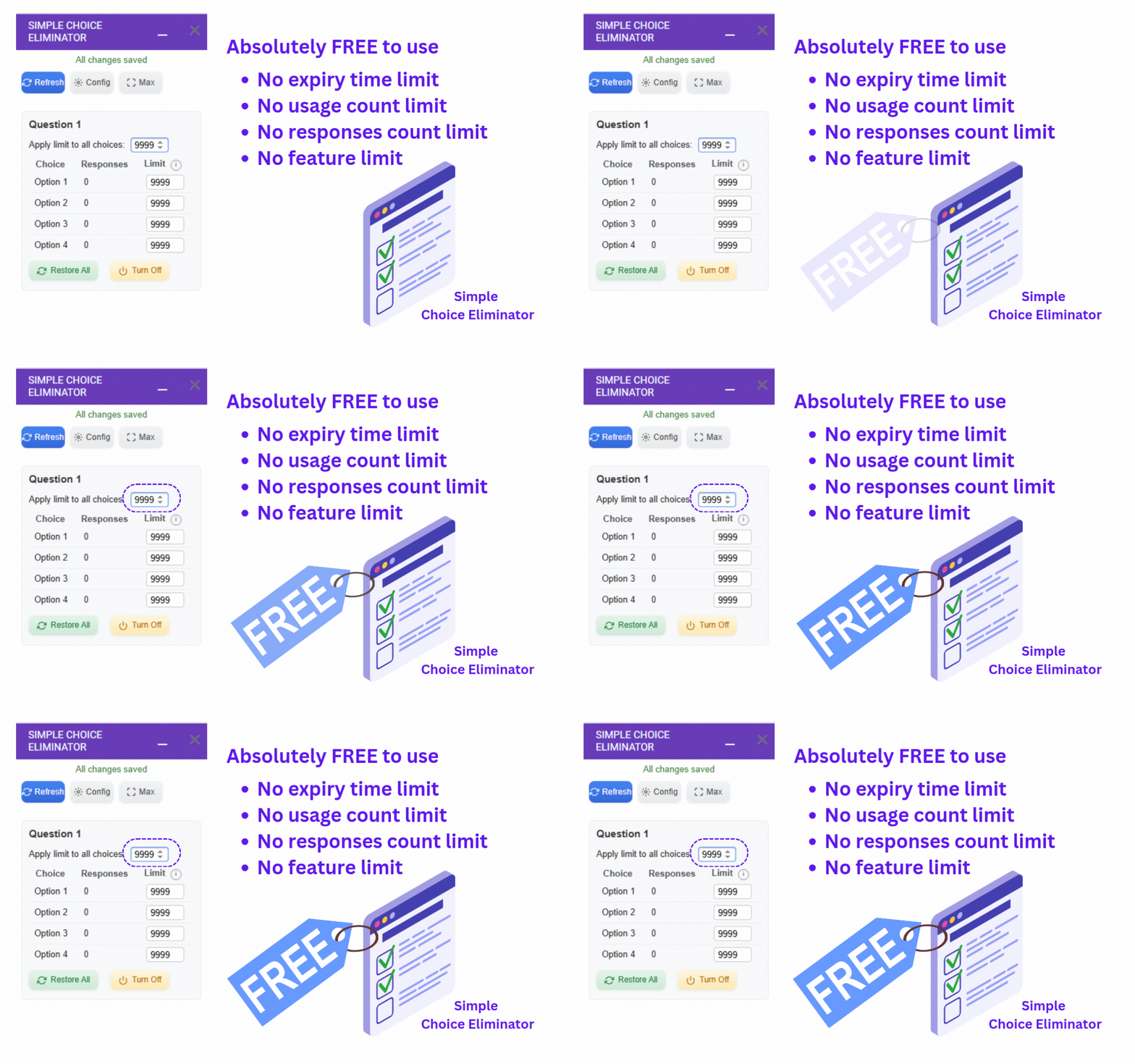
Unlimited Limits: Set any number of responses per choice, no restrictions!
Free Forever: No trials, no hidden fees, just free functionality.
Simple & Effective: Easy to use interface for seamless integration with your forms.

Streamline your workflow and ensure control with Simple Choice Eliminator. Install it today!


💀💀💀 KNOWN ISSUES 💀💀💀
1) Only the "Help" menu item appears
This is a known issue beyond our control. To resolve it, simply reload the page — all menu items for the Choice Eliminator add-on should then appear correctly.

2) Sidebar appears blank or loading indefinitely
Like the above, this is related to multiple account sign-ins in the browser and not a fault of the add-on.
Possible Solutions:

  Option 1: Sign out of all other Google accounts except the one being used for the add-on.

  Option 2: Try a different browser or use incognito/private mode.

4) Add-on doesn’t limit choices correctly (too early, too late, or not at all)
This may happen if you have more than one choice-limiting add-on installed (e.g., Choice Eliminator Lite).
Recommendation: Use only our add-on and uninstall any other similar tools to avoid conflicts.


List of potential use cases
---------------------------
1. Scheduling Appointments:
Limit the number of responses for each time slot. This ensures you don't get double-booked and allows users to see available slots clearly.

2. Resource Allocation:
Control access to limited resources like meeting rooms or equipment. Set a limit on the number of responses for each resource to prevent overbooking.

3. Product Availability:
For situations where you have limited stock of an item, set a limit on the corresponding option in a multiple-choice or checkbox question. This prevents users from selecting unavailable options.

4. Course Selection:
Limit the number of students who can choose a specific course to avoid overcrowding. This helps manage class sizes and resources effectively.

5. Volunteer Opportunities:
Manage volunteer sign-ups by limiting the number of responses for each volunteer opportunity. This ensures you have enough volunteers for each task without oversubscription.

6. Research Participation:
Control the number of participants in a research study by setting a limit on the total number of responses.
अतिरिक्त जानकारी
sell
कीमतबिना किसी शुल्क के
code
डेवलपर
व्यापारी नहीं है
email
सहायता
lock
निजता नीति
description
सेवा की शर्तें
flag
शिकायत करेंआपत्तिजनक ऐप्लिकेशन की शिकायत करें




खोजें
खोज हटाएं
खोज बंद करें
Google ऐप
मुख्य मेन्यू