Google Workspace Marketplace
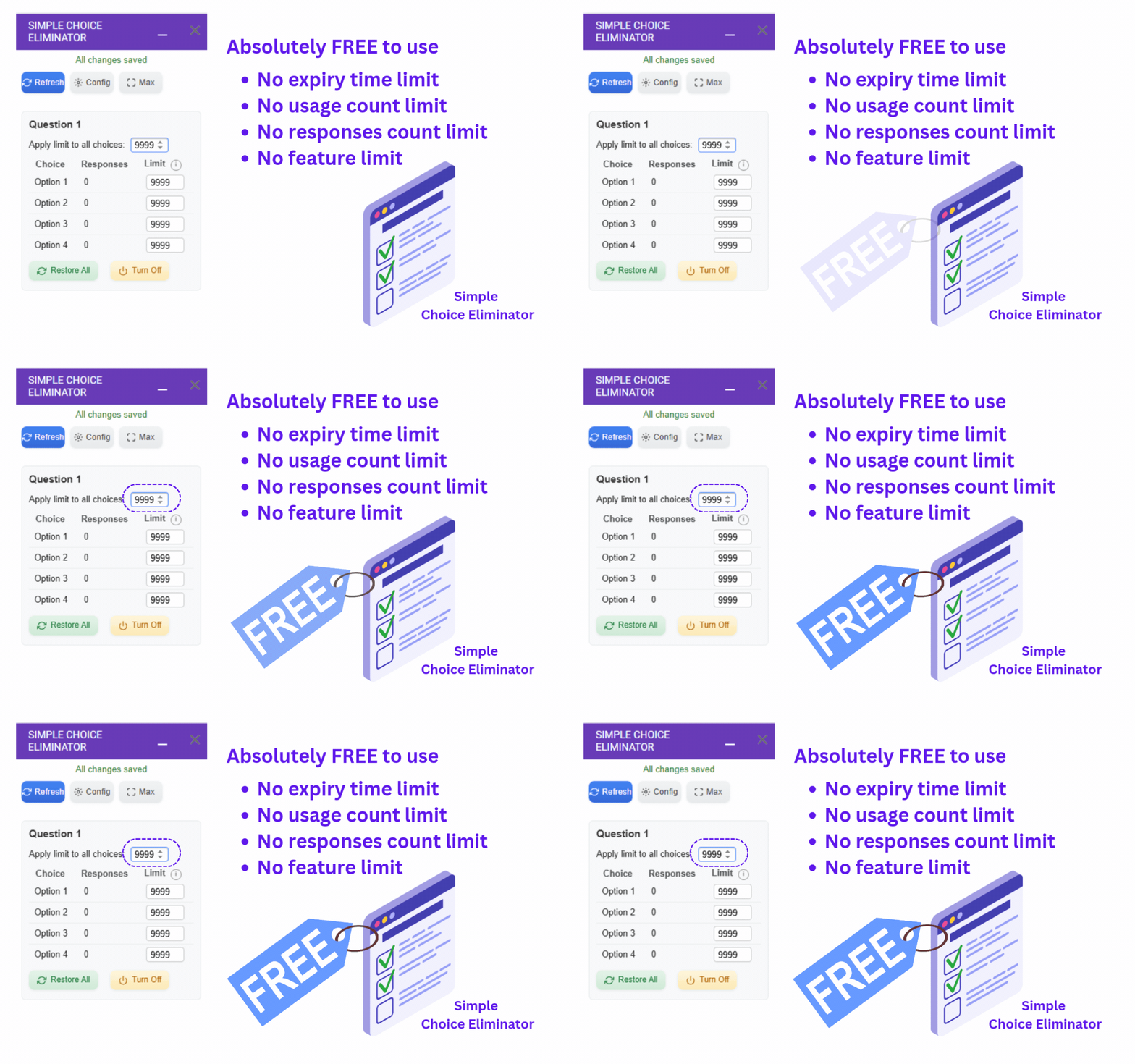
Tired of overbooking appointments, products, or tours? Simple Choice Eliminator is a free Google Form™ add-on that puts you in control.
By:
Listing updated:October 25, 2026
Works with:

1M+
Overview
Tired of overbooking appointments, products, or tours?  Simple Choice Eliminator is a free Google Forms™ add-on that puts you in control. Set response limits for each choice in your multiple choice or dropdown questions. Once a choice reaches its limit, it automatically hides from future respondents, preventing double bookings and ensuring a smooth experience.

Perfect for:

Appointment scheduling: Limit each time slot to 1 reservation. Avoid clashing of appointments.
Online ordering: Control the number of orders allowed per product variation.
Event registration: Manage participant capacity for tours, workshops, or events.
Simple Choice Eliminator keeps your Google Forms™ organized and efficient. Install it today and take control of your response availability!


Here's what sets us apart:

Unlimited Limits: Set any number of responses per choice, no restrictions!
Free Forever: No trials, no hidden fees, just free functionality.
Simple & Effective: Easy to use interface for seamless integration with your forms.

Streamline your workflow and ensure control with Simple Choice Eliminator. Install it today!


💀💀💀 KNOWN ISSUES 💀💀💀
1) Only the "Help" menu item appears
This is a known issue beyond our control. To resolve it, simply reload the page — all menu items for the Choice Eliminator add-on should then appear correctly.

2) Sidebar appears blank or loading indefinitely
Like the above, this is related to multiple account sign-ins in the browser and not a fault of the add-on.
Possible Solutions:

  Option 1: Sign out of all other Google accounts except the one being used for the add-on.

  Option 2: Try a different browser or use incognito/private mode.

4) Add-on doesn’t limit choices correctly (too early, too late, or not at all)
This may happen if you have more than one choice-limiting add-on installed (e.g., Choice Eliminator Lite).
Recommendation: Use only our add-on and uninstall any other similar tools to avoid conflicts.


List of potential use cases
---------------------------
1. Scheduling Appointments:
Limit the number of responses for each time slot. This ensures you don't get double-booked and allows users to see available slots clearly.

2. Resource Allocation:
Control access to limited resources like meeting rooms or equipment. Set a limit on the number of responses for each resource to prevent overbooking.

3. Product Availability:
For situations where you have limited stock of an item, set a limit on the corresponding option in a multiple-choice or checkbox question. This prevents users from selecting unavailable options.

4. Course Selection:
Limit the number of students who can choose a specific course to avoid overcrowding. This helps manage class sizes and resources effectively.

5. Volunteer Opportunities:
Manage volunteer sign-ups by limiting the number of responses for each volunteer opportunity. This ensures you have enough volunteers for each task without oversubscription.

6. Research Participation:
Control the number of participants in a research study by setting a limit on the total number of responses.
Additional information
PricingFree of charge
Developer
Non-trader
Support
Privacy policy
Terms of service
Simple Choice Eliminator: Limit Form Responses will ask for the permissions shown below. Learn more
Simple Choice Eliminator: Limit Form Responses will need access to your Google account
This will allow Simple Choice Eliminator: Limit Form Responses to :
View and manage your forms in Google Drive
Display and run third-party web content in prompts and sidebars inside Google applications
Allow this application to run when you are not present
Send email as you
See your primary Google Account email address
See your personal info, including any personal info you've made publicly available
Reviews
Language:
Sort by:
Google doesn't verify reviews or ratings. Learn more about reviews
Profile Picture
Ruta Educativa
October 14, 2026
My review is actually 4.5. This app has been so useful, easy to use, and it's free. Thanks. The only thing I would add is that I need it to show all of the options for people to select as many as they want of the same item in one visit and not have to save and keep filling it out. I found a roundabout way, but it's long and tedious.
Is this review helpful?
Yes
No
Profile Picture
Bridget
June 4, 2026
I really love this add-on. It would be nice if there were an option similar to the RESET all in a question, where we could SET all in any given question. It can be a little tedious when you have many options under one question. Thank you, have a beautiful day! THANK YOU SOOOOO MUCH for fixing this :) Amazing and so much easier to use! :) Many Blessings!
Is this review helpful?
Yes
No
Profile Picture
Monica Ramirez
October 3, 2026
Free, great and to the point. One thing I would like to see is auto-updating to help support participants to edit their responses in real time.
Is this review helpful?
Yes
No
Profile Picture
Shawna Pope
May 2, 2026
At first this seemed like an easy & workable add-on. Until I refreshed and/or restored after testing. All my test responses disappeared along with all rules set in my google form. This makes it an incredibly undesirable add-on, UNLESS you have a few hours to go through the testing and then re-entering all the rules in your form. If this can be fixed then I would give it a 5/5. Until then, I just cannot recommend the add-on as it just takes way too much time.
Is this review helpful?
Yes
No
Profile Picture
Matt Shepherd
July 27, 2026
So far so good! I'm running a small no-profit film festival, and needed a way to keep track of seats sold in a small theatre. This makes it easy to do via Google Forms.
Is this review helpful?
Yes
No
Profile Picture
Christopher Sanborn
August 27, 2026
I can only get it to work if I use an Incognito browser window, but other than that, it's a great little add-on that performs as advertised.
Is this review helpful?
Yes
No
Profile Picture
Hershey Louise Espejon
May 27, 2026
The update is so helpful. It is not like one choice then save then one choice then save. I love it that you can put the desired number and it will apply it to all. Thank you so much
Is this review helpful?
Yes
No
Profile Picture
MCIAA MASSAS
January 15, 2026
Hitting save on each choice for every max responses I set takes super duper long. Maybe 2-3 mins. It's just so slow huhuhu... But at least it's working...? I'm not sure yet since the form has yet to reach the max limit of responses which I've set. Though I have a few suggestions for future updates (hopefully): 1) For the "Select Question" and "Select Choice" menu not be in a drop-down box/option by putting all the questions and choices in a single window/screen. Or if a drop-down box/option must be then at least make sure that every time we switch to a different choice w/o saving, the number of max responses that we entered on the previous choice won't disappear/reset. This is so that we can save our max responses for each choice in one click. Otherwise, it would be too time-consuming, especially if our form has too many questions/choices which we have to manually save. And again, hitting the save button takes ages to load. 2) Add an "Apply for all Choices/Max Responses". For convenience. 3) Improve the loading time, if that's possible.
Is this review helpful?
Yes
No
Profile Picture
Anne Bernadette Almeda-Quiblat
September 4, 2026
So easy to install and so easy to use. Thank you for making my life easier.
Is this review helpful?
Yes
No
Profile Picture
Iwan Anugerah Pekerti
March 23, 2026
Thank you for this Add-on, it is awesome! Yes, it might be a little bit slow and have to manually set every question. It is simple, that's the beauty of it. It works, fits my requirements, nothing fancy just does what I need it to do. and it is free... I use it for most of my forms. Again, thank you.
Is this review helpful?
Yes
No
1-10 of 32
Search
Clear search
Close search
Google apps
Main menu