
Google Workspace Marketplace


Simple Spreadsheet Translator
Translate your Google Sheets™ with ease.
Автор:
Дата оновлення:3 грудня 2025 р.
Підтримує:
Немає відгуків
33



Огляд
Effortlessly translate your spreadsheets with one click.
This Google Sheets™ add-on is designed for teams, creators, analysts, and anyone who works with multilingual data. It streamlines translation directly inside your spreadsheet—no need to copy, paste, or switch between tools.

Key Features
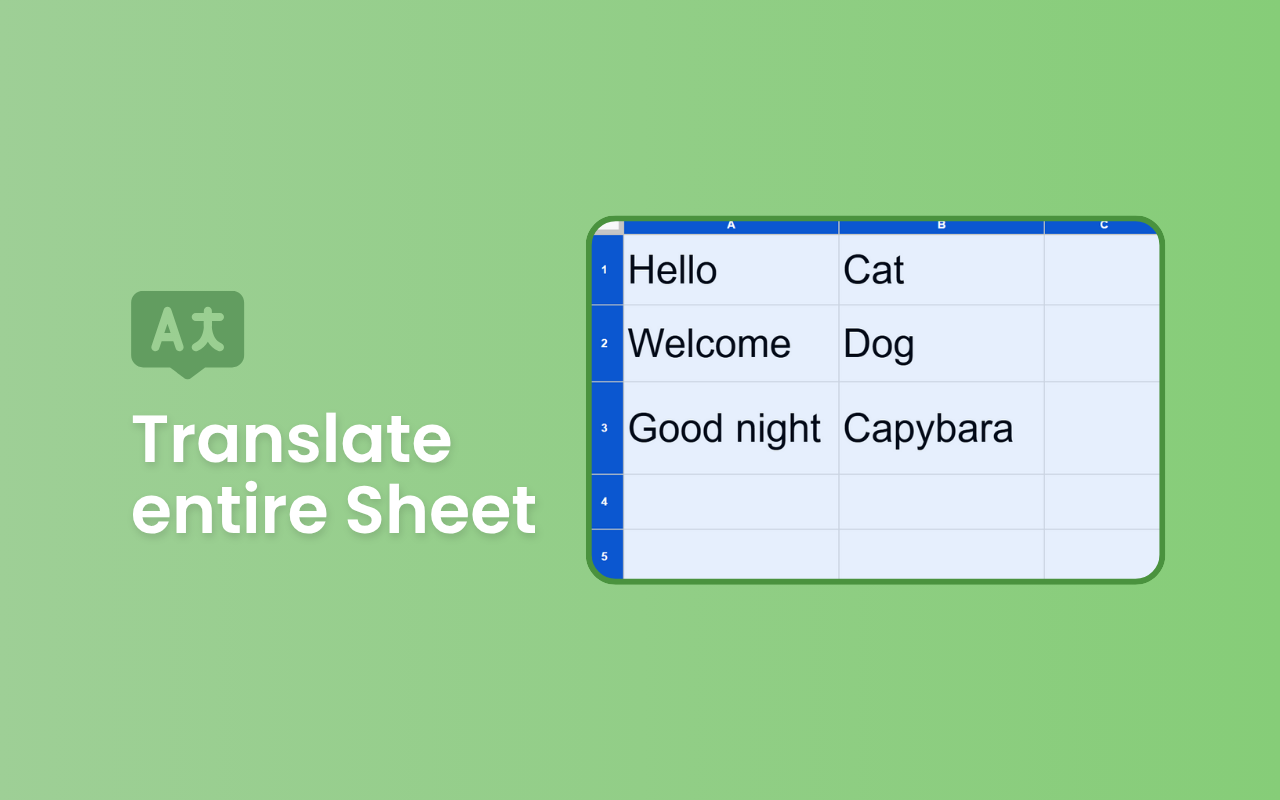
🔄 Translate an Entire Sheet

Instantly translate all text content on your active sheet into your target language. Perfect for large datasets, reports, content localization, or cross-team communication.

🖱️ Translate Selected Cells Only

Need a quick translation for a specific range? Simply highlight your cells and run the tool. This helps maintain full control when you only want to translate a portion of your sheet.

📄 Automatically Duplicate Sheets Before Translation

Preserve your original content with zero effort. The add-on can create a copy of your sheet and apply translations there, ensuring your raw data remains untouched and easy to compare.

🎨 Highlight Translated Results

Automatically apply a background color to translated cells. This makes it easy to spot updated content, track translation progress, or share clearly marked results with your team.

Why This Add-on?

Saves time on manual translation workflows

Reduces errors from copying content between tools

Ideal for localization, international reporting, team collaboration, and data processing

Seamlessly integrated inside Google Sheets™—no external apps needed

Google Sheets™ is a trademark of Google LLC
Додаткова iнформацiя
sell
ЦіниБезкоштовно
code
Розробник
Не продавець
email
Підтримка
lock
Політика конфіденційності
description
Умови використання
flag
СкаргаПоскаржитися




Пошук
Очистити пошук
Закрити пошук
Додатки Google
Головне меню