
Google Workspace Marketplace


Smart Form Publisher
Automate custom documents from Google Form™ submissions. Generates personalized PDF, Google Docs™, Sheets™, Slides™, Word, Excel & PowerPoint files automatically.
정보 업데이트:2026년 9월 16일
호환 기기:
8천+




개요
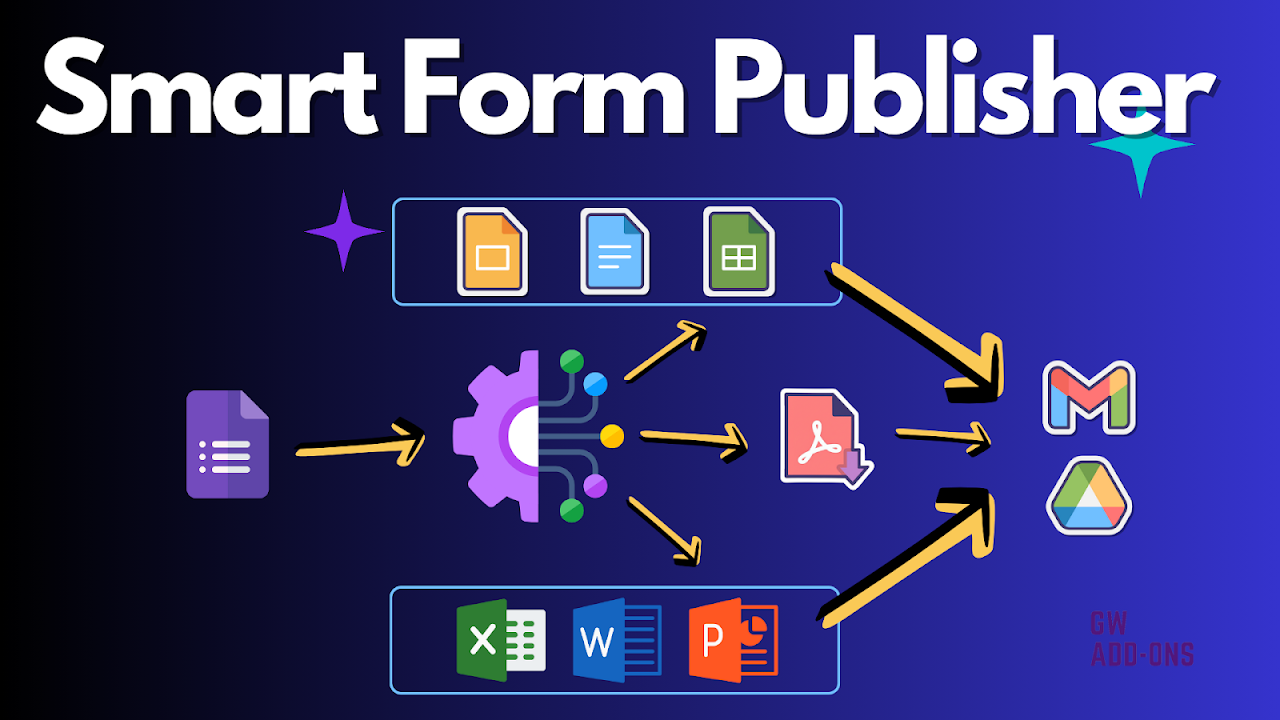
Transform your Google Forms™ and Sheets™ into a powerful document automation engine with Smart Form Publisher. Instantly generate beautifully customized documents from form submissions or spreadsheet rows, and automate your entire workflow.

Stop wasting hours on manual data entry and document creation. Whether you need to generate invoices, create certificates, or draft agreements, Smart Form Publisher handles it all on autopilot. Create your template, configure the add-on, and let us do the rest.

HOW IT WORKS
Get started in minutes with our intuitive workflow:

1. Create Your Template:
• Design a template in Google Docs™, Sheets™, or Slides™.
• Add simple markers like <<Question Name>> or <<Column Header>> where you want your data to appear.

2. Choose Your Source:
• From Google Forms™: Automatically generate a new document with every single form submission. Perfect for real-time workflows.
• From Google Sheets™: Mass-generate hundreds of documents in a single click from your existing data. Ideal for bulk tasks like invoicing or creating certificates.

3. Configure & Automate:
• Set output formats (PDF, Google Docs™, Microsoft Office, and more).
• Define dynamic file names and storage folders in Google Drive™ (including Shared Drives).
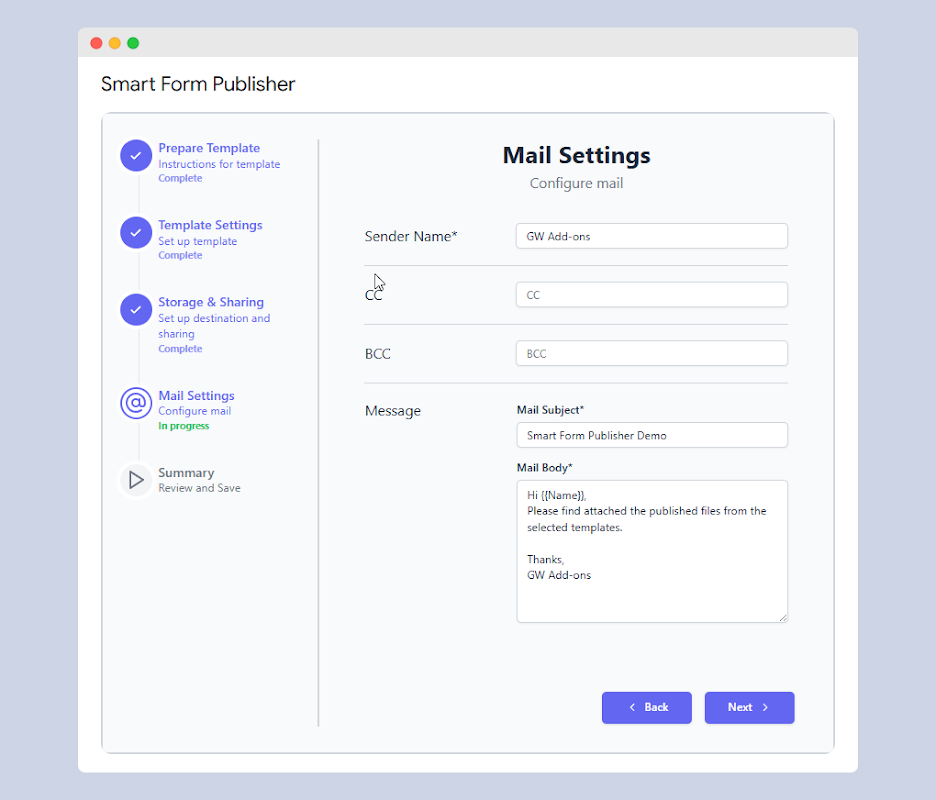
• Automate personalized emails.


MAIN FEATURES & BENEFITS
• Versatile Document Generation: Merge data into PDF, Google Docs™, Sheets™, Slides™, Microsoft Word, Excel, and PowerPoint files.
• Custom Templates: You have full control over the look and feel of your documents using the familiar editors of Google Workspace.
• Automated Emailing: Send personalized emails with the generated documents attached directly to respondents, approvers, or any other stakeholders.
• Organized Cloud Storage: Automatically save every generated document in a designated Google Drive™ folder with custom naming conventions for easy access.
• Dynamic & Conditional Content: Generate different documents or notify different people based on the answers in a form submission.


POPULAR USE CASES
Automate any process across any industry:

• Business: Create and send invoices, sales quotes, purchase orders, and client intake forms.
• HR: Generate leave requests, employee contracts, and performance reviews.
• Education: Issue course completion certificates, send permission slips, and create personalized lesson plans.
• Events: Automate registration forms, send event invitations, and create attendee badges.
• Legal & Compliance: Generate non-disclosure agreements (NDAs), consent forms, and service waivers.
• Operations: Digitize incident reports, maintenance requests, and audit forms.


PRICING
Smart Form Publisher offers a plan for every need:

• Free Plan: Get started and generate up to 20 documents per month for free.
• Individual & Business Plans: Unlock unlimited document generation, advanced features, and priority support with our affordable premium plans.

Visit our website for detailed pricing: smartformpublisher.gwaddons.com/pricing


SUPPORT & DOCUMENTATION

• Quick Start Guide: Our extensive documentation has step-by-step guides to help you succeed: smartformpublisher.com/documentation
• Help Center: Have a question? Our dedicated support team is here to help: smartformpublisher.com/support

PRIVACY & SECURITY FIRST

Your data security is our top priority. Smart Form Publisher is designed to be fully secure and compliant international security standards. Your data remains within your Google Workspace account at all times. We never store your form or document data on our servers.

EXPLORE OUR OTHER ADD-ONS

If you love automating tasks with Smart Form Publisher, check out our other tools to boost your productivity, including Smart Mail Merge, Smart Certificates, Smart Label Maker, and AI Assist for Gemini.
추가정보







검색
검색어 지우기
검색 닫기
Google 앱
기본 메뉴