
Google Workspace Marketplace


Spacin
A centralized tool to manage your Google Workspace™
Oppføring oppdatert:7. januar 2024
Ingen anmeldelser
48



Oversikt
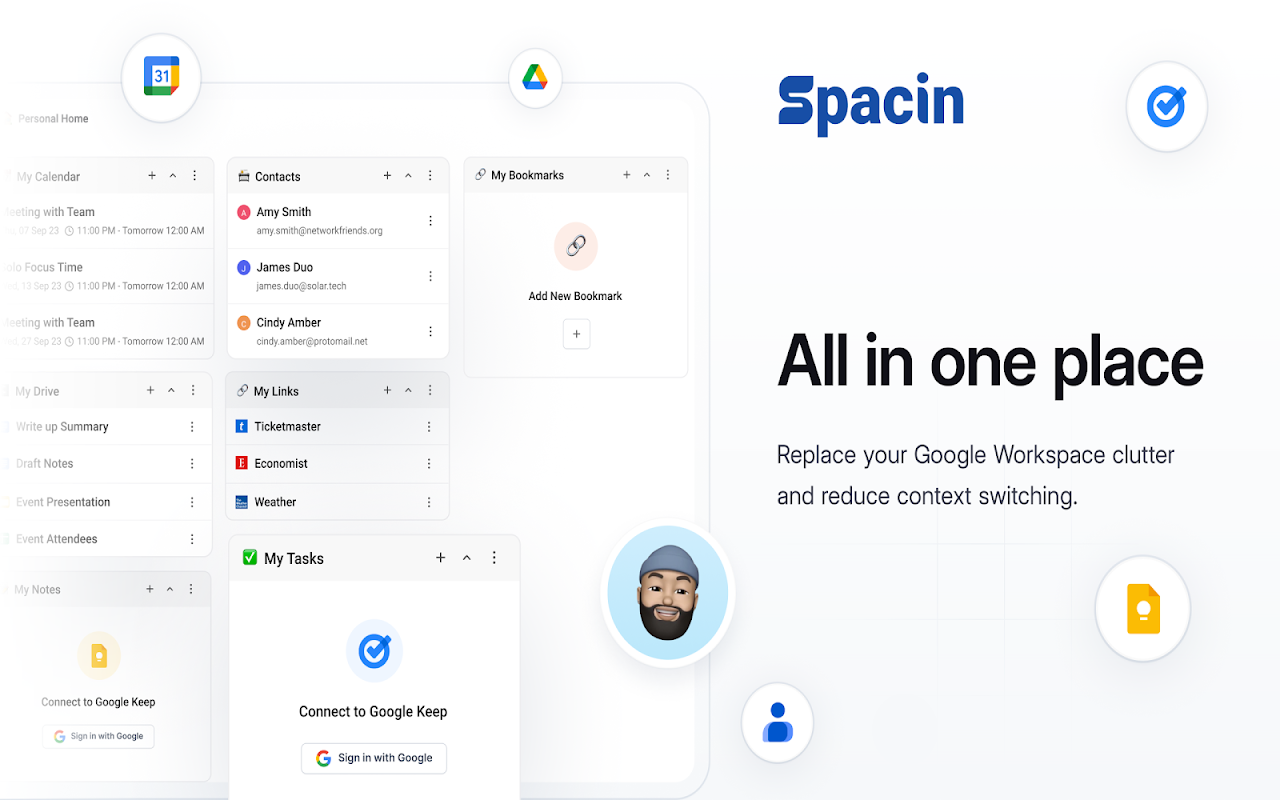
Spacin is the ultimate Google Workspace™ organizer, ensuring seamless team collaboration and productivity.

Create dedicated team spaces, search rapidly, and store essential knowledge for smooth workflow management.

No more cluttered drives or disorganized files - welcome efficient teamwork and optimized productivity with Spacin.

Efficiently organize your Google Workspace™ with Spacin. Streamline team collaboration, eliminate clutter, and enhance productivity.

Enjoy quick access to all necessary documents and information, making your workspace a hub for streamlined workflows and effective communication.

With Spacin, Google Workspace™ becomes an organized and efficient environment for enhanced productivity and teamwork.

Ditch the chaos in your Google Workspace™ with Spacin. Create dedicated spaces for teams and projects, ensure easy document search, and maintain a centralized hub for all crucial knowledge.

Simplify your work processes, reduce context switching, and optimize team efficiency with Spacin's intuitive interface and seamless integration with Google Workspace™.

Elevate your team's efficiency by creating designated spaces for every project, facilitating quick and intuitive searches, and centralizing all vital information and documents.

Simplify collaboration, reduce clutter, and increase productivity with Spacin's powerful tools designed to streamline your Google Workspace™ experience.

Organize your workspace effortlessly and unlock unparalleled productivity with Spacin.

Simplify your workflow today!
Tilleggsinformasjon
sell
PriserKostnadsfri prøveperiode
code
Utvikler
email
Brukerstøtte
lock
Personvernregler
description
Vilkår for bruk
flag
RapportérRapporter som upassende





Søk
Slett søket
Lukk søkefunksjonen
Google-apper
Hovedmeny