
Google Workspace Marketplace


Sync for Google Sheets™ and Mailchimp™
Automatically sync and integrate your Google Sheets™ data with Mailchimp™ audiences.
बनाने वाली कंपनी:
लिस्टिंग को पिछली बार अपडेट किया गया:8 जुलाई 2026
इनके साथ काम करता है:
कोई समीक्षा नहीं है
282


अवलोकन
Sync for Google Sheets™ and Mailchimp™ lets you automatically sync your spreadsheet data with your email marketing audiences.

Add new subscribers, update existing contacts, and keep your Mailchimp™ audience always up to date — directly from your spreadsheet. No more manual CSV exports and imports.

### How to use it
- Once the add-on is installed, open any sheet. Go to the right-side panel and click the new button to get started.

### What you can do
- Sync subscribers from Google Sheets™ to Mailchimp™
- Add or update contacts automatically
- Map spreadsheet columns to Mailchimp™ fields
- Sync custom Mailchimp™ merge fields (birthday, company, and more)
- Sync GDPR marketing permissions (email consent, direct mail, and more)
- Avoid duplicate subscribers
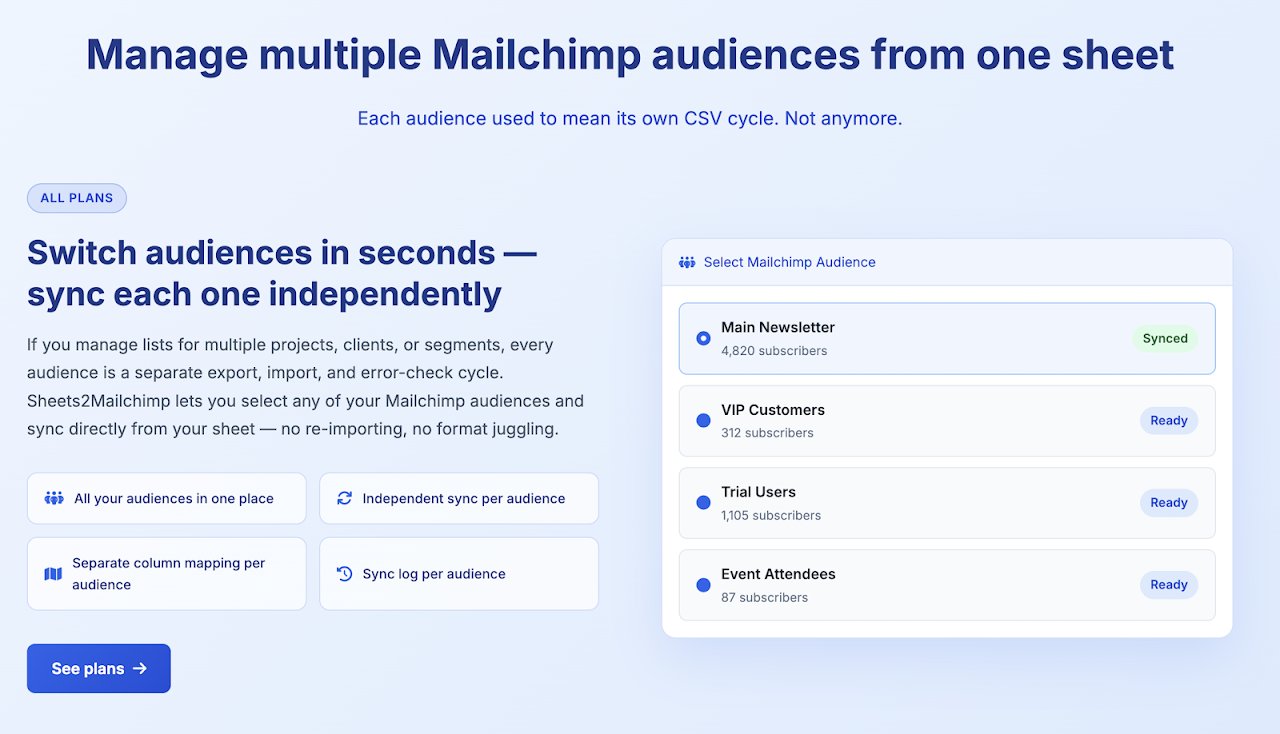
- Work with audiences and tags
- Run manual or scheduled syncs
- Pull campaign performance reports (opens, clicks, unsubscribes) directly into your sheet
- Detect spam and suspicious email addresses in your list with one click

### Why use our Sync for Google Sheets™ and Mailchimp™
- Built specifically for Mailchimp™ (not a generic connector)
- Simple setup in just a few minutes
- No code required
- Lightweight, fast, and reliable
- Perfect for marketers, freelancers, and small teams

If you manage your contacts in Google Sheets™ and use Mailchimp™ for email marketing, this add-on saves you time and eliminates manual work. Need to report on campaign performance? Import opens, clicks, and unsubscribe data for any date range into a sheet tab with one click. Worried about list bombing or fake sign-ups? Use the built-in Spam Detector to scan your audience for disposable domains, suspicious TLDs, and role-based addresses — and flag them directly in your spreadsheet.

Install the add-on, connect your Mailchimp™ account, choose your spreadsheet, and sync — it's that simple.

---
Disclaimer: This independent integration is developed by Alex Manrique and is not affiliated, associated, authorized, endorsed by, or in any way officially connected with Mailchimp™, Intuit™ Inc, or Google LLC. Google Sheets™ is a trademark of Google LLC.

Aviso legal: Esta integración independiente ha sido desarrollada por Alex Manrique y no está afiliada, asociada, autorizada, respaldada ni conectada oficialmente de ninguna manera con Mailchimp™, Intuit™ Inc o Google LLC. Google Sheets™ es una marca comercial de Google LLC.
अतिरिक्त जानकारी
sell
कीमतइस ऐप्लिकेशन को बिना किसी शुल्क के आज़माने की सुविधा उपलब्ध है
code
डेवलपर
व्यापारी नहीं है
email
सहायता
lock
निजता नीति
description
सेवा की शर्तें
flag
शिकायत करेंआपत्तिजनक ऐप्लिकेशन की शिकायत करें




खोजें
खोज हटाएं
खोज बंद करें
Google ऐप
मुख्य मेन्यू