
Google Workspace Marketplace


Ticketing.Events
Event check-in & ticket validation for Google Sheets™. Manage event attendance.
Fortegnelse opdateret:18. april 2026
Fungerer sammen med:
26 t+


Oversigt
The ultimate event management and ticket validation toolkit for Google Sheets™.

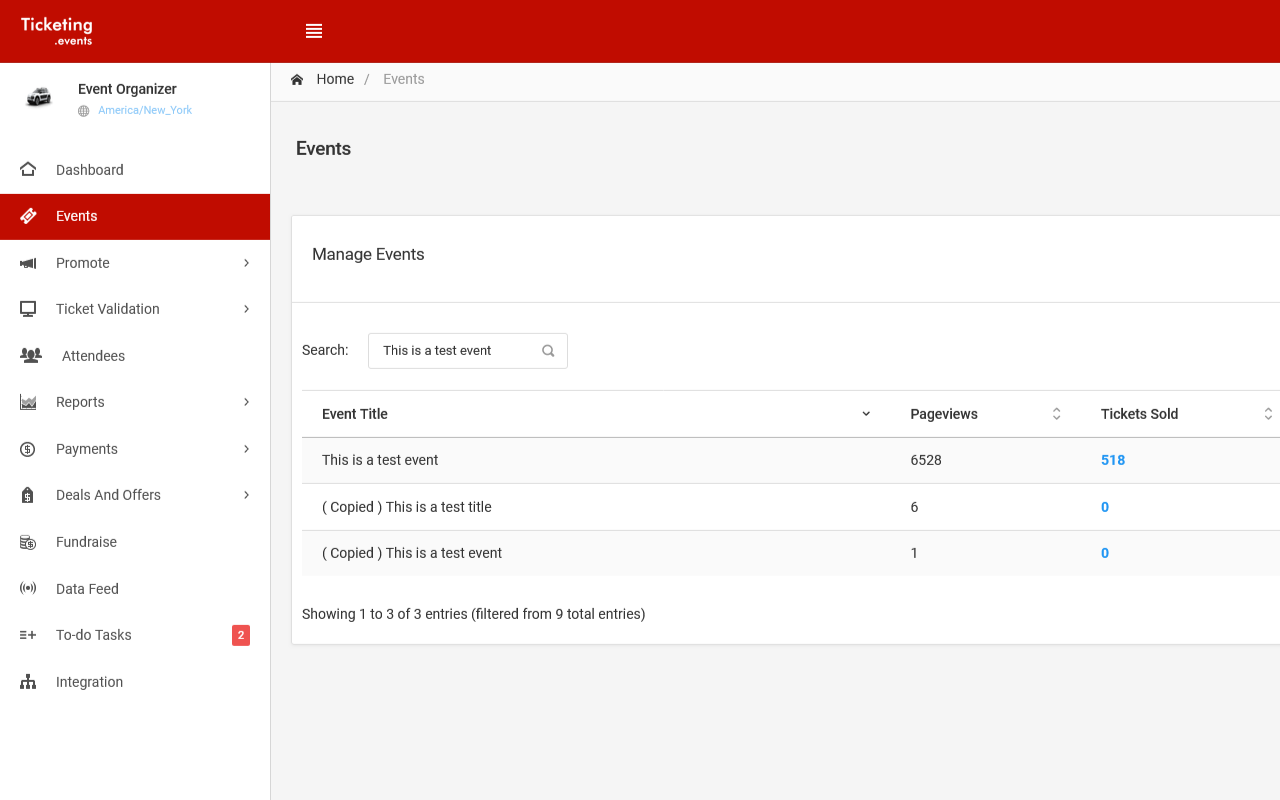
Turn your spreadsheet into a powerful event command center. By connecting Ticketing.events to Google Sheets™, you can automate attendee registration, validate tickets in real time, and manage check-ins without switching platforms.

➤ CORE EVENT TOOLS FOR SHEETS

✔ Seamless Attendee Management

● Two-Way Sync: Import attendees from your account or create new ones directly in the spreadsheet with instant cloud sync.
● Bulk Allocation: Assign and issue tickets to attendees directly from your spreadsheet rows.
● Auto-Import: Schedule regular data fetches to keep your attendee lists and check-in statuses up to date.

✔ Pro-Grade Ticket Validation

● Validate tickets against your spreadsheet data by scanning QR codes or NFC tags. Use our smartphone app, your device’s webcam, or professional external hardware, including Zebra, Honeywell, Socket Mobile, Datalogic, Motorola Solutions, Unitech, etc.

✔ AI & Visual Reporting

● AI Analysis: Use ChatGPT, Grok AI, or other AI platforms to analyze registration trends and attendee spending.
● Advanced Visualization: Auto-import your event data into Looker Studio™ or Power BI for visual reports.


➤ ENTERPRISE TICKETING FEATURES

Beyond the spreadsheet, the Ticketing.events web platform provides a full-scale event ecosystem:

● Payments & Billing: Connect Stripe, Square, PayPal, RazorPay, Paystack, and many others to receive payments directly from your ticket buyers.
● QR Code Tickets: Issue tickets as QR codes saved in Apple Wallet and Google Wallet™, which can be scanned and validated with our smartphone apps.
● Membership Passes: Issue and validate QR/NFC digital membership passes for rewards and discounted tickets.
● Automated Workflows: Add attendees or issue tickets from triggered workflows in Zapier or Microsoft Power Automate.
● Team Access: Create users with granular permissions for staff and volunteers.
● Event Planning: Prioritize and delegate tasks. Set reminders and milestones for your event team that sync across web and mobile.
● Fundraising: Collect donations online or in person directly through the platform.


➤ WHY CHOOSE THIS INTEGRATION?

● Whether you are running a major conference, a local fundraiser, or a membership program, this add-on eliminates manual entry errors. It keeps your Google Sheets™ accurate and your entry gates moving fast.


✅ GETTING STARTED

1. Install this add-on and open a Google Sheet™.
2. Go to Extensions > Ticketing.events.
3. Link your account and start managing your event data in real time!
Yderligere oplysninger
sell
PrisUden beregning med betalingsfunktioner
code
Udvikler
Ikke-forhandler
email
lock
Privatlivspolitik
description
Servicevilkår
flag
RapportRapportér som upassende





Søgning
Ryd søgning
Luk søgning
Google-apps
Hovedmenu