
Google Workspace Marketplace


TickTick: Things & Tasks To Do
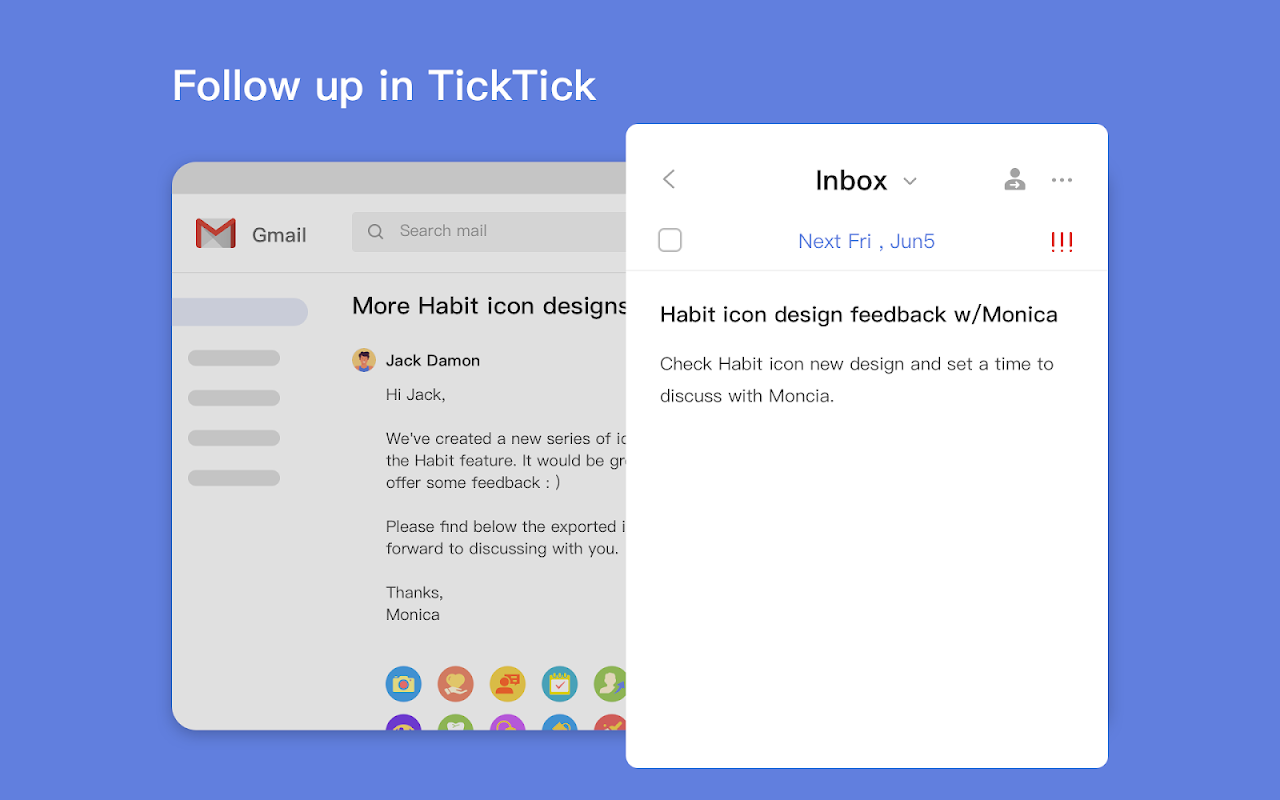
Stay on top of your inbox by adding emails as tasks into TickTick. Never miss any important ones by setting due dates and priorities.
דף האפליקציה עודכן בתאריך:30 ביולי 2026
האפליקציה פועלת עם:
+158K


סקירה כללית
Handle your inbox more efficiently with TickTick for Gmail™.

Trusted by tens of millions of global users, recommended by The Verge as “great” and Wirecutter (A New York Times Company) as “the best” to-do list app, TickTick helps you stay organized and achieve more with your Gmail™.

Get more things done with the all-in-one time management solution at TickTick:
• Multi-platform: seamless sync across mobile, desktop, tablet, watch, and browsers.
• Planner: capture inspirations and quickly add them as to-dos with priorities.
• Reminder: get reminded to ease your mind off worrying about deadlines.
• Calendar: schedule and keep track of your agenda in five flexible views.
• Collaborate: share lists with family, friends and coworkers to stay productive together.
• Focus: built-in Pomo Timer and Stopwatch help improve your efficiency.
• Habit: develop lasting Habits with the check-in system and goal settings.
• Markdown: take beautiful notes with a variety of text formats.
• Productivity: Track your productivity trends with informative stats.

Stay Organized. Stay Creative!

• • •

Questions, feedback or tips, please visit https://support.ticktick.com or contact support@ticktick.com

Connect with us on Twitter @TickTickTeam; Facebook @TickTickApp; and Reddit r/ticktick.
מידע נוסף
sell
תמחורבחינם עם תכונות בתשלום
code
email
lock
מדיניות הפרטיות
description
תנאים והגבלות
flag
דיווחסימון כבלתי הולמת



חיפוש
ניקוי החיפוש
סגירת החיפוש
אפליקציות Google
התפריט הראשי