
Google Workspace Marketplace


Tikroo
Quizzes, polls and word games your students ask to play again.
วันที่อัปเดตข้อมูล:30 สิงหาคม 2569
ใช้งานได้กับ
ไม่มีรีวิว
60


ภาพรวม
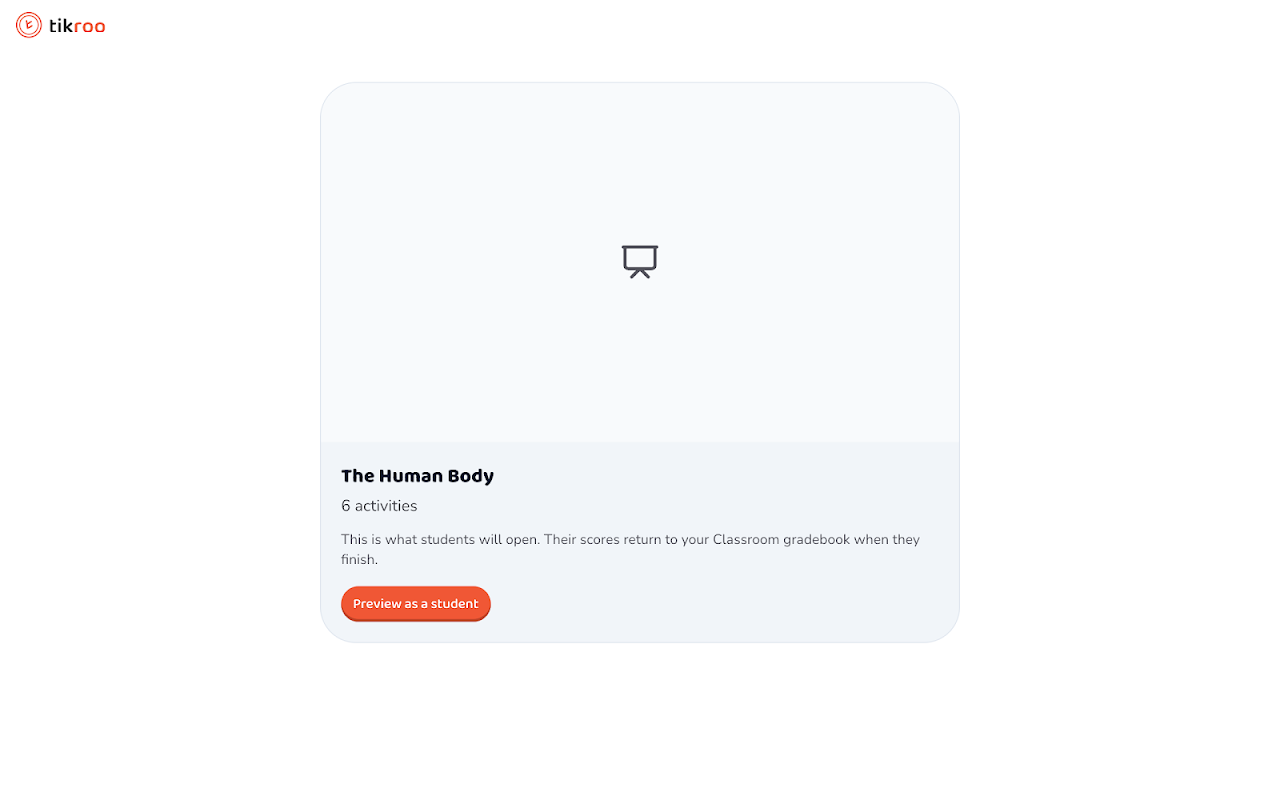
Tikroo lets teachers add interactive activities to Google Classroom™ assignments and have them graded automatically.

Create an assignment in Google Classroom™, open Add-ons, choose Tikroo, and attach one of your activities — a quiz, poll, word game, or other interactive task. Students open the attachment inside Google Classroom™ and play at their own pace on any device; there is no separate app or sign-up. As each student finishes, their score is written straight to the Google Classroom™ gradebook.

What you can do with Tikroo:
• Attach interactive quizzes, polls, and learning games to any assignment, without leaving Google Classroom™.
• Let students play self-paced inside Google Classroom™, on a Chromebook™, tablet, or phone.
• Have scores synced automatically to the Google Classroom™ gradebook as students complete their work.
• Review each student's result and a per-question breakdown from the assignment.

Teachers build and manage their own library of activities at tikroo.com, then attach them to Google Classroom™ assignments whenever they teach the topic.

Google Classroom™ and Chromebook™ are trademarks of Google LLC.
ข้อมูลเพิ่มเติม
sell
ราคาไม่มีค่าใช้จ่ายและมีฟีเจอร์แบบชำระเงิน
code
นักพัฒนาซอฟต์แวร์
email
การสนับสนุน
lock
นโยบายความเป็นส่วนตัว
description
ข้อกำหนดในการให้บริการ
flag



ค้นหา
ล้างการค้นหา
ปิดการค้นหา
แอป Google
เมนูหลัก