
Google Workspace Marketplace


Vaultiqo – Team Password & Secrets Manager
Secure team password and secrets manager built for Google Workspace™.
Centralize credentials, control access, and onboard users securely in minutes.
วันที่อัปเดตข้อมูล:24 กรกฎาคม 2569
569


ภาพรวม
Secure password and secrets management for Google Workspace™ teams

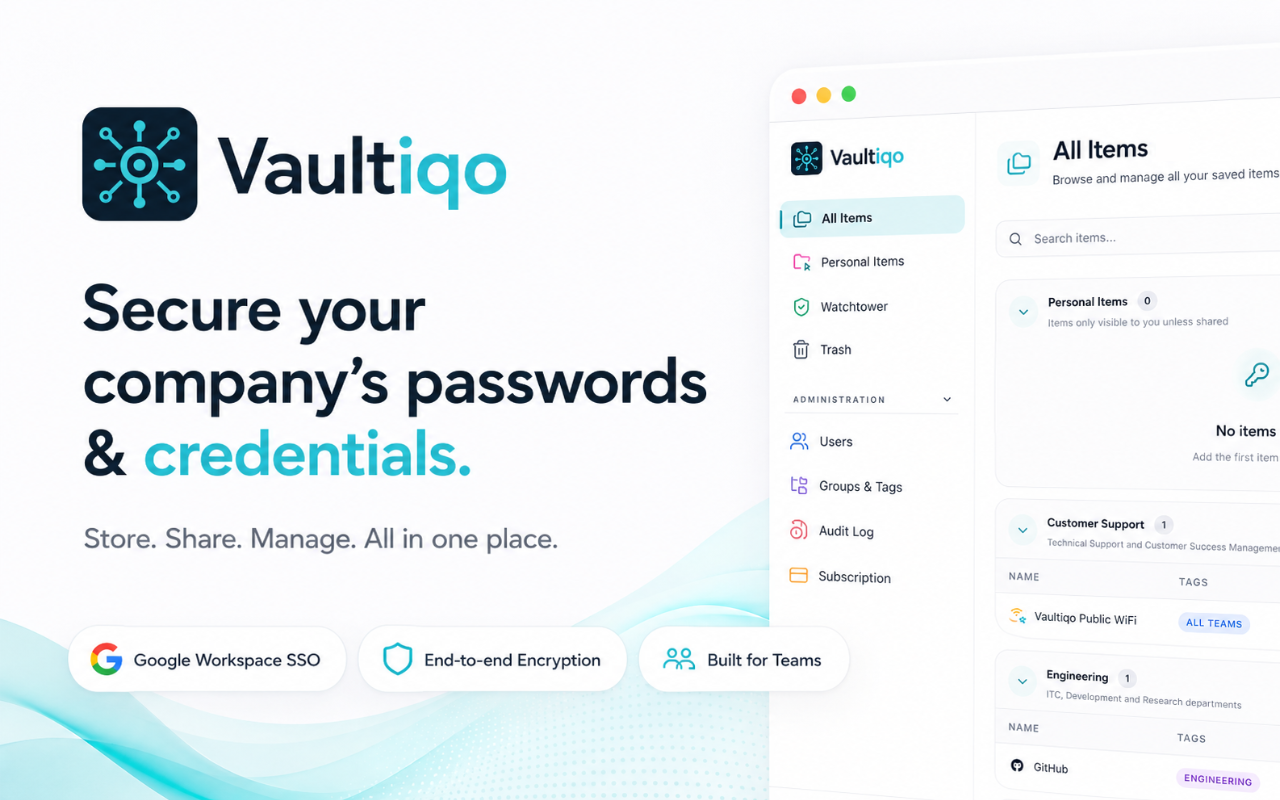
Managing shared passwords, API keys, and sensitive credentials across teams is difficult and insecure. Vaultiqo helps Google Workspace™ teams securely store, share, and control access to passwords and secrets directly within their Workspace environment.


WHY VAULTIQO

Vaultiqo is built specifically for teams using Google Workspace™ where security, simplicity, and centralized control matter.

With Vaultiqo you can:
• Centralize all team passwords and secrets in one secure vault
• Control access using Google Workspace users and groups
• Eliminate insecure password sharing via email or chat
• Onboard and offboard team members automatically
• Improve security and compliance with full visibility over access


KEY FEATURES

• Secure team vault for passwords, API keys, and sensitive data
• Google Workspace user and group-based access control
• Automatic onboarding and offboarding through Workspace directory
• Centralized management of shared credentials
• Enterprise-ready security architecture
• Fast setup and easy adoption for teams


BUILT FOR IT AND SECURITY TEAMS

Vaultiqo is ideal for IT administrators, security teams, and growing organizations that need full control over shared credentials while keeping setup and management simple.


SEAMLESS GOOGLE WORKSPACE INTEGRATION

Vaultiqo integrates directly with Google Workspace to align credential access with your existing users and groups. No browser extensions. No external user management. Just secure password and secrets management where your team already works.


GET STARTED IN MINUTES

Install Vaultiqo from Google Workspace Marketplace and secure your team credentials in minutes.
ข้อมูลเพิ่มเติม
sell
ราคาช่วงทดลองใช้แบบไม่มีค่าใช้จ่าย
code
นักพัฒนาซอฟต์แวร์
email
การสนับสนุน
lock
นโยบายความเป็นส่วนตัว
description
ข้อกำหนดในการให้บริการ
flag



ค้นหา
ล้างการค้นหา
ปิดการค้นหา
แอป Google
เมนูหลัก