
Google Workspace Marketplace


CMMS Maintenance Management for Google Sheets™
Free CMMS inside Google Sheets™: equipment, work orders, preventive maintenance schedule, incidents, technicians, MTBF and MTTR. Setup in 2 minutes, no new software to learn.
Listing updated:2026 m. rugsėjo 16 d.
Works with:
3 tūkst.+


Apžvalga
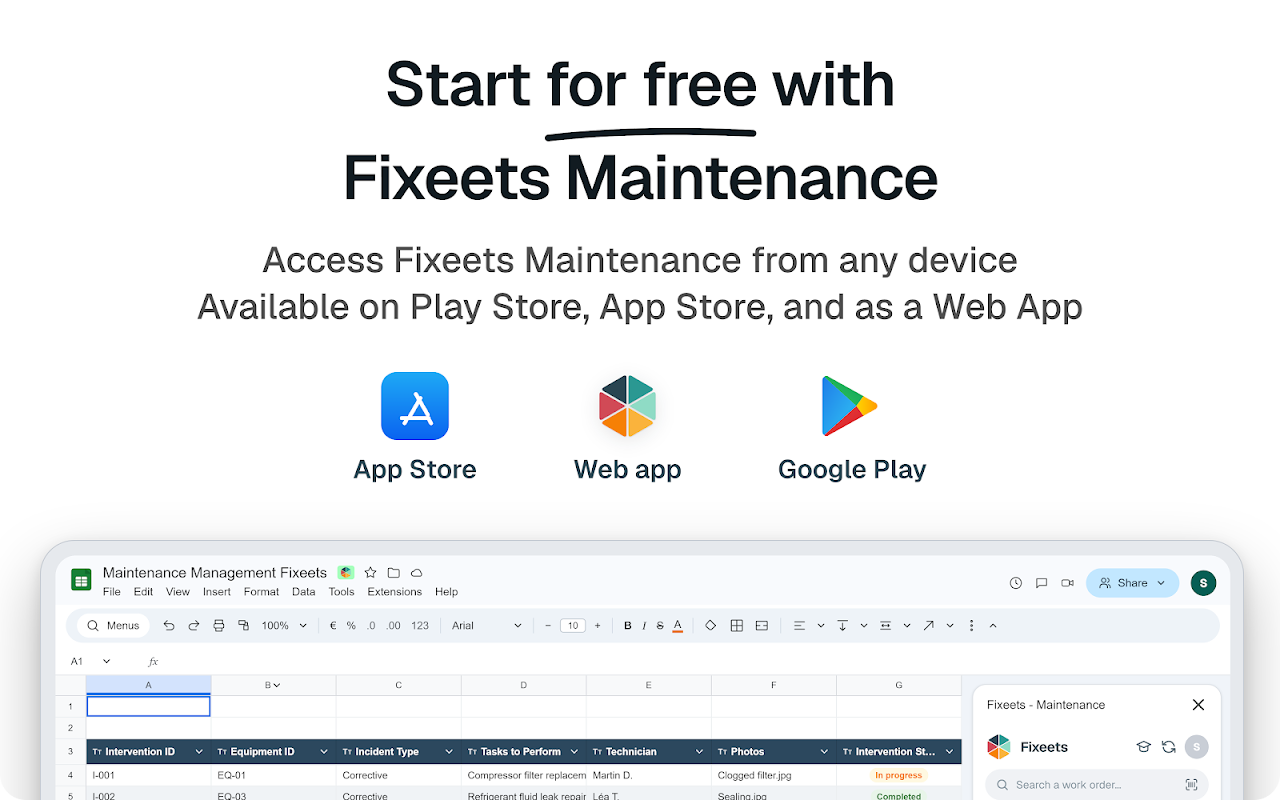
Fixeets Maintenance is a free CMMS that runs as a Google Sheets™ add-on. Your data stays in your spreadsheet. Setup: 2 minutes.

🚀 HOW TO USE IT (2 minutes)

1️⃣ Click Install.
2️⃣ Open a Google Sheets™ spreadsheet. Menu Extensions › Fixeets Maintenance › Open.
3️⃣ Click Generate: the Equipment, Work Orders, Preventive, Incidents, Technicians and Checks tabs are created.
4️⃣ Add your equipment (by hand or Excel / CSV import), assign technicians, schedule the first work order. Your maintenance is tracked.

Day to day: technicians report incidents and close work orders from the Sheets sidebar, or from their phone (Android app and mobile web), by scanning the equipment barcode or QR code.

✅ WHAT YOU GET

🧰 Equipment, work orders, interventions and technicians inside Google Sheets™
📅 Preventive maintenance schedule: by date or by usage meter
🚨 Incidents and breakdowns reported in one click, with photo
📊 KPIs: MTBF, MTTR, uptime, maintenance costs
📱 Field tracking on mobile, barcodes and QR codes on equipment
👥 Shared access and per-user permissions
⚡ No complex CMMS to learn, no ERP, no migration

⚙️ FEATURES

• Sidebar with guided forms: work order, preventive task, incident, check
• Equipment records: photos, documents, location, criticality, full history
• Preventive and corrective maintenance, intervention calendar
• Checks and checklists (checkboxes, attached files)
• Cost, parts and labor time per intervention
• Analytics: MTBF, MTTR, uptime, costs, workload per technician
• Link with Fixeets Inventory for spare parts and stock
• Customizable columns and tabs
• Equipment import from Excel / CSV
• Fixeets AI assistant and video tutorials

💰 PRICING

• Standard, free: equipment, work orders, preventive tasks, incidents in Google Sheets™
• Enterprise: advanced features, customization, extended mobile workflows

Subscription managed from the sidebar, no commitment.

👥 WHO IT IS FOR

• Industrial SMEs: machines, lines, tooling
• Facility teams: buildings, equipment, preventive maintenance
• Field technicians: work orders and reports on mobile
• Service companies: equipment fleets at customer sites
• Local authorities, schools, non-profits: equipment and premises
• Any team tracking maintenance in an Excel spreadsheet

❓ FREQUENTLY ASKED QUESTIONS

What is Fixeets Maintenance?
A free CMMS add-on for Google Sheets™: equipment, work orders, preventive maintenance, incidents, MTBF and MTTR.

How long does it take to get started?
2 minutes: install, open Extensions, generate the file, add equipment.

Can I manage maintenance without leaving Google Sheets™?
Yes. Fixeets opens in a sidebar. Your data stays in your spreadsheet.

Is preventive maintenance included?
Yes. Schedules by date or usage, reminders and calendar.

Can technicians work from their phone?
Yes. Mobile app and web version: report an incident, close a work order, scan the QR code.

Is it suitable for small business?
Yes. Free to start, built for small and medium businesses.

Is Fixeets a CMMS?
Yes. A simple CMMS built on Google Sheets™, part of a suite with inventory and order management.

🌐 All features: https://fixeets.com/maintenance-management
🧠 Maintenance guides: https://fixeets.com/blog
📩 Help: support@fixeets.com
Additional information
sell
PricingFree of charge with paid features
code
Developer
email
Palaikymas
lock
Privatumo politika
description
Paslaugos teikimo sąlygos
flag
PraneštiFlag as inappropriate






Paieška
Išvalyti paiešką
Uždaryti paiešką
Google Apps
Pagrindinis meniu