
Google Workspace Marketplace


Ventipix Asset & Inventory Manager
Track assets & inventory via Google Sheets™, Google Chat™ with QR/NFC and other barcodes scanning.
Eintrag aktualisiert:18. September 2026
Kompatibel mit:

158.613+



Überblick
Streamline asset management, inventory tracking, and site operations right where you work—across Google Sheets™, Google Chat™, and the Web.

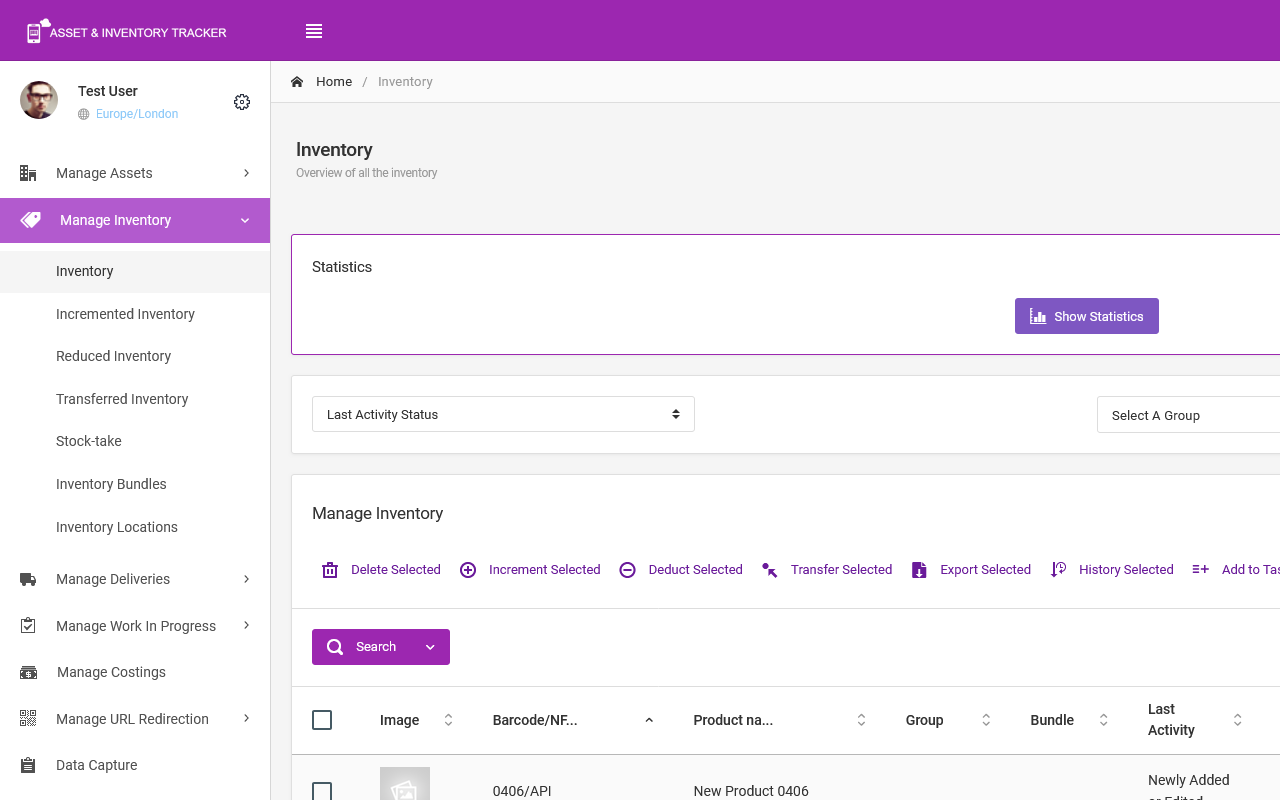
Ventipix Asset & Inventory Manager connects your physical assets and stock directly to your Google Workspace. Automate data entry, run chat-based workflows, generate custom QR codes/NFC tags, and manage workplace passes—eliminating manual effort while keeping your entire team synced in real time.

➤ GOOGLE CHAT™ BOT & INTEGRATIONS

Turn Google Chat™ into an instant asset and inventory management hub:

● Natural Chat & Commands: Search records, update asset/inventory statuses, or handle daily inventory check-ins directly inside your team DMs or Google Chat™ spaces.

● Bulk Data & Record Management: Add individual items, execute updates, or upload CSV files to modify asset records in bulk without switching apps.

● AI Support Assistant: Query your knowledge base in natural language to get instant, summarized answers to operational and how-to questions.

● Automated Notifications & Tasks: Receive instant chat alerts for stock levels, track team to-do tasks, and keep operations moving.

● Centralized Media & Files: Attach receipts, photos, and manuals directly to asset records right from your chat conversation.

● Data integration: Easily share spreadsheet data between Google Chat™ and the Google Sheets™ Add-on.

➤ GOOGLE SHEETS™ ADD-ON

Supercharge your spreadsheets with bi-directional syncing and high-speed data capture:

● High-Speed Hardware & Mobile Scanning: Scan QR codes, NFC tags, and 1D/2D barcodes directly into your active sheet using your mobile device, webcam, or professional Bluetooth/USB scanners (Zebra, Honeywell, Socket Mobile, etc.).

● Bi-Directional Sync: Pull cloud data into Sheets, make bulk edits, and push updates back instantly.

● Custom QR & NFC Generation: Create branded QR codes (including GS1 Digital Links) and program NFC tags directly from iOS/Android devices.

● Smart Analytics & Reporting: Analyze spreadsheet data using AI (ChatGPT, Grok AI, Google Gemini™), schedule auto-reports, and connect directly to Power BI or Looker Studio™.

● Calendar Sync: Automatically turn key dates in your spreadsheet into Google Calendar™ events.

➤ ENTERPRISE WEB & WORKSPACE PLATFORM

● Mobile App Scanning: Tap NFC tags or scan 1D/2D barcodes using our dedicated smartphone app to bring up instant item profiles.

● Workplace & Personnel Passes: Issue custom digital QR/NFC passes compatible with Apple Wallet and Google Wallet™ to manage employee equipment access.

● Automations & Ecosystem: Connect workflows using Zapier and Microsoft Power Automate, or sync inventory from QuickBooks, Square, and more.

● Access Control & Audits: Set granular user permissions, manage team onboarding directly in Chat, and maintain complete audit trail histories.

✅ GETTING STARTED IN 3 EASY STEPS

✔ Click Install to add Ventipix to your Google Workspace.

✔ In Google Sheets™: Go to Extensions > Ventipix Asset & Inventory Manager to launch the side panel and link your account.

✔ In Google Chat™: Click New Chat (+) > Add apps, search for VentipixBot, and start interacting with our chatbot!
Weitere Informationen
sell
PreiseKostenlos mit kostenpflichtigen Funktionen
code
Entwickler
Kein Händler
email
lock
Datenschutzerklärung
description
Nutzungsbedingungen
flag
MeldenAls unangemessen melden






Suche
Suche löschen
Suche schließen
Google-Apps
Hauptmenü