
Google Workspace Marketplace


Ventipix Asset & Inventory Manager
Track assets & inventory via Google Sheets™, Google Chat™ with QR/NFC and other barcodes scanning.
Fiche mise à jour le :18 septembre 2026
Compatible avec :

158 k+



Présentation
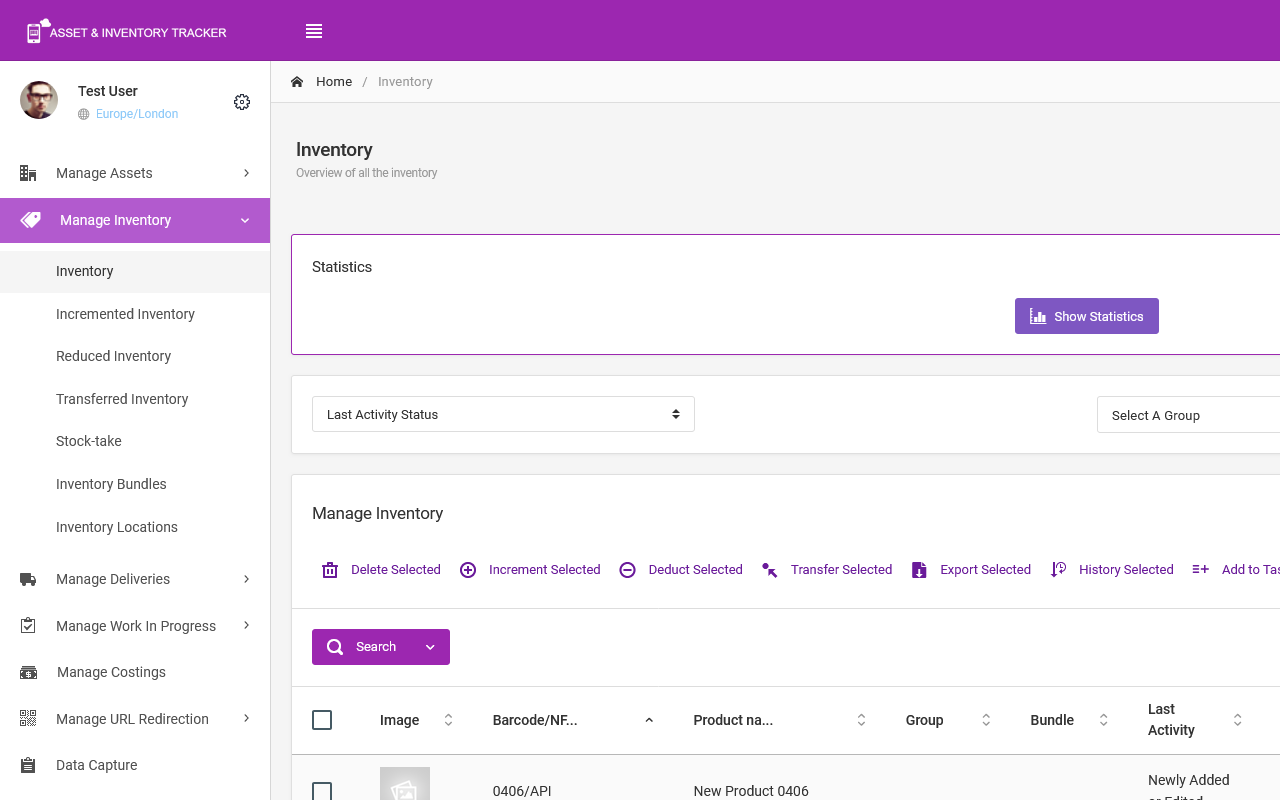
Streamline asset management, inventory tracking, and site operations right where you work—across Google Sheets™, Google Chat™, and the Web.

Ventipix Asset & Inventory Manager connects your physical assets and stock directly to your Google Workspace. Automate data entry, run chat-based workflows, generate custom QR codes/NFC tags, and manage workplace passes—eliminating manual effort while keeping your entire team synced in real time.

➤ GOOGLE CHAT™ BOT & INTEGRATIONS

Turn Google Chat™ into an instant asset and inventory management hub:

● Natural Chat & Commands: Search records, update asset/inventory statuses, or handle daily inventory check-ins directly inside your team DMs or Google Chat™ spaces.

● Bulk Data & Record Management: Add individual items, execute updates, or upload CSV files to modify asset records in bulk without switching apps.

● AI Support Assistant: Query your knowledge base in natural language to get instant, summarized answers to operational and how-to questions.

● Automated Notifications & Tasks: Receive instant chat alerts for stock levels, track team to-do tasks, and keep operations moving.

● Centralized Media & Files: Attach receipts, photos, and manuals directly to asset records right from your chat conversation.

● Data integration: Easily share spreadsheet data between Google Chat™ and the Google Sheets™ Add-on.

➤ GOOGLE SHEETS™ ADD-ON

Supercharge your spreadsheets with bi-directional syncing and high-speed data capture:

● High-Speed Hardware & Mobile Scanning: Scan QR codes, NFC tags, and 1D/2D barcodes directly into your active sheet using your mobile device, webcam, or professional Bluetooth/USB scanners (Zebra, Honeywell, Socket Mobile, etc.).

● Bi-Directional Sync: Pull cloud data into Sheets, make bulk edits, and push updates back instantly.

● Custom QR & NFC Generation: Create branded QR codes (including GS1 Digital Links) and program NFC tags directly from iOS/Android devices.

● Smart Analytics & Reporting: Analyze spreadsheet data using AI (ChatGPT, Grok AI, Google Gemini™), schedule auto-reports, and connect directly to Power BI or Looker Studio™.

● Calendar Sync: Automatically turn key dates in your spreadsheet into Google Calendar™ events.

➤ ENTERPRISE WEB & WORKSPACE PLATFORM

● Mobile App Scanning: Tap NFC tags or scan 1D/2D barcodes using our dedicated smartphone app to bring up instant item profiles.

● Workplace & Personnel Passes: Issue custom digital QR/NFC passes compatible with Apple Wallet and Google Wallet™ to manage employee equipment access.

● Automations & Ecosystem: Connect workflows using Zapier and Microsoft Power Automate, or sync inventory from QuickBooks, Square, and more.

● Access Control & Audits: Set granular user permissions, manage team onboarding directly in Chat, and maintain complete audit trail histories.

✅ GETTING STARTED IN 3 EASY STEPS

✔ Click Install to add Ventipix to your Google Workspace.

✔ In Google Sheets™: Go to Extensions > Ventipix Asset & Inventory Manager to launch the side panel and link your account.

✔ In Google Chat™: Click New Chat (+) > Add apps, search for VentipixBot, and start interacting with our chatbot!
Informations supplémentaires
sell
TarifsSans frais avec des fonctionnalités payantes
code
Développeur
Non-professionnel
email
Assistance
lock
Règles de confidentialité
description
Conditions d'utilisation
flag
SignalerSignaler comme inappropriée






Recherche
Effacer la recherche
Fermer le champ de recherche
Applications Google
Menu principal