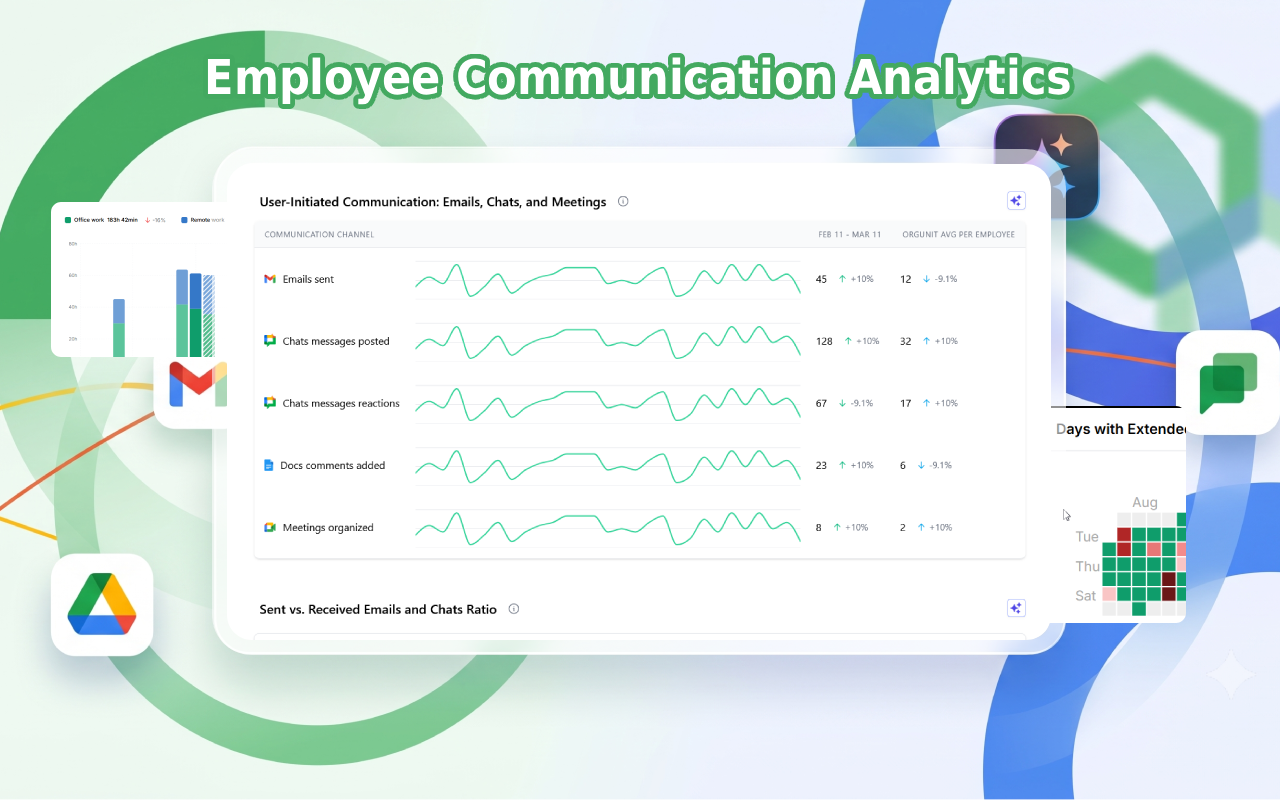
Reveal how work happens across teams and processes
Listing updated:July 15, 2026
23
Overview
Workalizer helps you improve team efficiency and make better decisions by turning your Google Workspace activity into clear, actionable insights.
***
NOTE: Click on "Complete an additional step now" link to finalize the flow and follow the instructions. Administrator privileges are required for the application to collect and process the necessary data points.

Instead of guessing who is overloaded, where time is lost or how teams collaborate, you see it instantly:
• Identify bottlenecks, overload, and wasted time
• Understand real productivity and contribution
• Optimize meetings, communication, and workflows
• Improve performance reviews with objective data
• Get proactive alerts on unusual activity, risks, and inefficiencies before they become problems

Workalizer analyzes activity across Gmail™, Drive™, Meet™, Chat™, Calendar™, and Gemini™ — using existing usage data only. No manual input, no disruption.

You get ready-to-use dashboards and insights in seconds, tailored for managers, HR, executives, IT, and project teams.

No content is accessed or analyzed — only activity metadata is used, ensuring full privacy.

Google Chat™, Gmail™, Drive™, Meet™, and Gemini™ are trademarks of Google LLC
Additional information
PricingFree of charge trial
Privacy policy
Terms of service
Workalizer will ask for the permissions shown below. Learn more
Workalizer will need access to your Google account
This will allow Workalizer to :
View audit reports for your Google Workspace domain
View usage reports for your Google Workspace domain
See your primary Google Account email address
See your personal info, including any personal info you've made publicly available
Reviews
Language:
Sort by:
Google doesn't verify reviews or ratings. Learn more about reviews
Profile Picture
James Carter
July 31, 2026
It is good to finally see how my team works in a more objective way. The idea is useful. The app still needs some polishing. Overall it works fine.
Is this review helpful?
Yes
No
Profile Picture
Sophia Falck-Ytter
July 20, 2026
Workalizer finally gave us real data instead of gut feeling. We can see how our team actually collaborates (meeting load, engagement, collaboration patterns) all from data we already generate. It's helped us identify and raise efficiencies we were only guessing at before. Highly recommend for any team on Google Workspace.
Is this review helpful?
Yes
No
Profile Picture
Oksana Semenyuk
July 17, 2026
As Head of Customer Support, I spend half my week in the gap between “the customer says X” and “what actually happened on our side.” Workalizer helps there without turning into another dashboard I have to babysit. Before a tough call or an escalated ticket, I can get a quick sense of how someone’s week looked: were they buried in meetings, bouncing between docs and email, or offline when the issue lande. I’m not guessing or pinging people for status. Most helpful when a case looks like a people/process problem rather than a product bug.
Is this review helpful?
Yes
No
Profile Picture
Dima Projectli
June 22, 2026
Works well. Finally I can see how our employees are spending their work time and get insights on how to optimize the workflow. I am surprised Google did not offer this feature before. Any company owner/manager wants and needs to have access to this analytics. The app is simple to use.
Is this review helpful?
Yes
No
Profile Picture
Oleg Cherevatyy
June 20, 2026
I've been using Workalizer for a while now, and it's been a great addition to our workflow. It's easy to use, integrates nicely with Google Workspace, and helps keep everything organized. The setup was simple, and the app just works without any hassle. Definitely worth trying!
Is this review helpful?
Yes
No
1-5 of 5
Search
Clear search
Close search
Google apps
Main menu