
Google Workspace Marketplace


Workalizer
Reveal how work happens across teams and processes
Gawa ng:
Na-update ang listing noong:Hulyo 15, 2026
33




Pangkalahatang-ideya
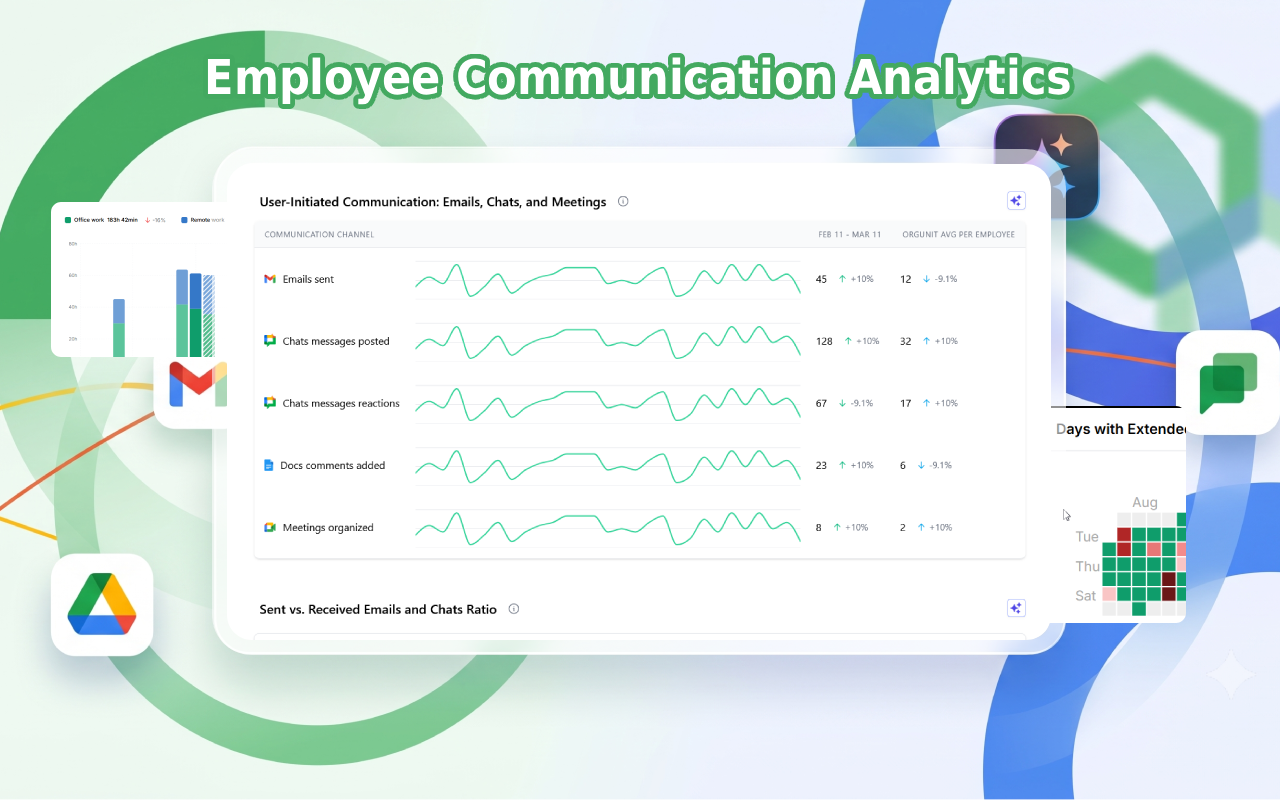
Workalizer helps you improve team efficiency and make better decisions by turning your Google Workspace activity into clear, actionable insights.
***
NOTE: Click on "Complete an additional step now" link to finalize the flow and follow the instructions. Administrator privileges are required for the application to collect and process the necessary data points.

Instead of guessing who is overloaded, where time is lost or how teams collaborate, you see it instantly:
• Identify bottlenecks, overload, and wasted time
• Understand real productivity and contribution
• Optimize meetings, communication, and workflows
• Improve performance reviews with objective data
• Get proactive alerts on unusual activity, risks, and inefficiencies before they become problems

Workalizer analyzes activity across Gmail™, Drive™, Meet™, Chat™, Calendar™, and Gemini™ — using existing usage data only. No manual input, no disruption.

You get ready-to-use dashboards and insights in seconds, tailored for managers, HR, executives, IT, and project teams.

No content is accessed or analyzed — only activity metadata is used, ensuring full privacy.

Google Chat™, Gmail™, Drive™, Meet™, and Gemini™ are trademarks of Google LLC
Karagdagang impormasyon
sell
PagpepresyoLibreng trial
code
Developer
email
Suporta
lock
Patakaran sa privacy
description
Mga tuntunin ng serbisyo
flag



Search
I-clear ang paghahanap
Isara ang paghahanap
Mga app ng Google
Pangunahing menu