
Google Workspace Marketplace


Workalizer: Team Analytics & Performance Insights
Team analytics for Google Workspace™: meeting load, collaboration, Gemini™ adoption and fair performance reviews. Metadata only, no email or file content read. 30-day free trial.
Deweloper:
Pozycja zaktualizowana:26 października 2026
37




Omówienie
Workalizer turns your Google Workspace™ activity metadata into clear team analytics, so founders, managers, HR and IT can see how work really happens, without reading anyone's email, files or chats.

SETUP
Google Workspace super admin access is required to install and authorise Workalizer. If you're not an admin, please ask yours to install it for your organisation.
1. A super admin installs Workalizer for the domain.
2. When prompted, click "Complete an additional step now" and approve access to audit and usage reports.
3. Dashboards fill in after the first sync.
Stuck? Contact us at workalizer.com/contact and we'll walk you through it.

WHAT YOU CAN SEE
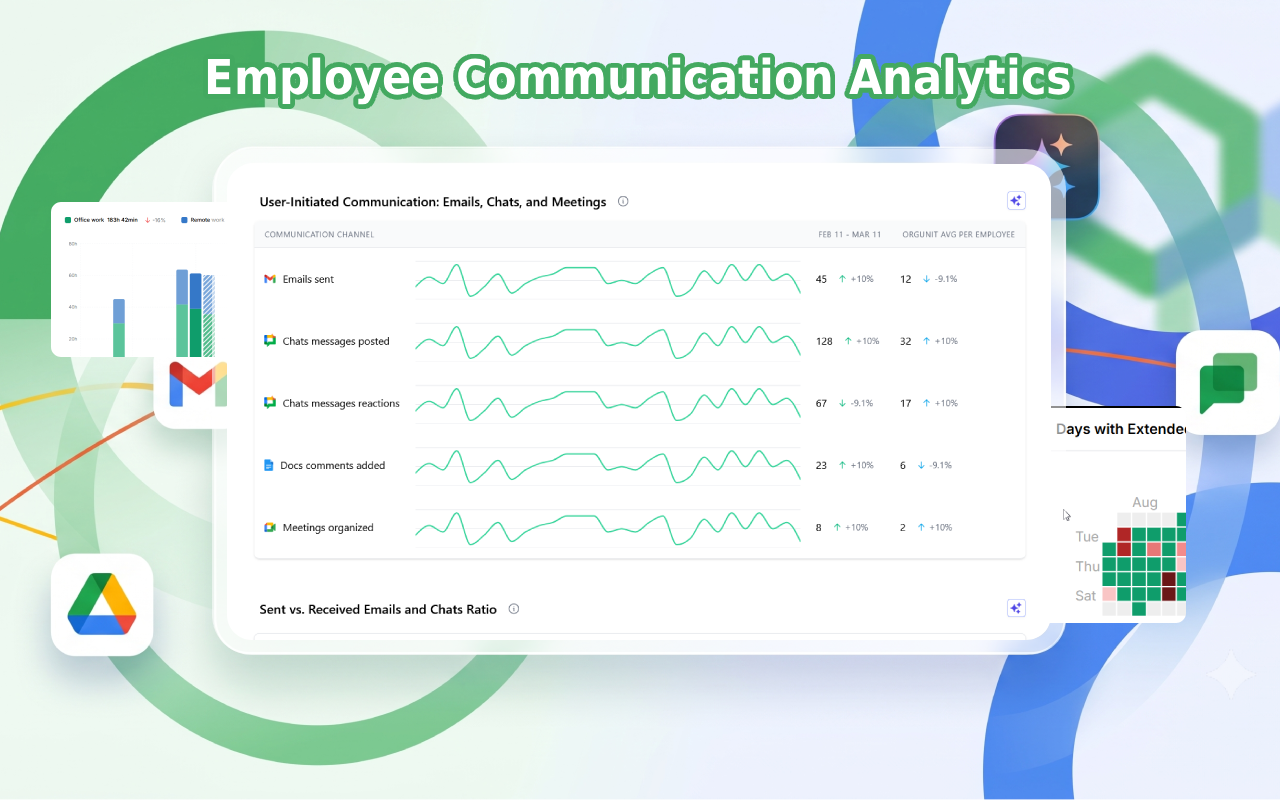
• Meeting analytics: hours in meetings, recurring meeting load and focus time, by team
• Collaboration analytics: how teams work together across Gmail™, Google Chat™, Google Meet™ and Google Drive™
• Gemini™ adoption: which teams use Gemini in Google Workspace and how usage is changing
• Performance review evidence: a fair, factual view of contribution and collaboration for each review cycle
• Document alerts: get notified about sensitive Google Drive sharing and unusual activity
• Workload signals: spot overload and burnout risk early, before it turns into attrition

PRIVACY BY DESIGN
• Read-only access to Google Workspace audit and usage reports, plus the installing admin's name and email
• No email, document or chat content is ever accessed or analysed; only activity metadata is used

Google Workspace™, Gmail™, Google Chat™, Google Meet™, Google Drive™ and Gemini™ are trademarks of Google LLC.
Dodatkowe informacje
sell
CenyBezpłatny okres próbny
code
Deweloper
email
lock
Polityka prywatności
description
Warunki korzystania z usługi
flag



Szukaj
Wyczyść wyszukiwanie
Zamknij wyszukiwanie
Aplikacje Google
Menu główne