
Google Workspace Marketplace


Zoho CRM for Gmail™
Zoho CRM is a flexible cloud-based CRM for your business that helps you attract, retain and delight customers.
बनाने वाली कंपनी:
लिस्टिंग को पिछली बार अपडेट किया गया:12 अक्टूबर 2026
इनके साथ काम करता है:
2 लाख+



अवलोकन
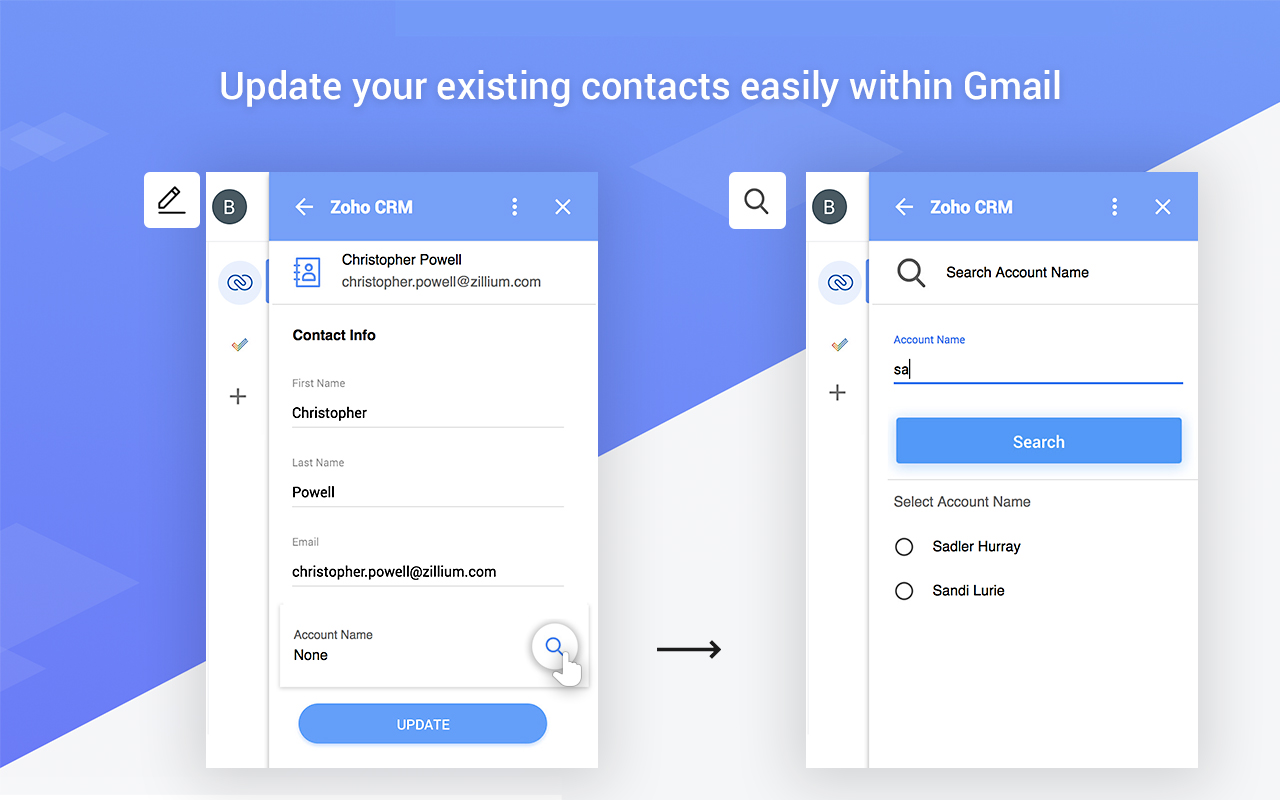
A quick way to manage and add leads, contacts and deals to Zoho CRM from Gmail™.

Highlights:

• Create new leads, contacts and deals right from Gmail™.
• See complete lead/contact/deal detail when you open a mail.

⦿ Manage your Zoho CRM from Gmail™.

Why switch windows when you can manage your CRM from within your inbox in Gmail™. Zoho CRM for Gmail™ shows you a complete customer profile immediately upon opening an email from the customer. Instantly view customers’ contact information without opening Zoho CRM. You can create new Contacts, Leads and Deals allowing you to keep better track of prospective deals and customers.

⦿ Keep track of all your information.

It's easy to use interface helps you see all the information when you need it.

⦿ Make the most out of your CRM investment.

Increase your ROI by entering timely and accurate information about your leads, contacts and deals in your CRM system.
अतिरिक्त जानकारी
sell
कीमतबिना किसी शुल्क के
code
email
सहायता
lock
निजता नीति
description
सेवा की शर्तें
flag
शिकायत करेंआपत्तिजनक ऐप्लिकेशन की शिकायत करें



खोजें
खोज हटाएं
खोज बंद करें
Google ऐप
मुख्य मेन्यू