
Google Workspace Marketplace


Zoho Recruit
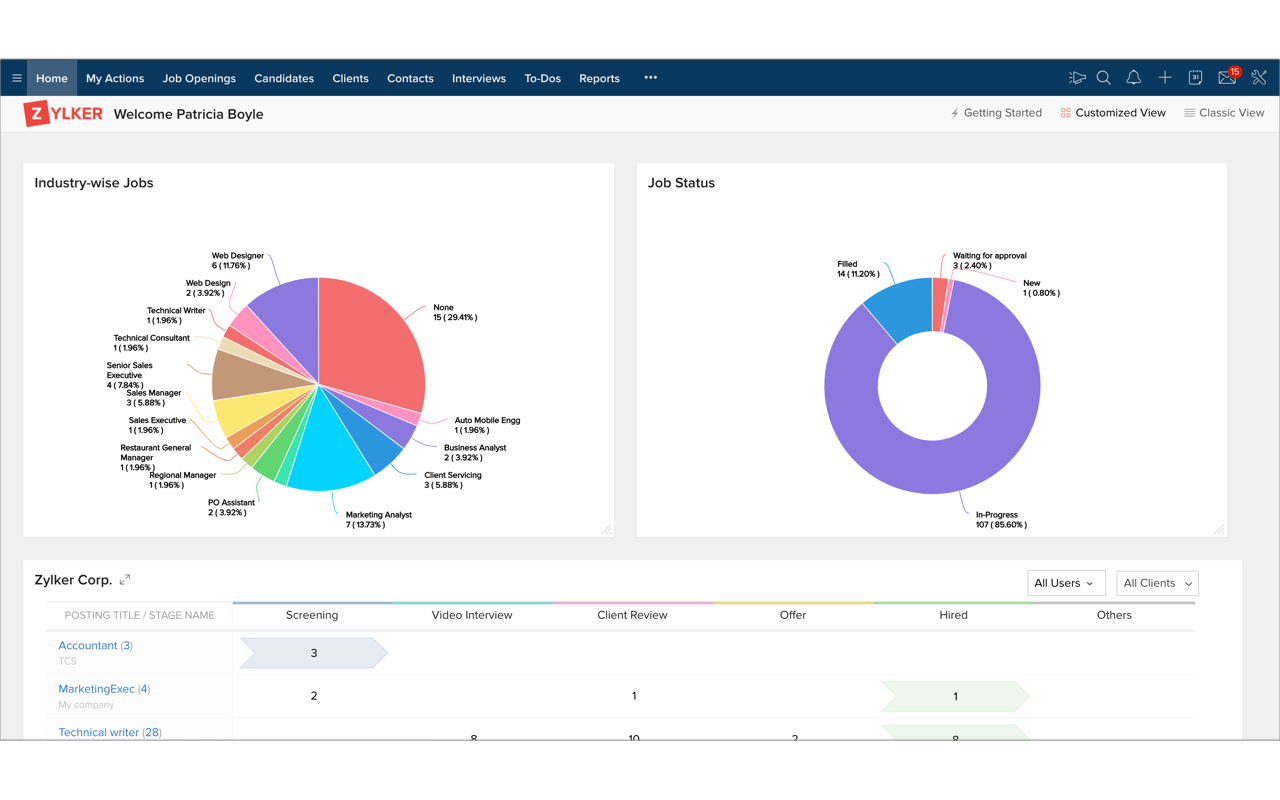
Zoho recruit is a smart online recruitment software that helps you manage job requirements, track the applicants and recruit a right person for the job.
应用详情更新日期:2026年2月2日
14万+


概览
FEATURES

>> Stay organized with Folders & Labels: Arrange messages into folders & sub-folders and also assign labels. Take control of your inbox using filters to automatically move and tag incoming messages.

>> Be more productive & collaborate better: Stay on top of meetings and events, track the progress of ongoing tasks, maintain notes. Robust Calendar, Tasks and Notes apps are integrated within Zoho Mail.

>> Search and Find information faster: Advanced search helps you to find messages and related information really fast even if you only vaguely remember details of an email you are looking for.

>> Seamless mobile access: Optimized sites for access from mobile phones (m.zoho.com) and tablets (t.zoho.com) make it a breeze to check email on the go. Access via native email client using  IMAP/POP , MS ActiveSync also supported.

>> Extensive Control Panel: The Zoho Mail control panel for email administrators makes it easy to manage mailbox quota, email policies, group ids and more.

BENEFITS:

+ Email data centers with state-of-the-art security, SLA of 99.9% up-time
+ Easy to use Control Panel with comprehensive options that does not require IT expertise to manage
+ Multi-level folders & labels to organize and tag messages with email filters
+ Sophisticated Calendar, Tasks & Notes apps, integrated within a single interface
+ Part of Zoho Suite of 25+ apps, including CRM, Project Management and more
+ Mobile optimized sites for seamless access on the go.
其他信息






搜索
清除搜索内容
关闭搜索框
Google 应用
主菜单