
Google Workspace Marketplace


Zoho Sprints for Gmail™
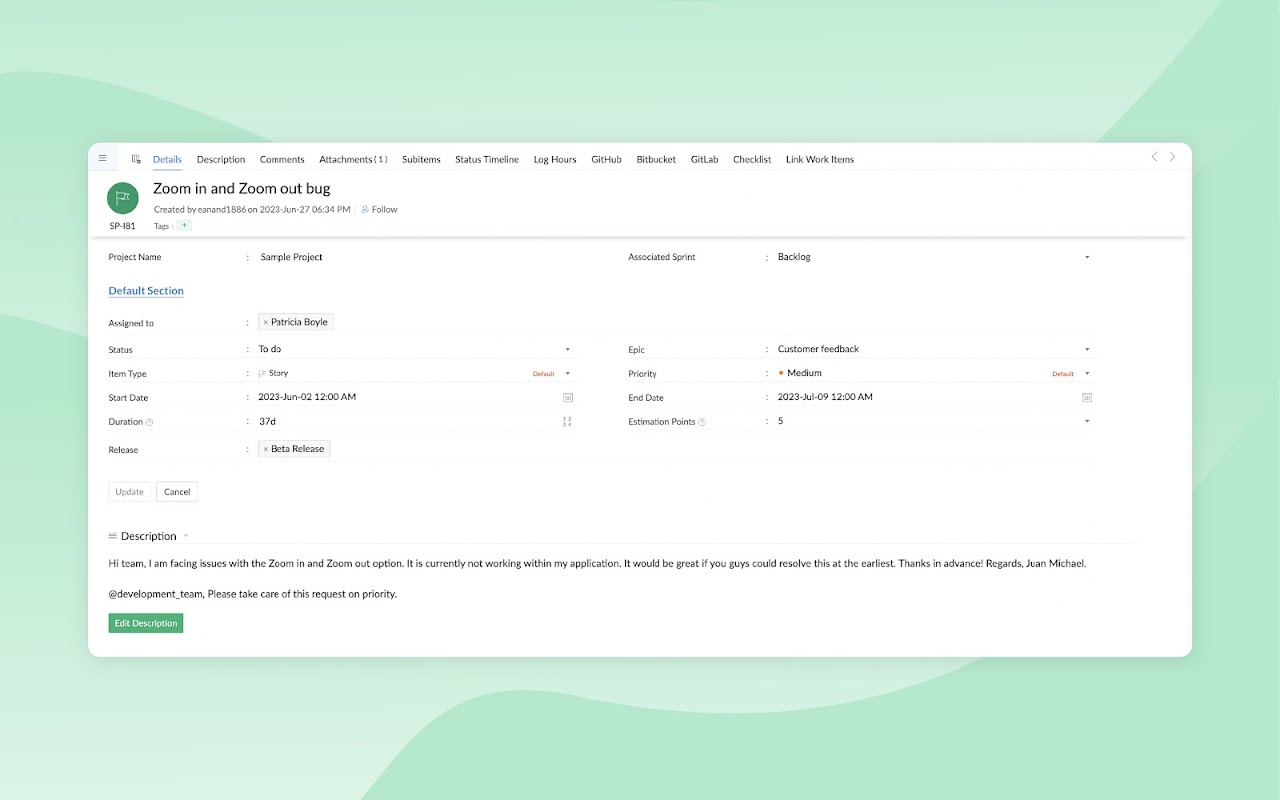
Convert your emails into work items. Access your agile project data directly from your Google mailbox.
Ficha actualizada:24 de febrero de 2025
Compatible con:
1 mil+



Información general
Get this add-on for a hassle-free agile project management experience.

About Zoho Sprints

An agile project management tool that supports an iterative and incremental release approach. Work your way up from project backlog, divide project into time-boxed sprints, categorise items into epics, track progress of work, manage small and big releases individually, collaborate with your team and customers, and ensure your business is consistently productive.

--- Capabilities ---

* Quickly transform your emails into effective work items

* Add the details in the emails as specifics of the work items

* Add the attachments in the emails to those work items

* Attach your inbox emails as files in the relevant work items

* Get a summarised view of your Sprints project data in your mailbox

* Update work item status from your Gmail™ window

--- Benefits ---

* Manage your project backlog from your inbox

* Unify your collaboration and project management process.

* Avoid juggling between applications.

* Reduce the chances of missing out on important conversations that can impact your project.
Información adicional
sell
PrecioSin coste
code
Desarrollador
No operador
email
Asistencia
lock
Política de privacidad
description
Términos del Servicio
flag
DenunciarMarcar como inapropiada



Búsqueda
Borrar búsqueda
Cerrar búsqueda
Aplicaciones de Google
Menú principal