
Google Workspace Marketplace


ZonePDF - PDF Editor & Converter
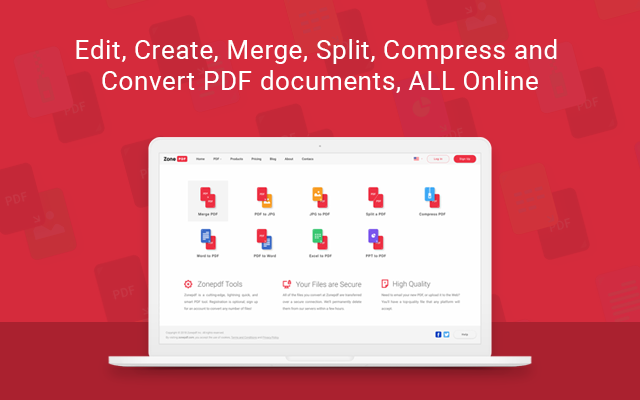
Edit, merge, split, compress, and convert PDFs from Google Drive. Chat with your documents, get AI summaries, and save results back to Drive. Start free.
Разработчик:
Данные обновлены:21 августа 2026 г.
Совместимо с:
34 тыс.+


Общие сведения
Work smarter with your PDFs directly from Google Drive.

ZonePDF lets you edit, merge, split, compress, and convert PDF documents without interrupting your workflow. Open a file from Drive, make the changes you need, and save the finished document back to Drive.

Need answers from a long document? Chat with your PDF, ask questions, and generate summaries with built-in AI.

WHAT YOU CAN DO

• Edit PDFs — add text, images, annotations, and signatures.

• Chat with PDFs — ask questions about your documents and find relevant information using AI.

• Summarize documents — quickly understand lengthy reports, contracts, research papers, and other PDFs.

• Merge PDFs — combine multiple files and arrange them in the order you want.

• Split PDFs — extract individual pages, select page ranges, or divide a document into smaller files.

• Compress PDFs — reduce file size while preserving document quality.

• Convert PDFs — convert documents to and from Word, Excel, PowerPoint, JPG, and other supported formats.

• Organize pages — reorder, rotate, and remove PDF pages.

BUILT FOR GOOGLE DRIVE

Find a PDF in Google Drive.
Right-click the file and select Open with.
Choose ZonePDF.
Your document opens automatically in the ZonePDF editor.
Edit, convert, compress, or use another PDF tool.
Save the finished file back to Google Drive or download it.

No manual downloading and re-uploading. No desktop software required.

PRIVATE AND SECURE

ZonePDF accesses only the Google Drive files you choose to open. Your documents remain private, and your data is never sold.

START FREE

Use ZonePDF for free and upgrade when you need additional features or higher usage limits.

Learn more: https://zonepdf.com
Pricing: https://zonepdf.com/pricing
Дополнительная информация
sell
ЦеныДоступен бесплатный пробный период.
code
Разработчик
email
Поддержка
lock
Политика конфиденциальности
description
Условия использования
flag
ЖалобаПожаловаться



Поиск
Очистить поле поиска
Закрыть поиск
Приложения Google
Главное меню