Introduction to Gemini at work
Introduction to Gemini at work
A practical guide
How Gemini works
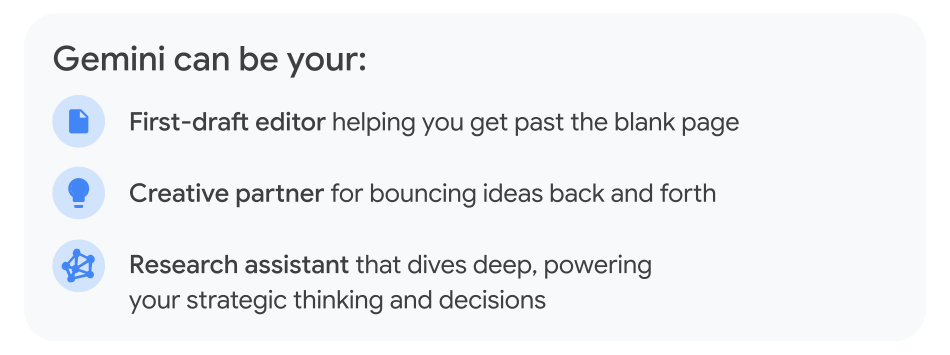
Gemini empowers you to do your best work
Gemini is your AI-powered assistant at work, helping to boost your productivity and streamlines collaboration. It seamlessly integrates into Gmail, Docs, Sheets, and more, with enterprise-grade security and privacy.
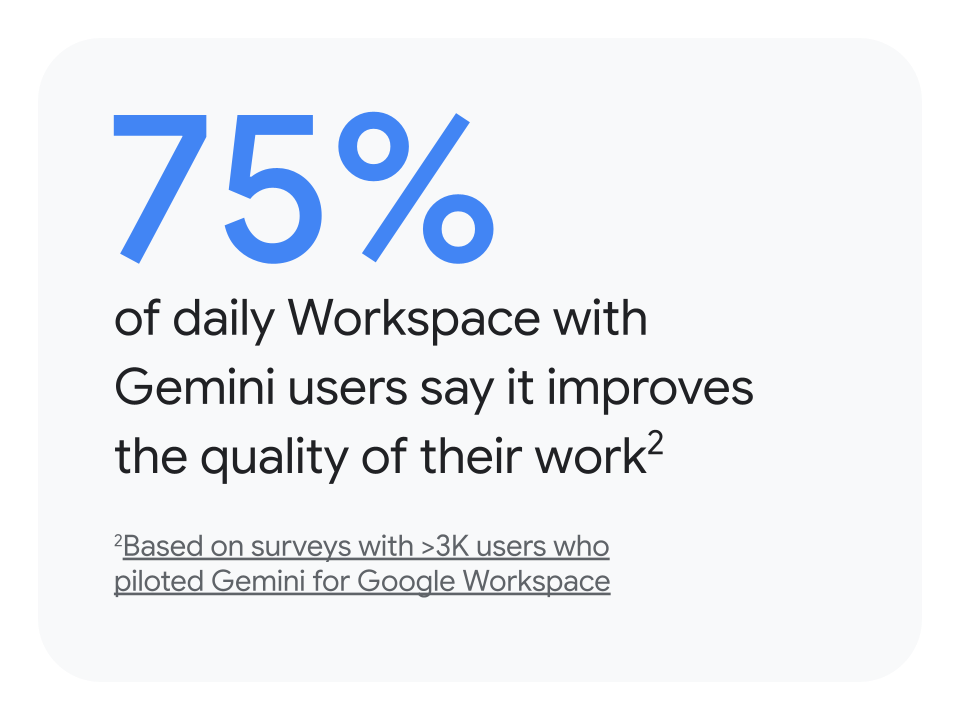
Where to find Gemini
Gemini app
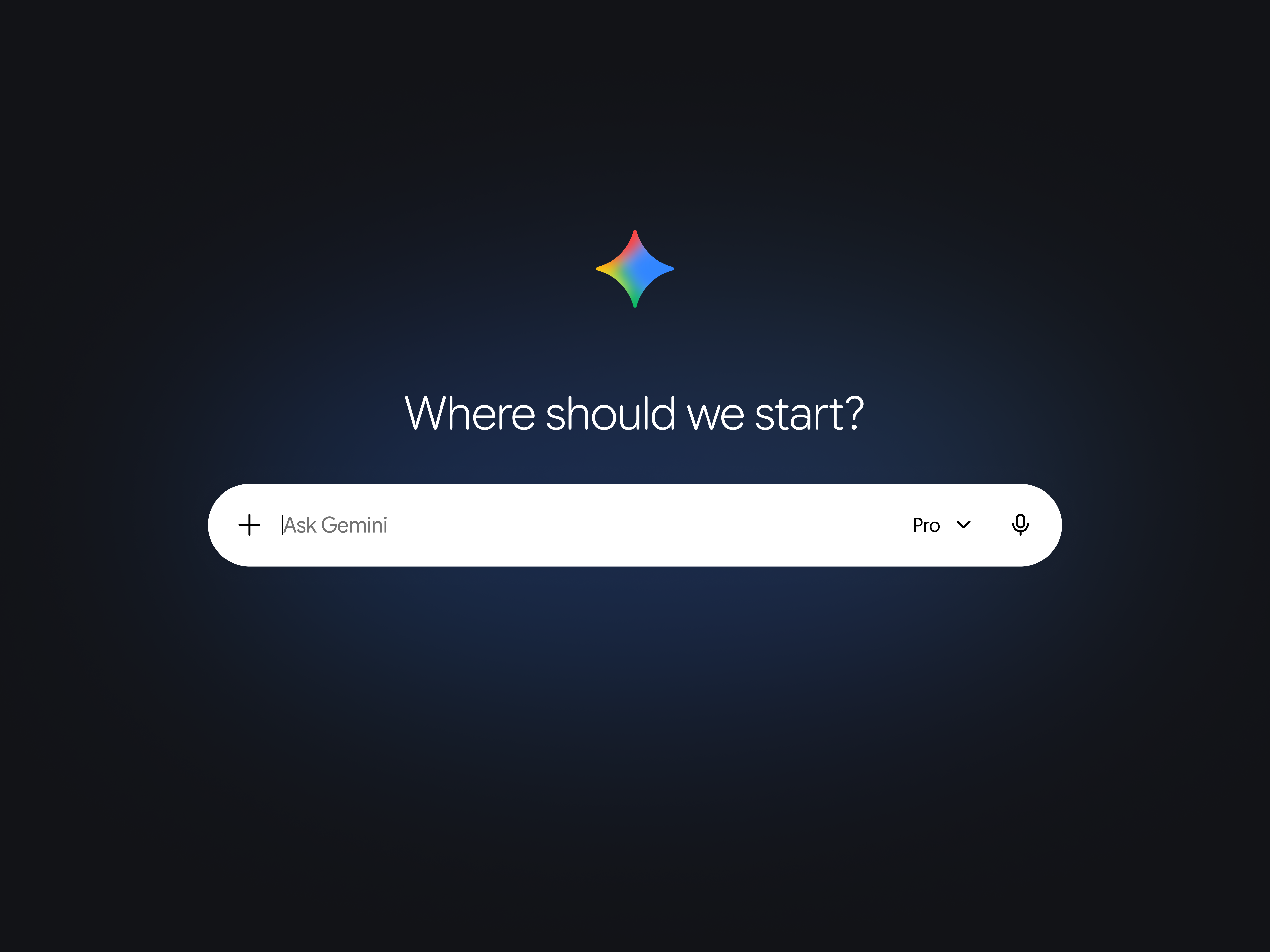
Your everyday creative and research powerhouse. From simple tasks to complex projects, find information across your apps and the web.
Best for:
- Researching complex topics
- Getting inspiration for new ideas
- Easily generating videos or photos
- Creating Gems to help with specialized tasks
Where to find it: gemini.google.com
Gemini Notebook
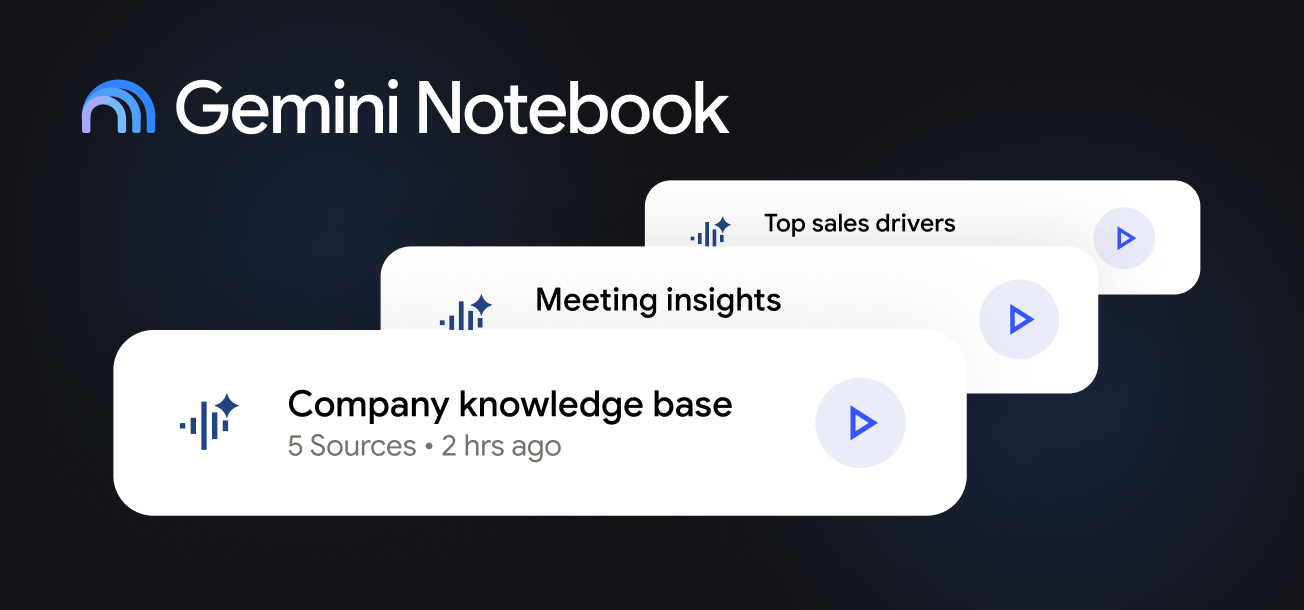
Your dedicated subject matter expert for analyzing and synthesizing many dense documents.
Best for:
- Understanding topics in new formats (infographics, podcasts, mind maps)
- Finding information in dense documents
- Creating knowledge bases on specific topics and projects
Where to find it: notebook.google.com
Gemini Enterprise
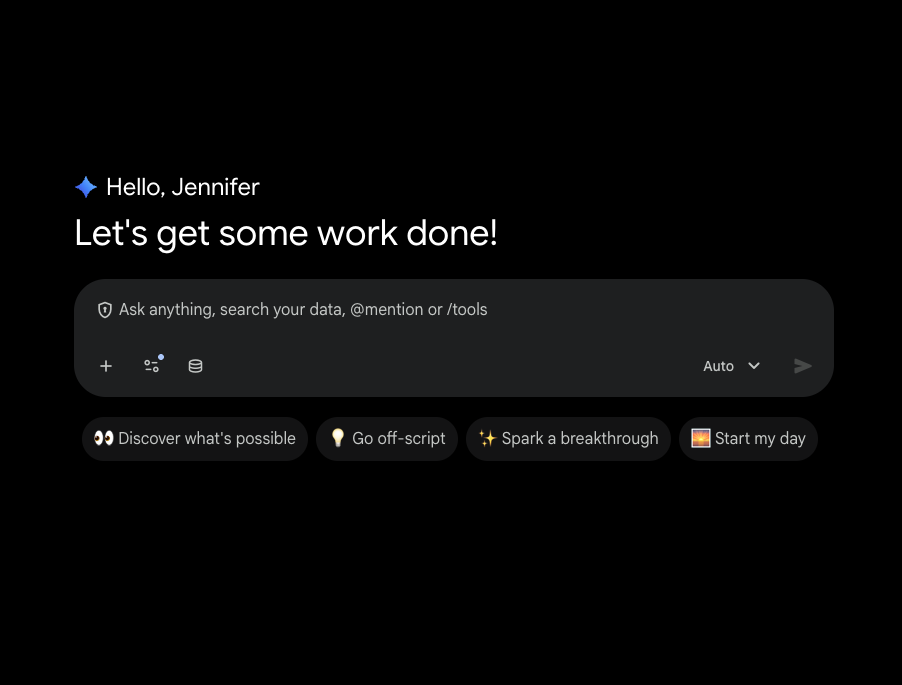
Advanced agentic platform for your workplace – discover, create, share, and run AI agents all in one secure platform.
Best for:
- Generate insights and content with Gemini based on your business data
- Automate workflows with AI agents built by Google and its partners
- Build your own AI agents for your daily workflow – with no code-needed
Where to find it: cloud.google.com/gemini-enterprise
Gemini in Workspace
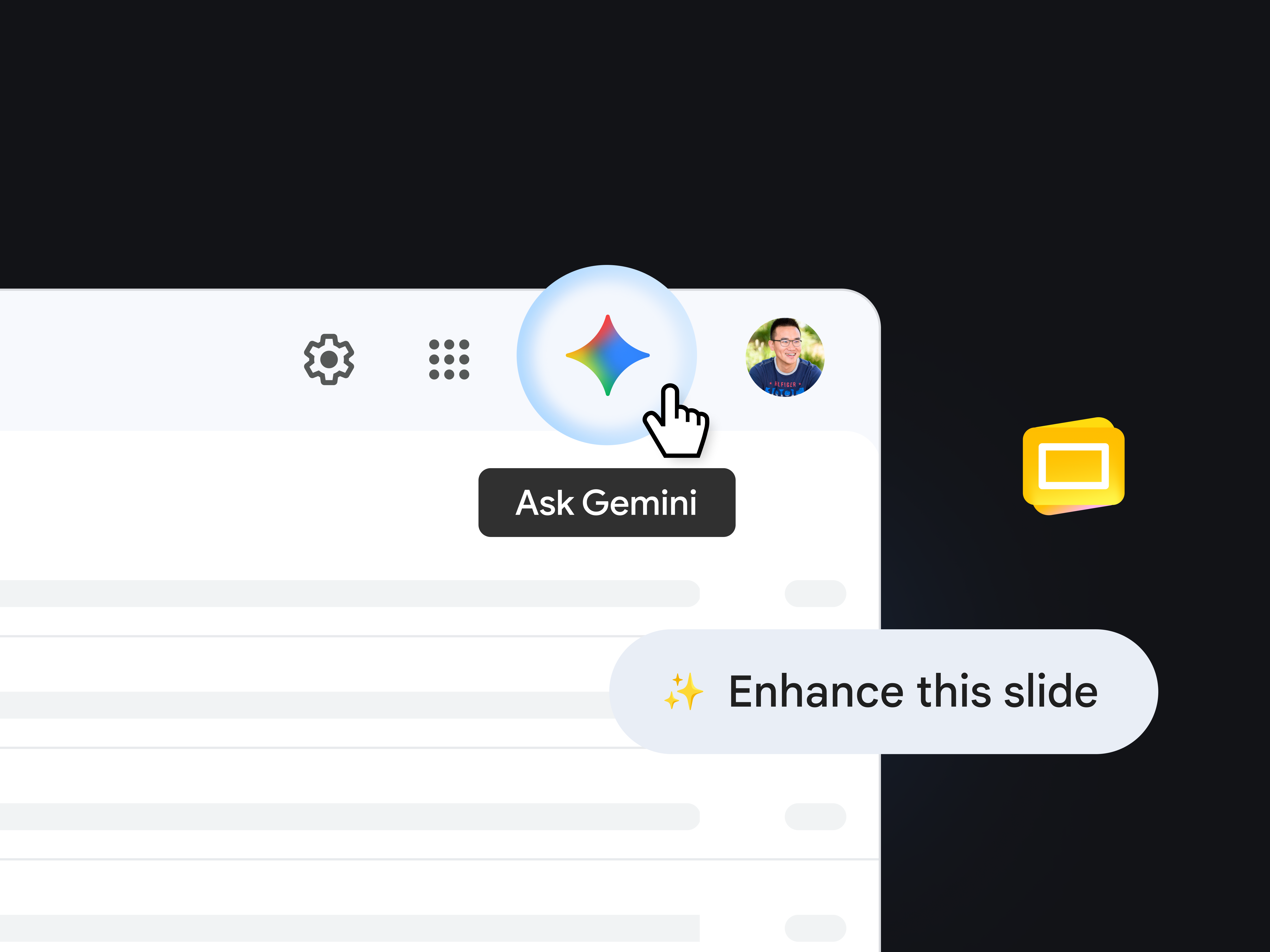
Your in-the-moment assistant for tasks within the app you’re using.
Best for:
- Summarizing Gmail threads
- Writing a first draft in Docs
- Creating a plan in Sheets
- Beautifying your Slides
- Refining text in Docs or Slides
Where to find it: Look for the Gemini or Nano Banana icons, or in features like “Beautify this slide” for instant help right in the app experience.
Prompt like a pro
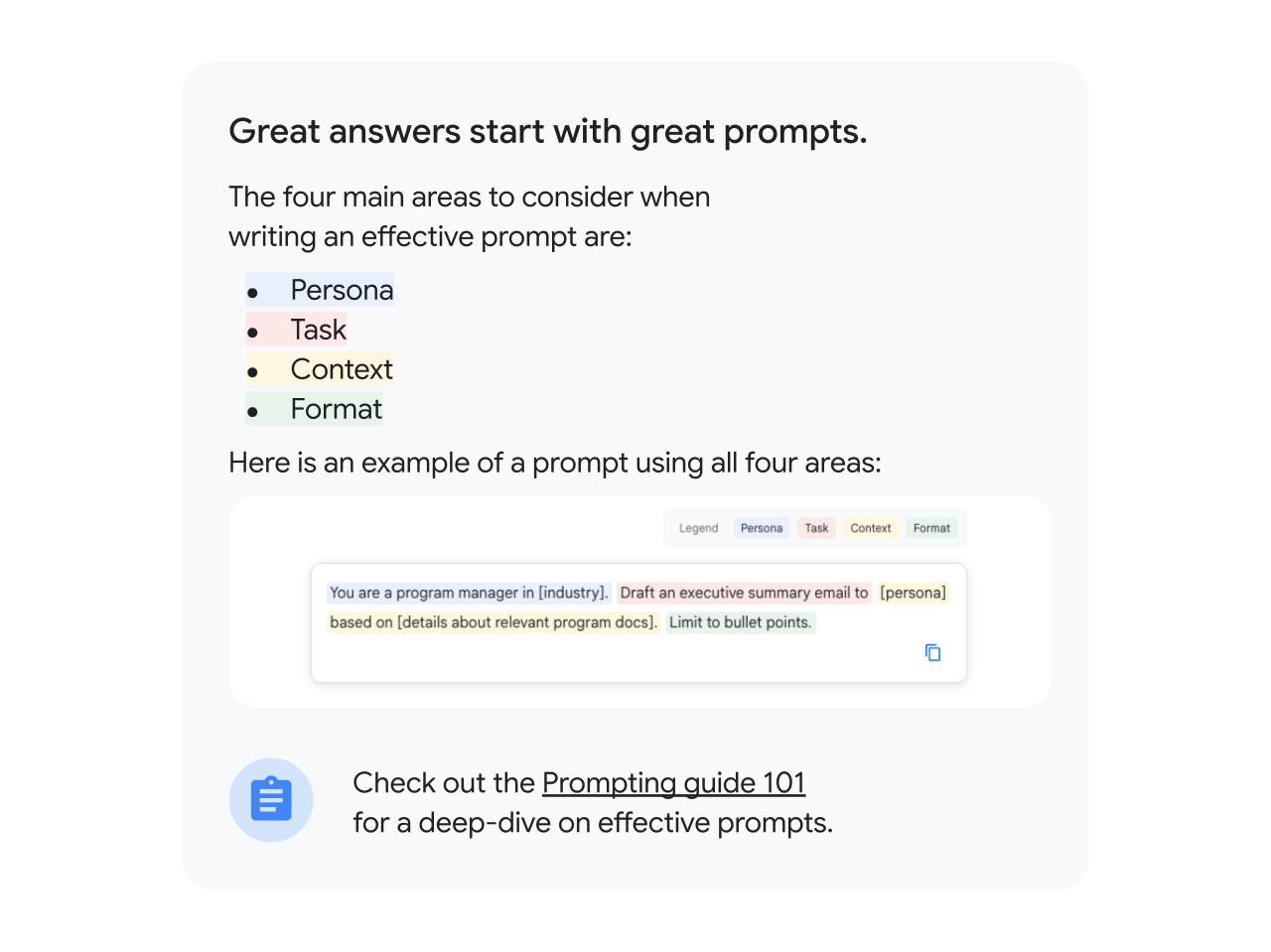

Use cases
Power your next project with Gemini
When you're handed a new, high-stakes project, often the hardest part is getting started. You could be facing:
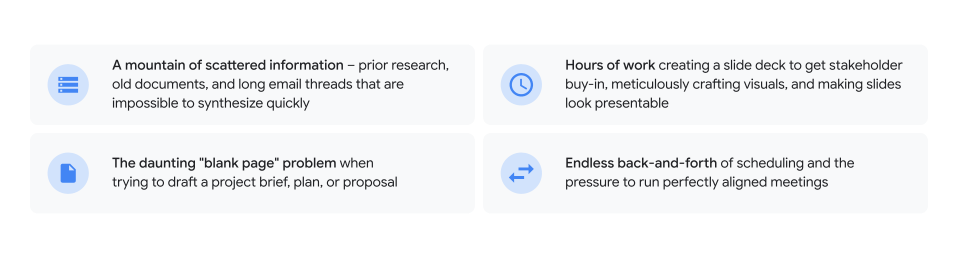
This is where your AI-powered partner comes in. We’ll show you how to overcome these challenges and go from blank page to project delivery with Gemini.

Phase 1
Quickly strategize and build your plan

Turn information overload into a strategic foundation. Instead of spending days trying to connect the dots manually, you can use Gemini to synthesize information and build your plan in a fraction of the time.
Draft project briefs in seconds
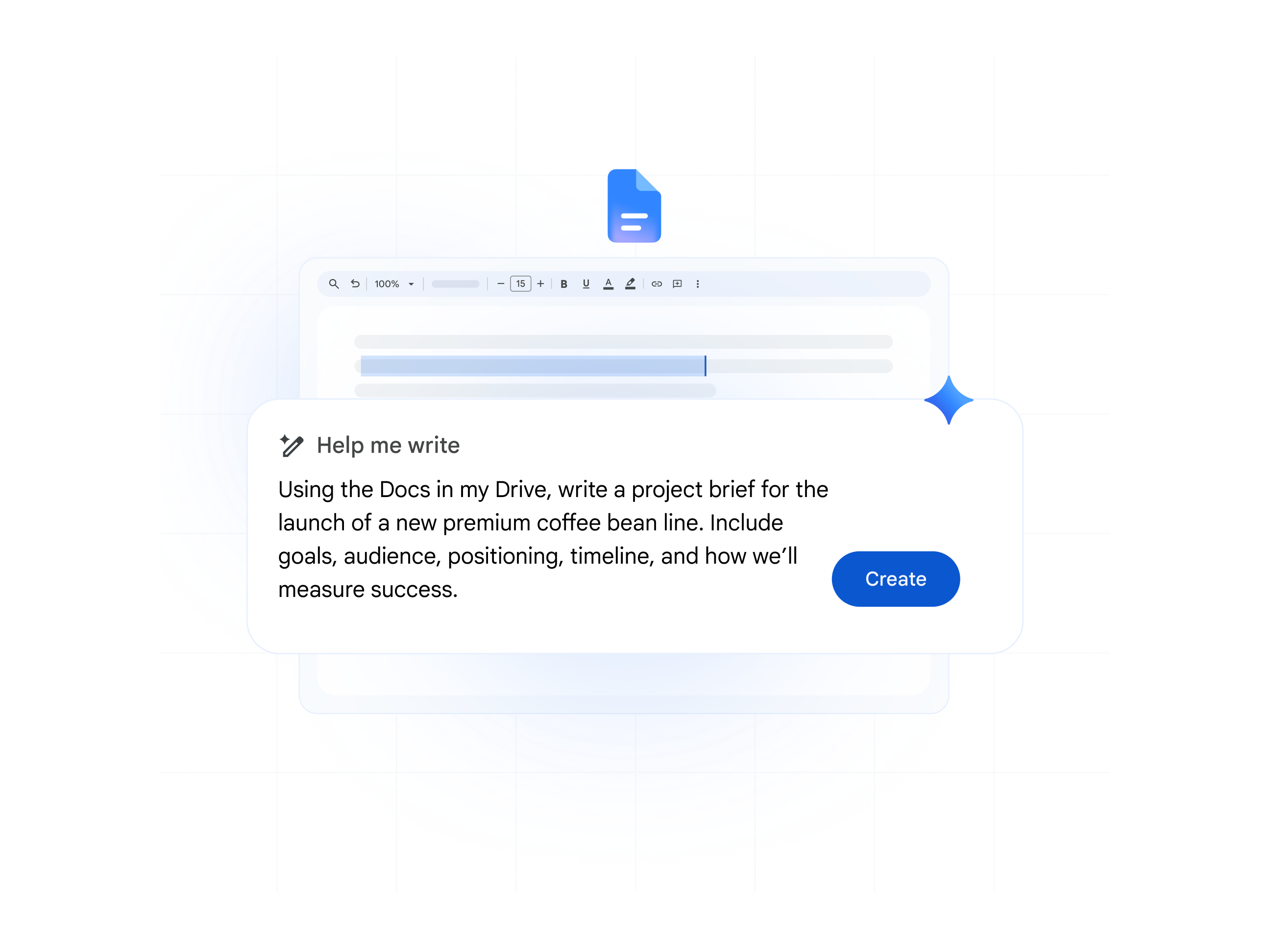
Gemini in Docs: Go from a blank page to a comprehensive project brief. Turn your research and a simple prompt into a polished proposal.
Organize your data into trackers
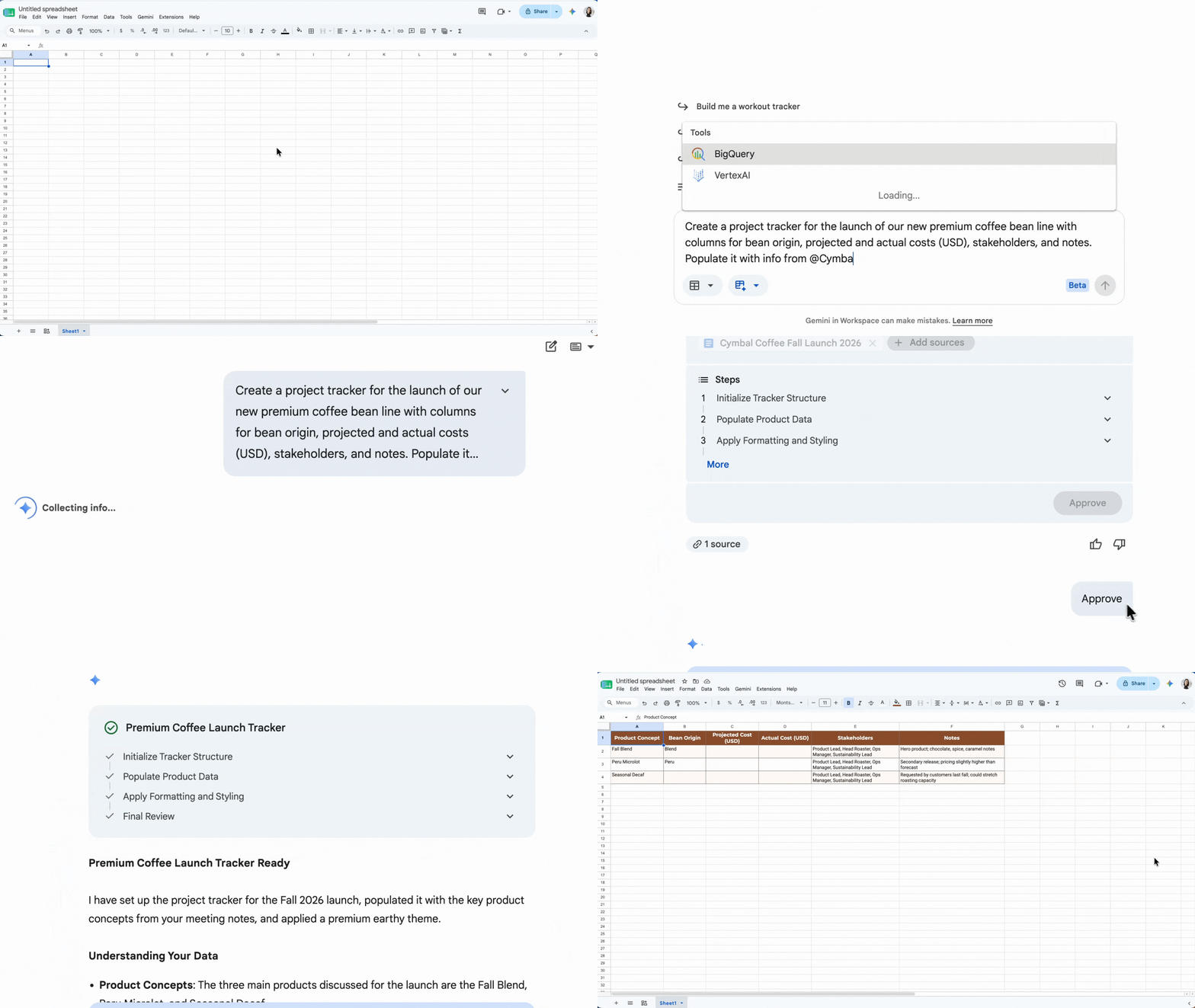
Gemini in Sheets: Stop building tables from scratch. Instantly create an organized project tracker with timelines, stakeholders, and risk assessments.
Easily find key information
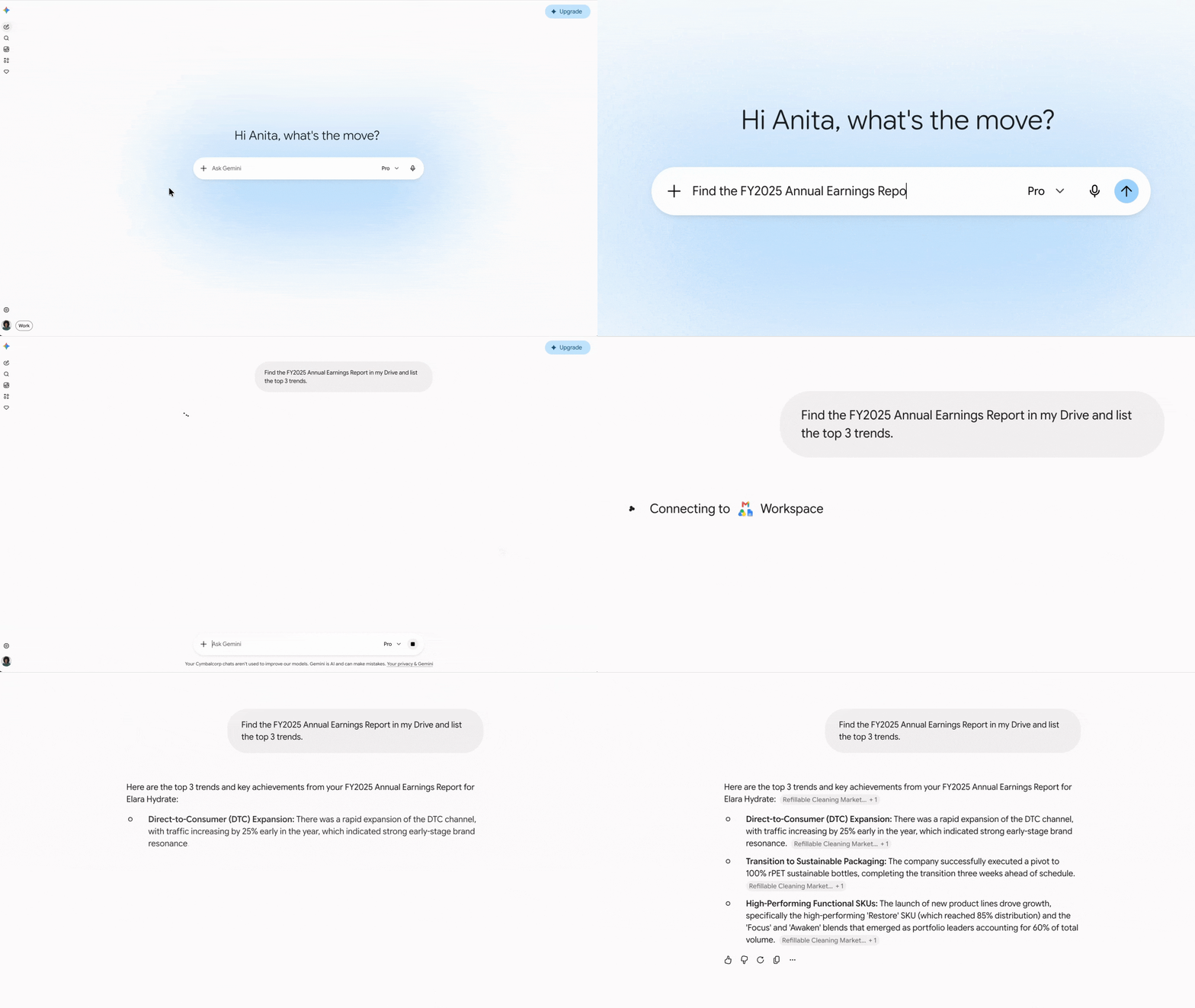
Gemini app: As a starting point, you can use Gemini to get answers from all your work (and across the Web with Google Search) in one place. Ask Gemini to search across your Drive, Gmail, Chat, and Docs to find specific info, summarize topics, and connect information from different files.
Instantly synthesize research and share your knowledge
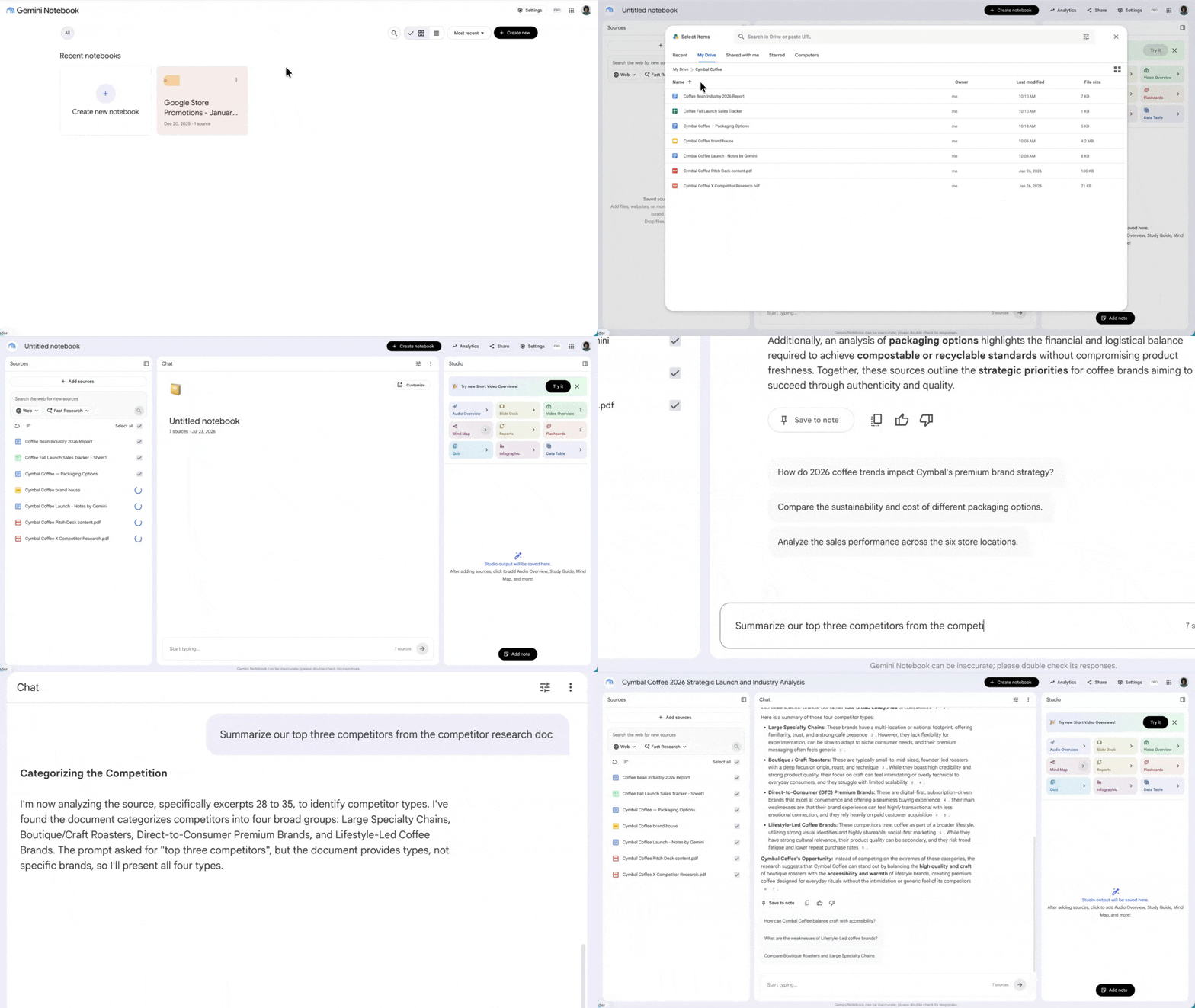
Gemini Notebook: Upload project documents, interview notes, and external research from the web to extract key themes, identify risks, and generate an FAQ instantly. Or streamline team onboarding with centralized training materials and SOPs that you can share with anyone.
Instead of reading hundreds pages of customer interviews, ask: "What are the five most common themes across these customer interviews?"
Instead of digging through technical manuals, upload them to Gemini Notebook to create a knowledge base. Then, you can ask: "What are the steps to troubleshoot a 'connection error' on this device?"
Instead of reviewing multiple repetitive documents, ask: “Create a one-page briefing note on this organization's history and product journey.” Or, learn in a different format: Audio Overviews (podcasts), videos, Mind Maps, and infographics.
Phase 2
Present more compelling stories

Move past the frustration of formatting slides and creating visuals. Turn your solid plan into a compelling narrative that will capture your stakeholders' attention and win their approval.
Go from rough notes to presentation, with a prompt
The Gemini app: Instantly generate a first draft or presentation outline with all the details you need, based on your project docs, meeting notes, and more.
Create high-impact slides with custom visuals
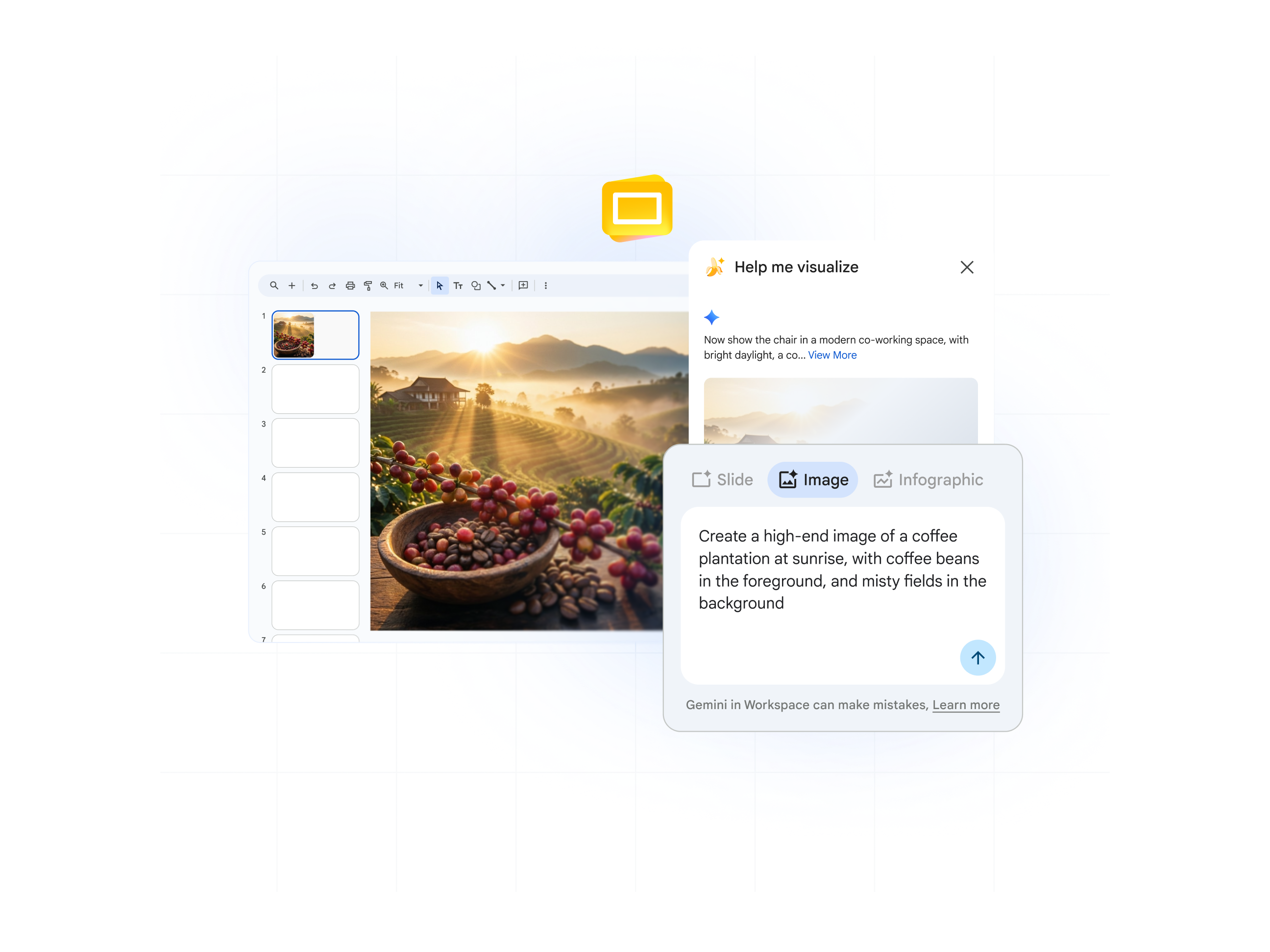
The Gemini app (or Slides): Create unique, high-quality images for your slides from a simple text description. Save time searching for the right visual and create it yourself.
Polish presentations in a fraction of the time
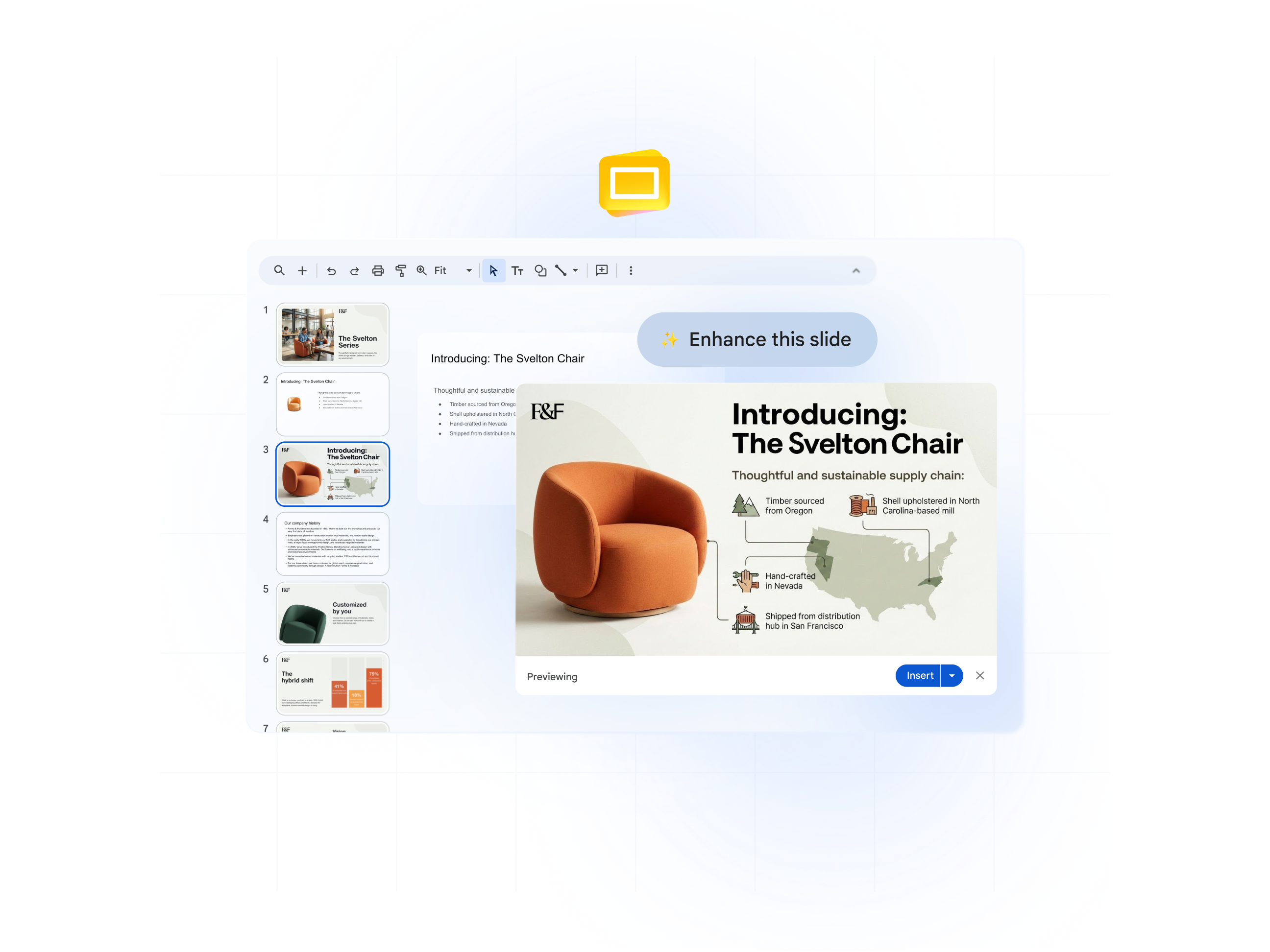
Nano Banana Pro in Slides: Instead of spending hours editing your deck and moving tiles around, get an instant design upgrade to make your slide pop and look beautiful. All slide details (such as text) will stay true to the original.
Turn complex data into visual stories
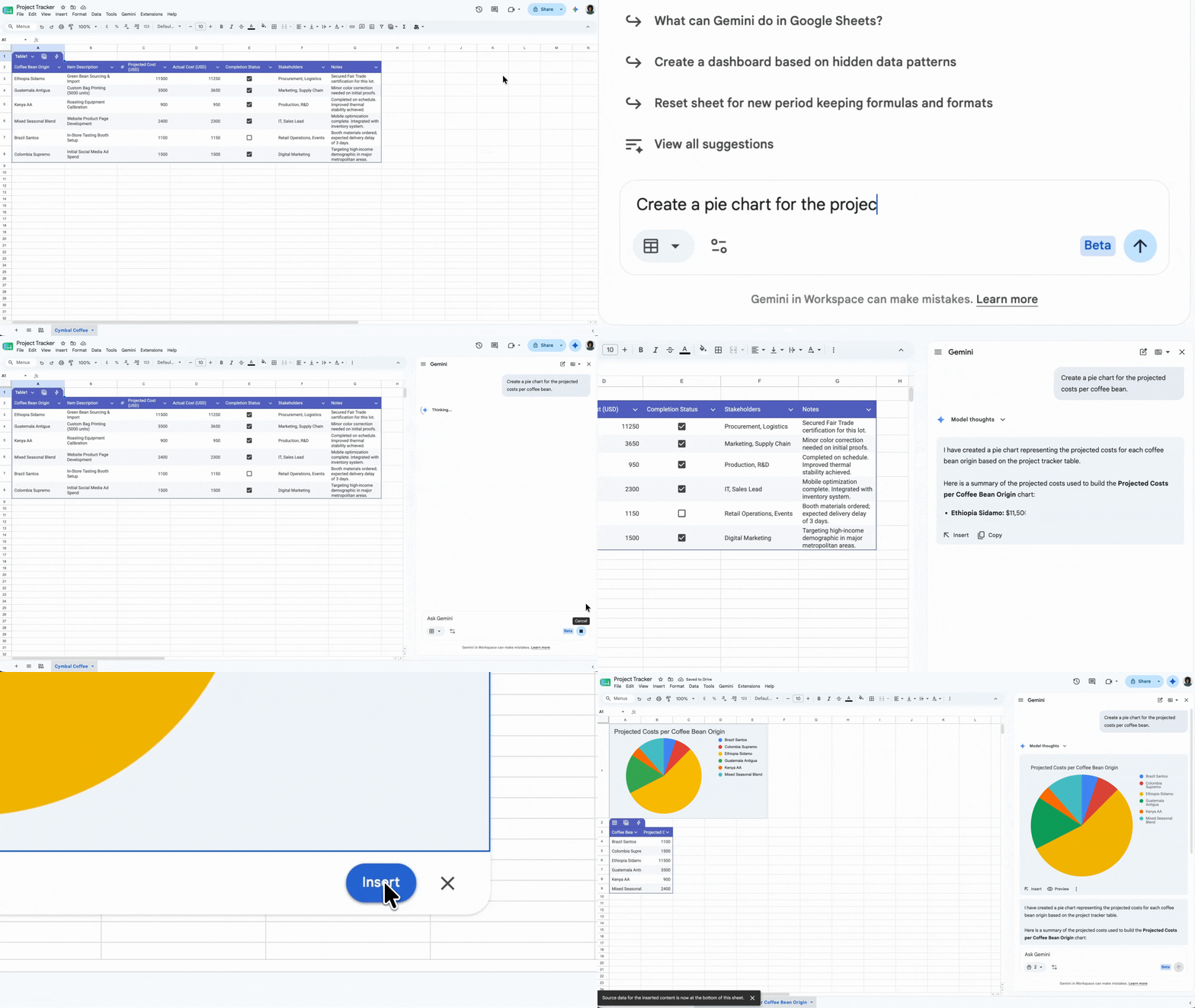
Gemini in Sheets: Depending on what data you need to present, create a chart using a single prompt (say for a revenue visualization), or even ask Gemini for instant analysis on that data in Sheets. You can also create a project tracker in Sheets.
Turn project briefs into engaging video updates
Google Vids: Turn a project brief or FAQ document into an engaging video script and storyboard for project updates.
Gain stakeholder buy-in with exec-ready summaries
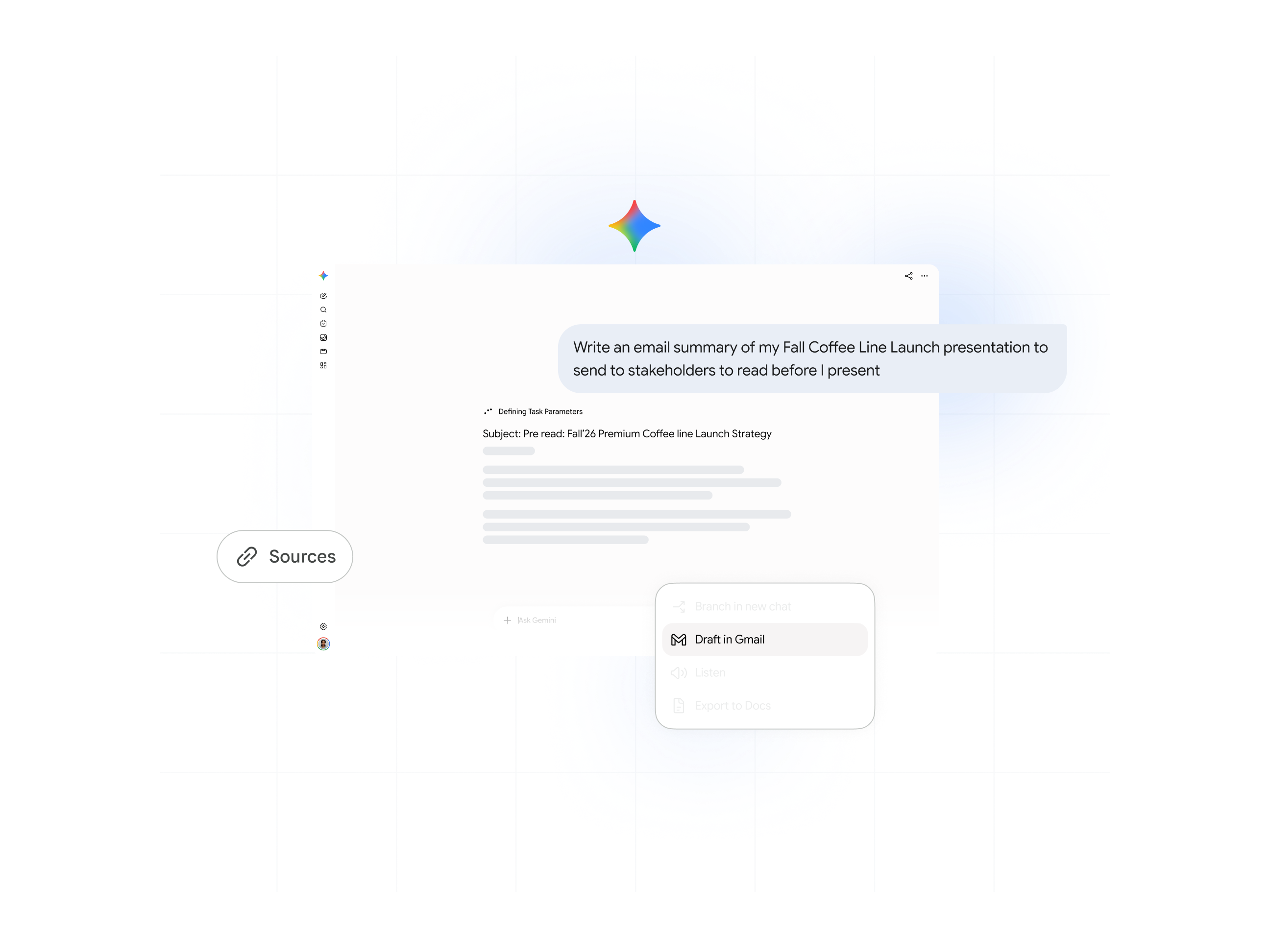
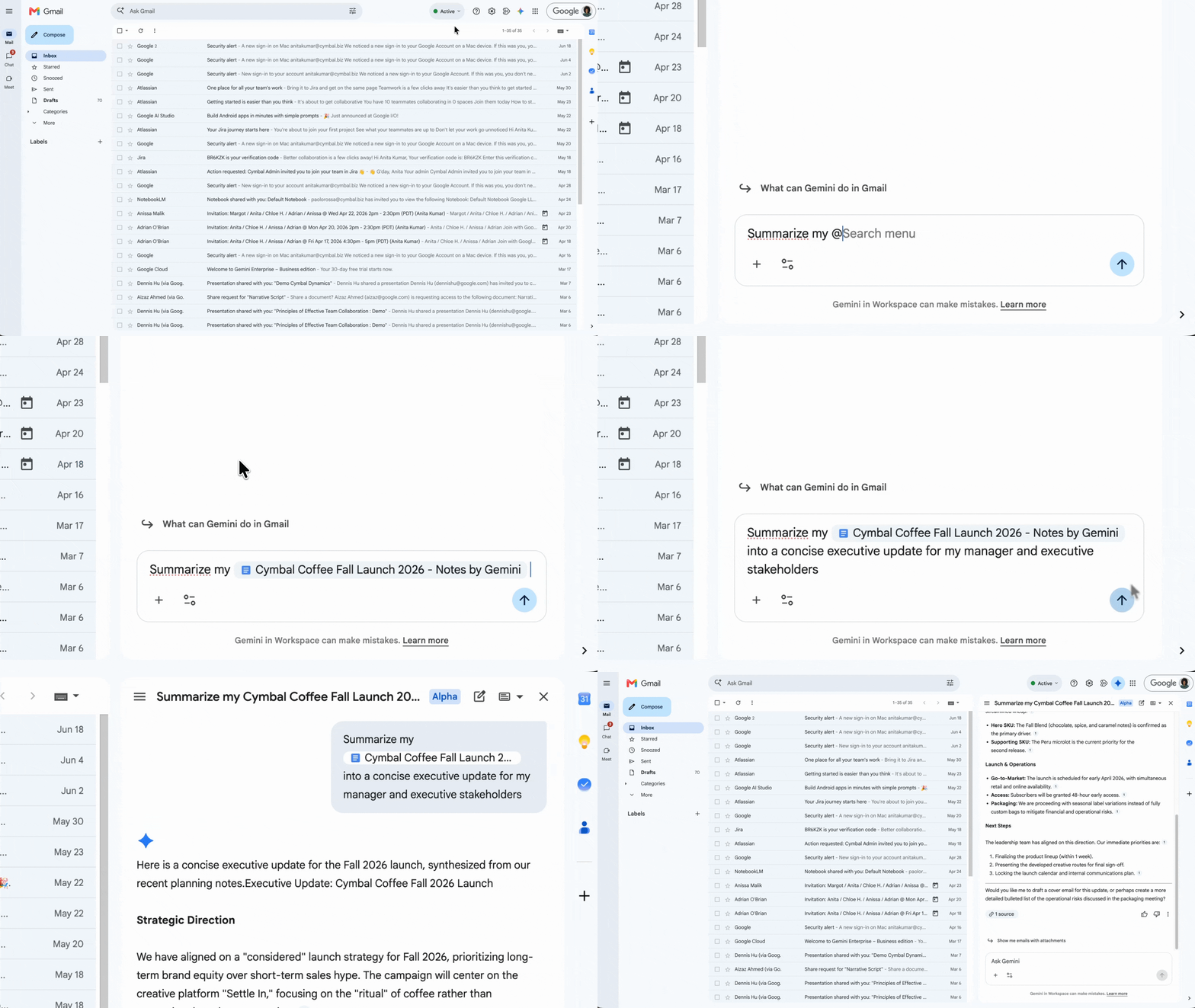
Gemini app: Instantly draft a clear and concise email summary of your presentation to send as a pre-read to stakeholders.
Phase 3
Run productive, high-impact meetings

Reclaim your time and ensure every conversation drives the project forward. From preparation to follow-up, Gemini helps make your meetings more effective.
Before the meeting: Schedule the meeting and draft the agenda
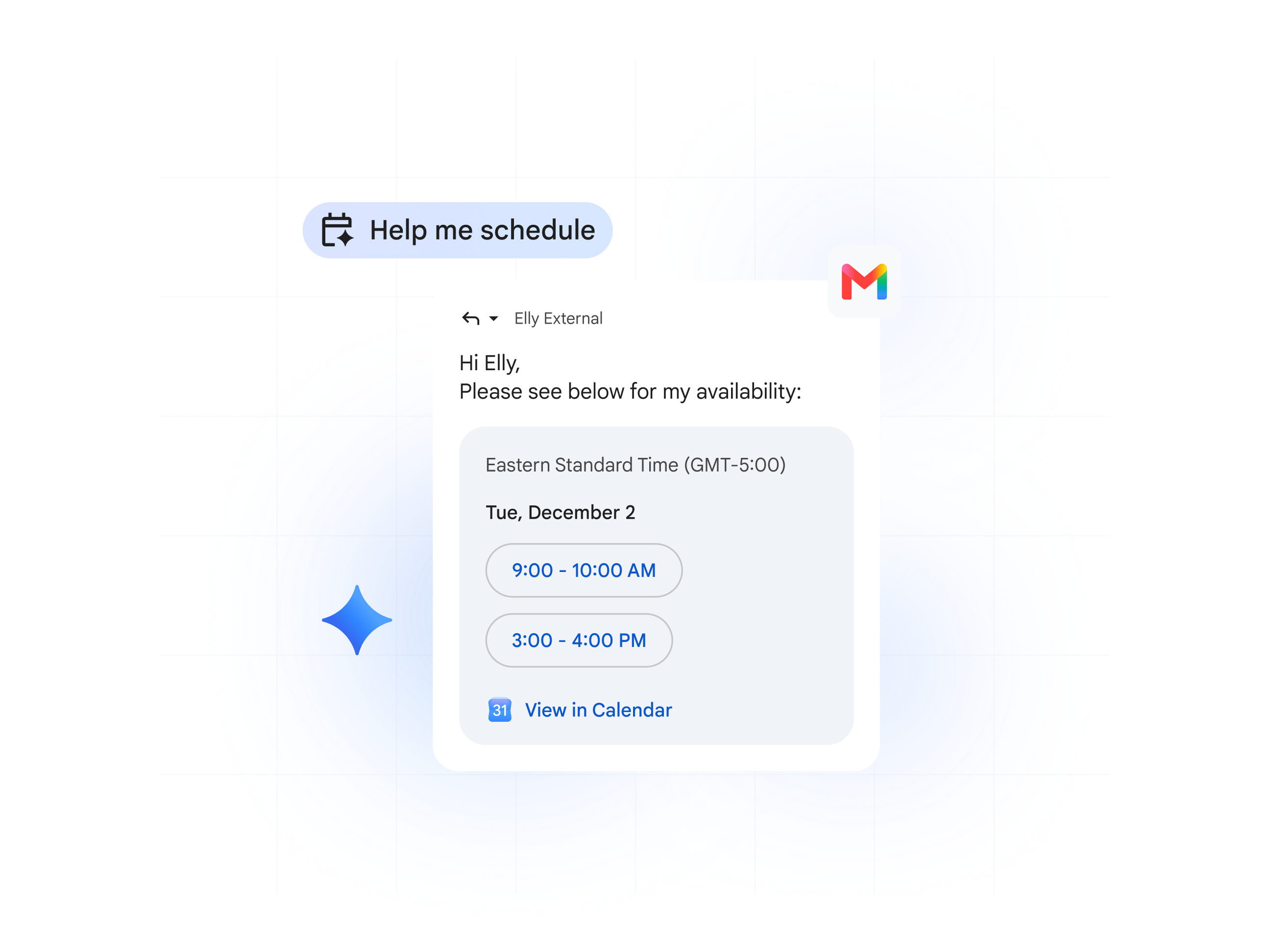
Gemini in Gmail: Make scheduling easier, even when you can’t see their calendar, by using “Help me schedule” right from your email draft.
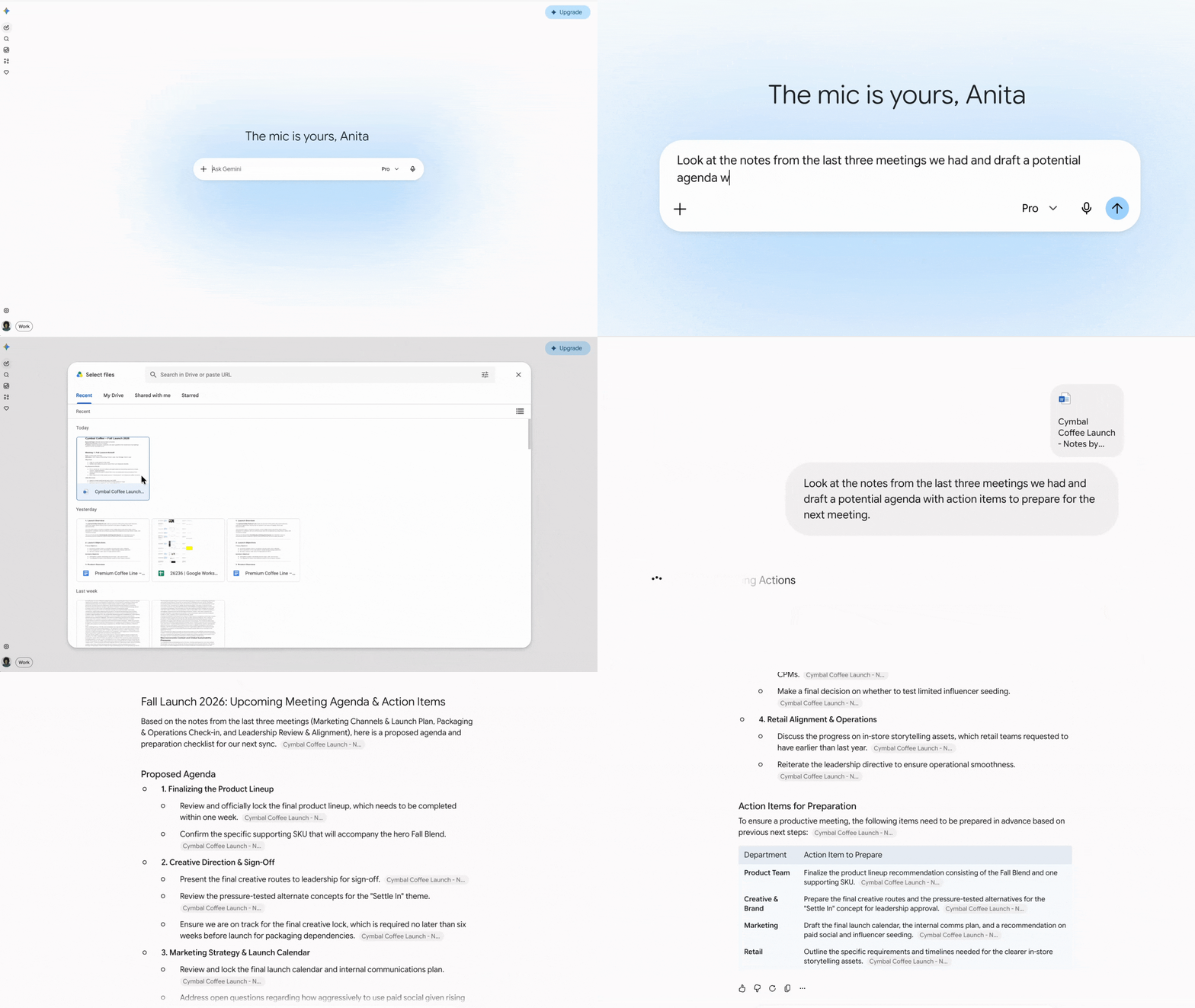
Gemini app: Brainstorm or help draft potential agenda or work with Gemini app to understand how to prepare for the meeting. Ask Gemini to leverage your documents and drive to help prepare and pull out any action items.
Get an instant briefing on the meeting’s purpose, attendees, and attached files.
Stay focused and let Gemini take notes for you

Take notes for me: Focus on the conversation, not on typing. Let Gemini take notes, identify action items, and record key decisions for you. The meeting notes will be emailed to you after the call.
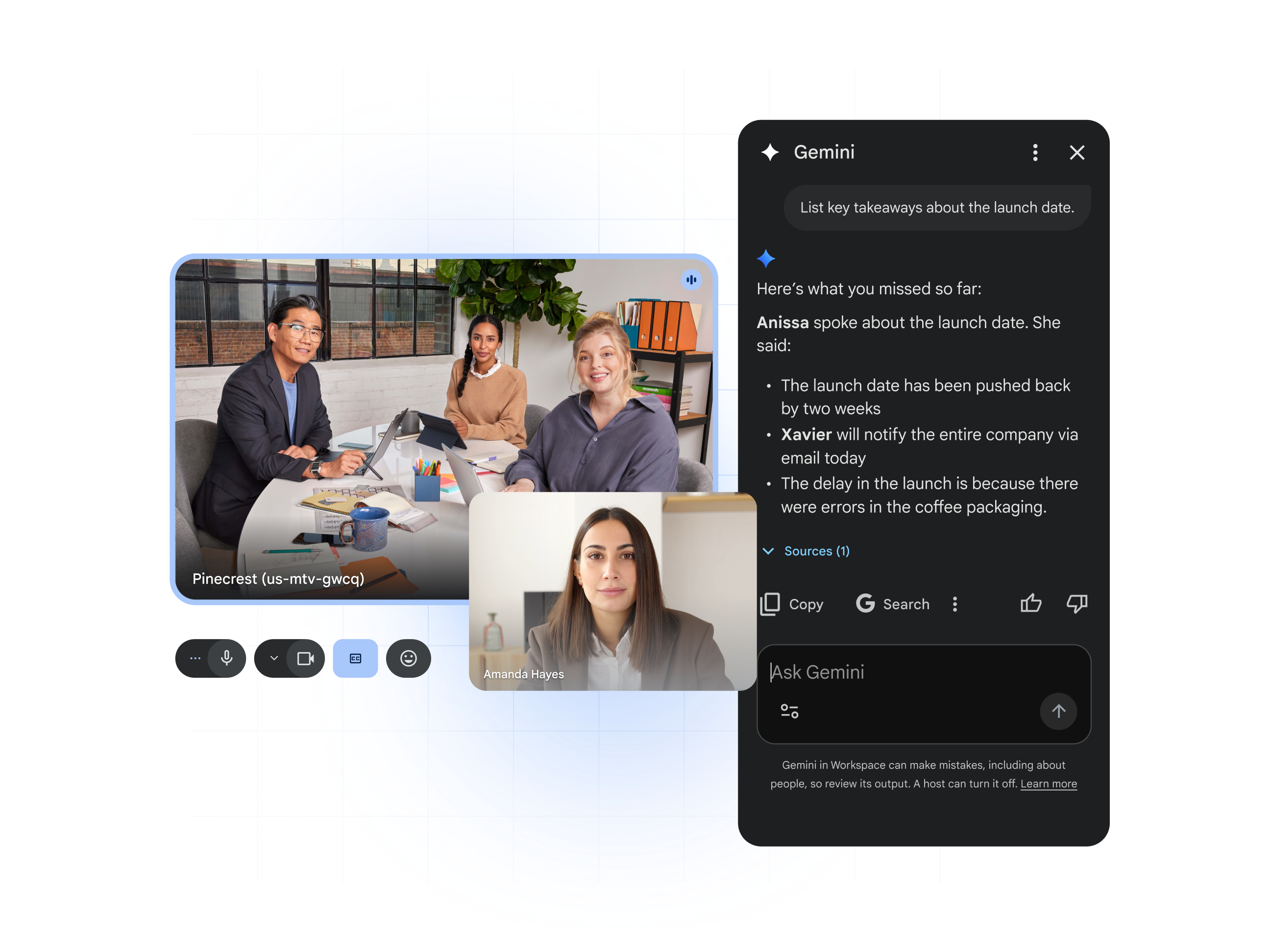
Ask Gemini in Meet: Joined the meeting late? Catch up on what you missed by asking Gemini for a summary of what's been discussed, key takeaways, or action items.
After the meeting: Automatically send action items
Phase 4
Communicate with speed and precision

Once your plan is approved, the focus shifts to execution and collaboration. This phase helps you communicate effectively, manage stakeholder expectations, and keep your project on track.
Quickly draft professional emails
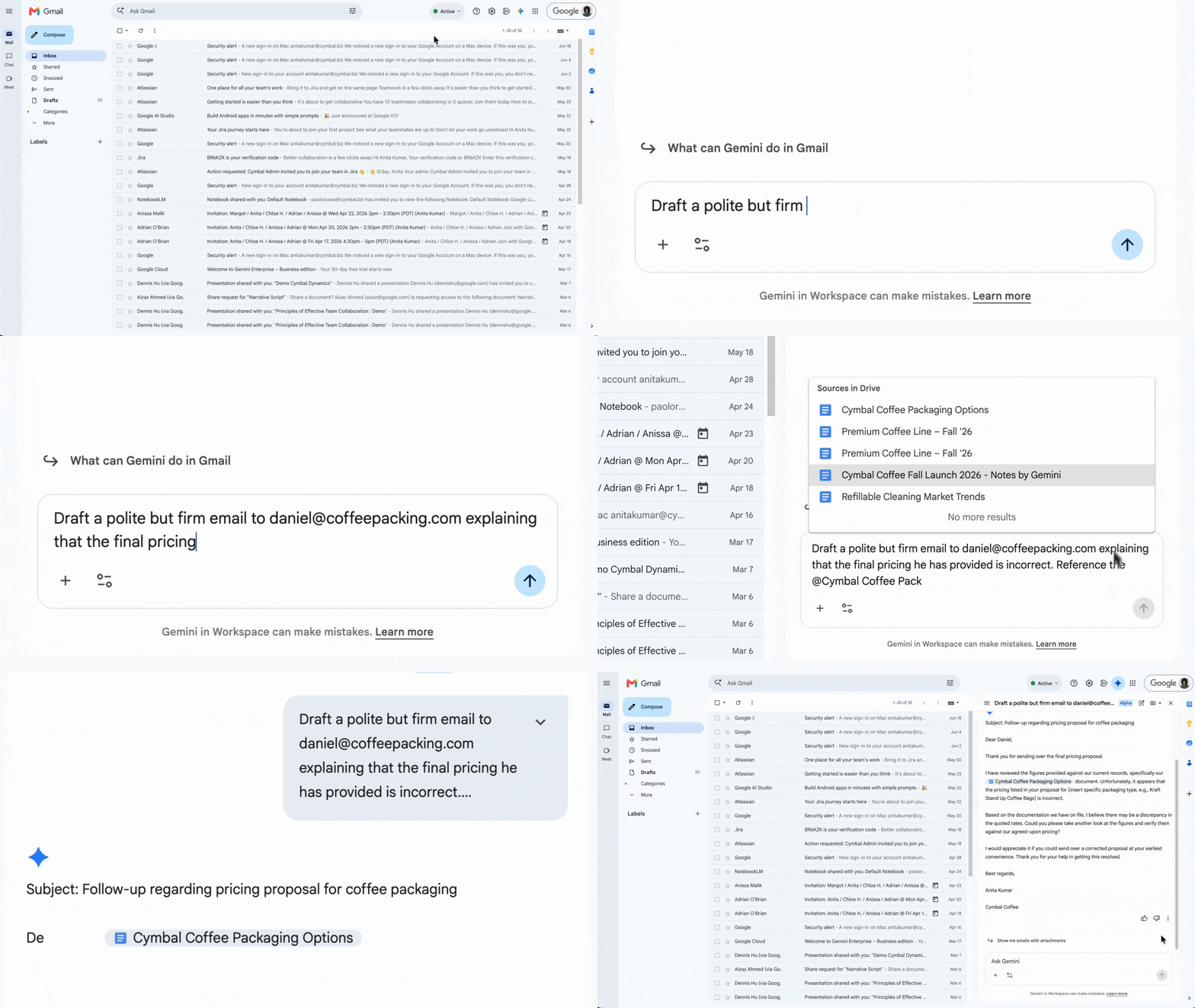
Gemini in Gmail: Draft clear, professional emails to vendors, team members, or leadership to provide updates or ask for input.
Get up to speed in seconds
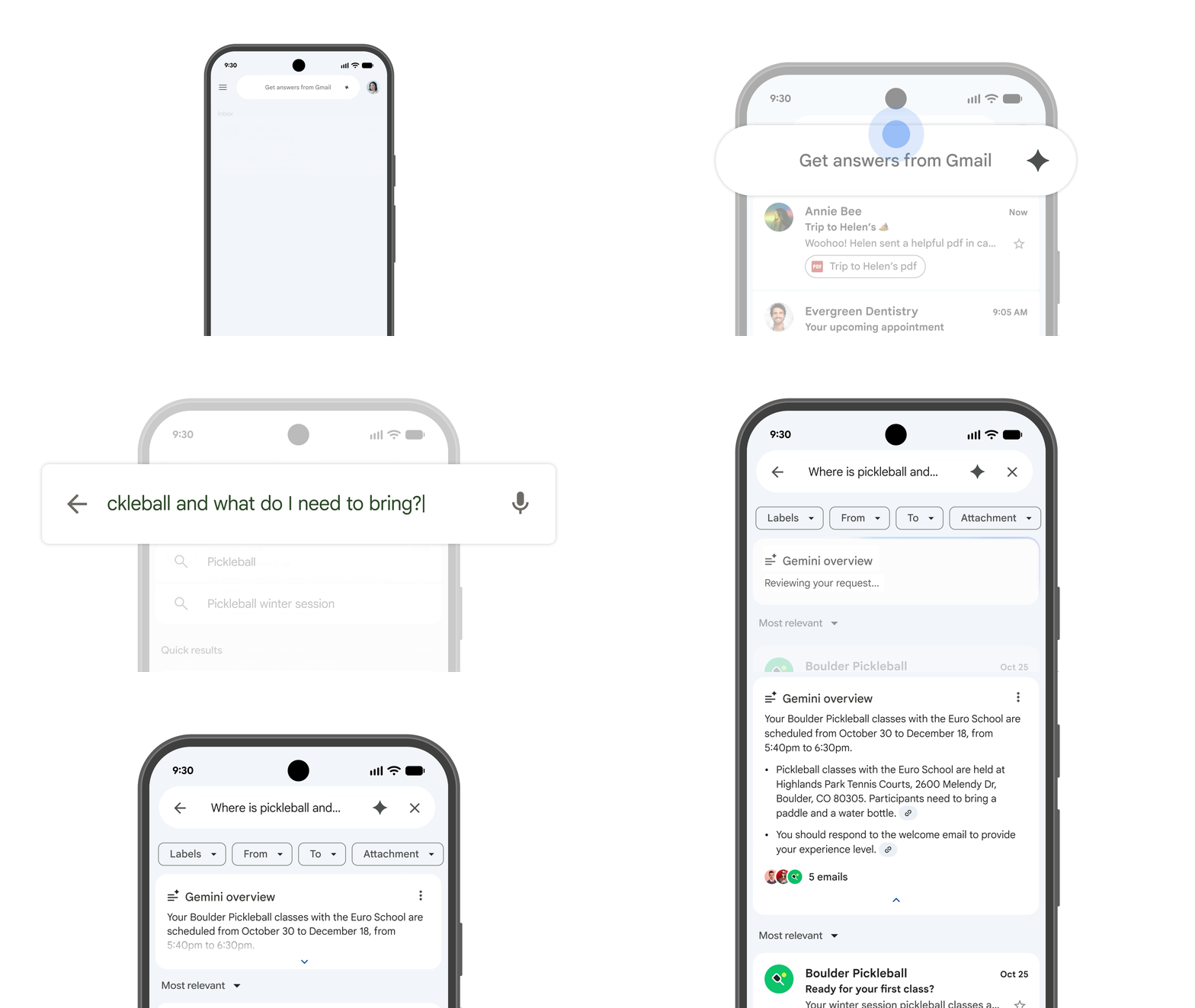
Gemini in Gmail or Chat: Don't waste time reading long threads. Get an instant summary of email chains or chat conversations to quickly understand the latest status.
Quickly create a first draft or polish your writing
The Gemini app: Brainstorm different ways to phrase a sensitive or important message to ensure it lands with the right impact and tone. You can even ask Gemini for specific feedback on your messaging, or to help you tackle the blank page.
Gemini in Docs or Gmail: Use ‘Help me create’ to draft up briefs or emails, and ‘Help me refine’ to polish your messaging – without ever leaving the apps.
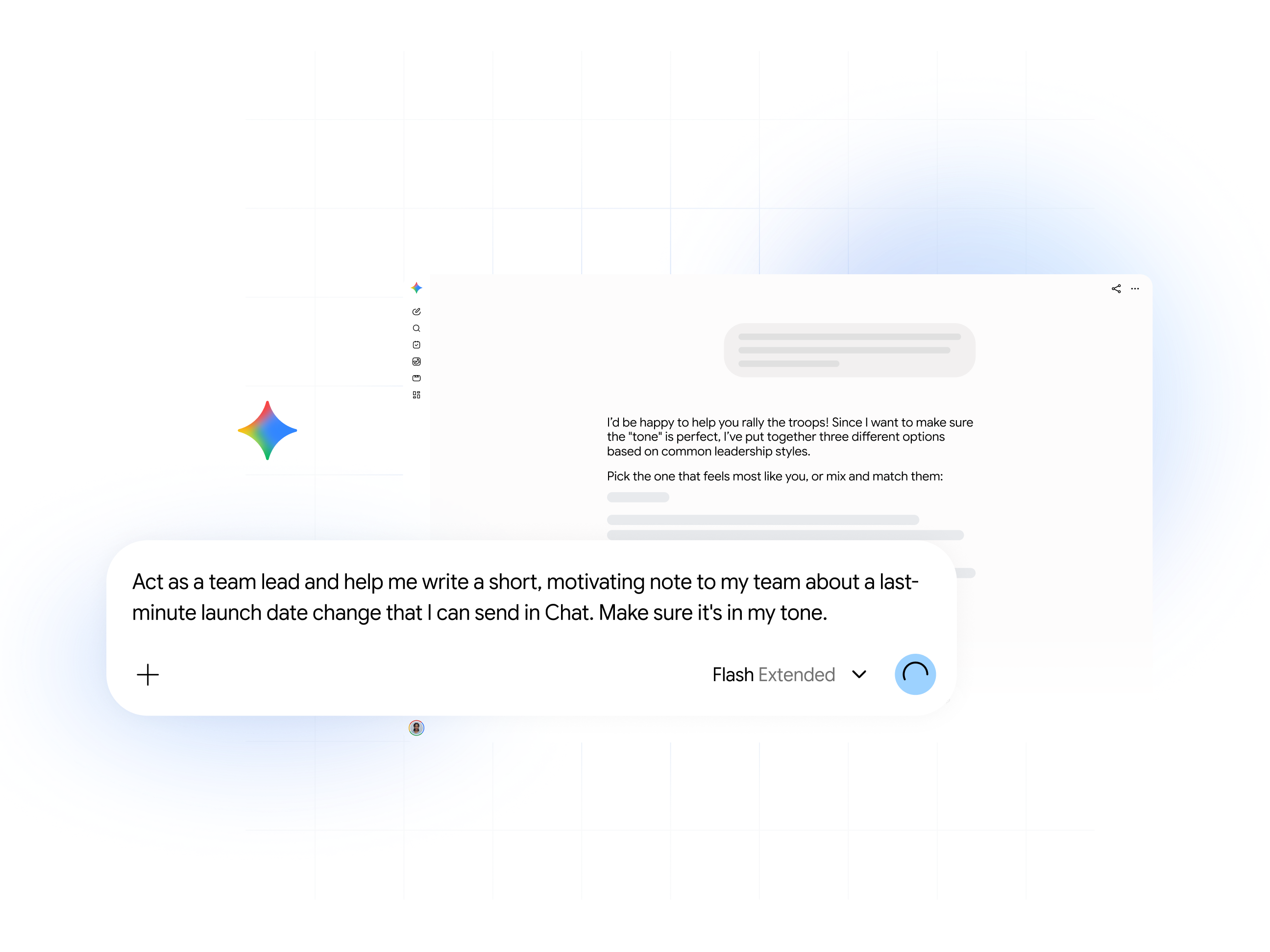
Pro tip: Constantly retyping lengthy prompts for a specific writing task? Create a custom Gem to handle that for you.
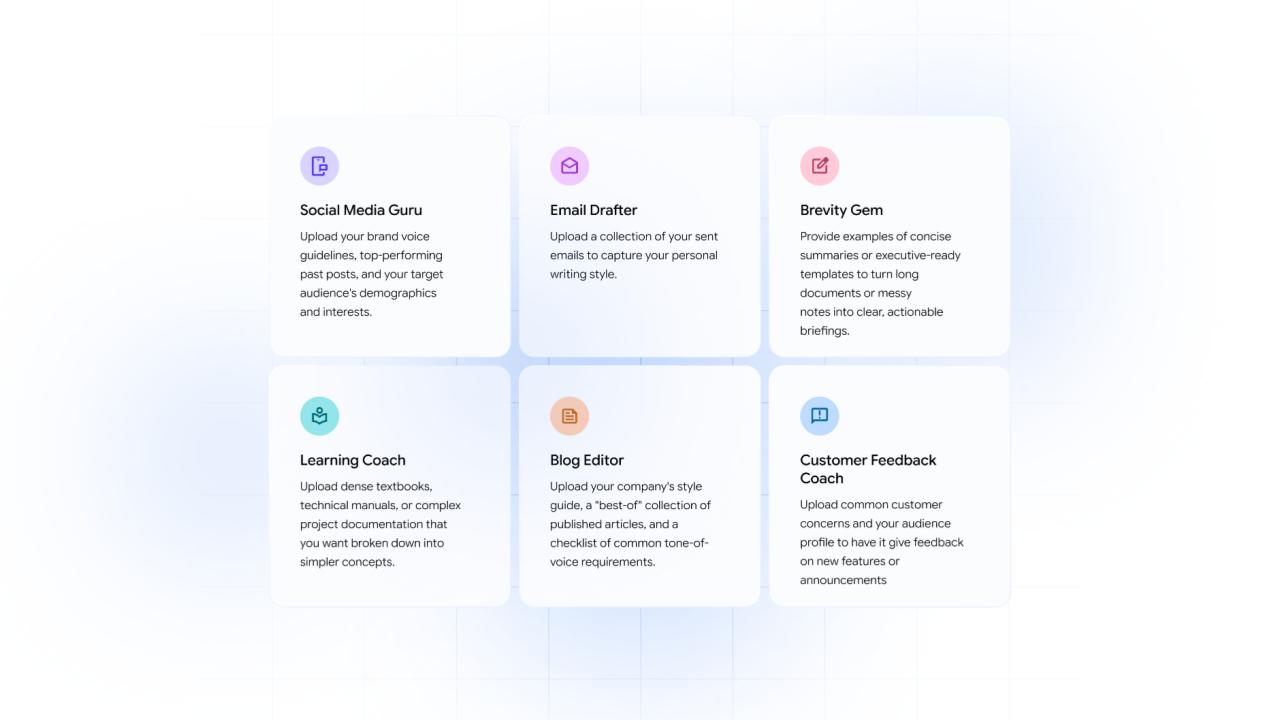
Gems: Build custom AI experts for anything you need
Instead of rewriting a long prompt every time, build your own custom Gems in the Gemini app for a range of tasks. Think of Gems as AI experts that ensure consistent, personalized results every time.
Resources and next steps
For project managers
Sheets: Instantly create a new, organized project tracker from a simple description.
Prompt: "Create a project risk tracker with columns for Risk, Likelihood (High/Medium/Low), Impact, and Mitigation Plan."
Docs: Save time by turning meeting notes into a polished status report.
Prompt: "Turn this @[Meeting Notes Doc] into a formal status report. Pull out 3 key accomplishments, 2 risks, and all action items with owners."
For sales and account managers
Gmail: Quickly draft a personalized follow-up email to connect with prospects faster.
Prompt: "Help me write a follow-up email to @[Prospect] after our demo. Reiterate the 3 value props we discussed (cost, security, ease of use) and suggest a follow-up time."
Gemini app: Prepare ahead of a client call with a recap of all your past interactions.
"Summarize all emails and notes with @[Client Name] from the last 90 days and identify their top 3 pain points."
For marketing and communications professionals
Gemini app: Go from rough notes and research to polished content outlines in seconds.
Prompt: "Summarize the interview findings from @[interviews] and draft outlines for two blog posts. For each, write a catchy title and a two-sentence hook."
Vids: Turn a product launch into a video announcement.
Prompt: "Create a one-minute video to announce our new product, based on the @[Product FAQ Doc]. The tone should be exciting and upbeat."
Gemini Notebook: Repurpose multiple research sources into a single, comprehensive overview, in different formats (audio, visual, mind maps)
Click on Audio Overview and prompt "Generate a 15-minute podcast from @[Research Document] and @[interviews]."
For human resources
Docs: Instantly draft a job description that combines your hiring brief and company values.
Prompt: "Write a compelling job description for a 'Senior Software Engineer' using the bullet points in @[Hiring Brief] and our company values from @[Company Handbook]."
Gemini Notebook: Upload your employee handbook to create interview or training questions.
Prompt: "Generate five sample interview questions for new managers about our company's performance review process."
For executives and team leads
Gmail: Start your day by quickly triaging your inbox to see what's most urgent.
Prompt: "Summarize the five most urgent emails in my inbox and highlight any that need a decision from me today."
Docs: Turn long reports into a concise executive summary.
Prompt: "Summarize this 20-page @[Quarterly Report] into a one-page executive summary with five key bullet points and one paragraph on the overall outlook."
Sheets: Instantly analyze raw data to find key trends.
Prompt: “Summarize the sentiment from @[Employee Survey]. How do teams feel about remote work?”