October Workspace Drops: Edit Markdown, talk to Gmail and Docs, translate meetings, and more
The Google Workspace Team
Try Google Workspace at No Cost
Get a business email, all the storage you need, video conferencing, and more.
SIGN UPWhether stepping away from your desk, crossing language barriers, or switching file formats, great collaboration shouldn’t hit a wall. In this month’s Workspace Drops, we’re rolling out new AI-powered features to keep your work moving effortlessly:
- Native Markdown (.md) editing and preview in Google Docs and Google Drive to help your teams co-author AI documentation and instructions without converting file formats
- Conversational voice in Gmail and Docs to search your inbox and brainstorm first drafts hands-free
- Accelerated Microsoft 365 migration up to 5x faster with data import for Teams, OneDrive, and SharePoint files, plus easier cross-platform collaboration
- Seamless enterprise migration and interoperability with Microsoft 365, including data import from Microsoft Teams, OneDrive, and SharePoint Online
- Additional AI-powered capabilities for Fill with Gemini in Google Sheets and Google Vids
Collaborate on Markdown files natively in Docs and Drive
You can now preview, edit, and collaborate on Markdown (.md) files directly in Docs and Drive. Since Markdown is the backbone of AI prompting and documentation, this update makes it easier for technical and non-technical teams to co-author and align on work without tedious file conversions.
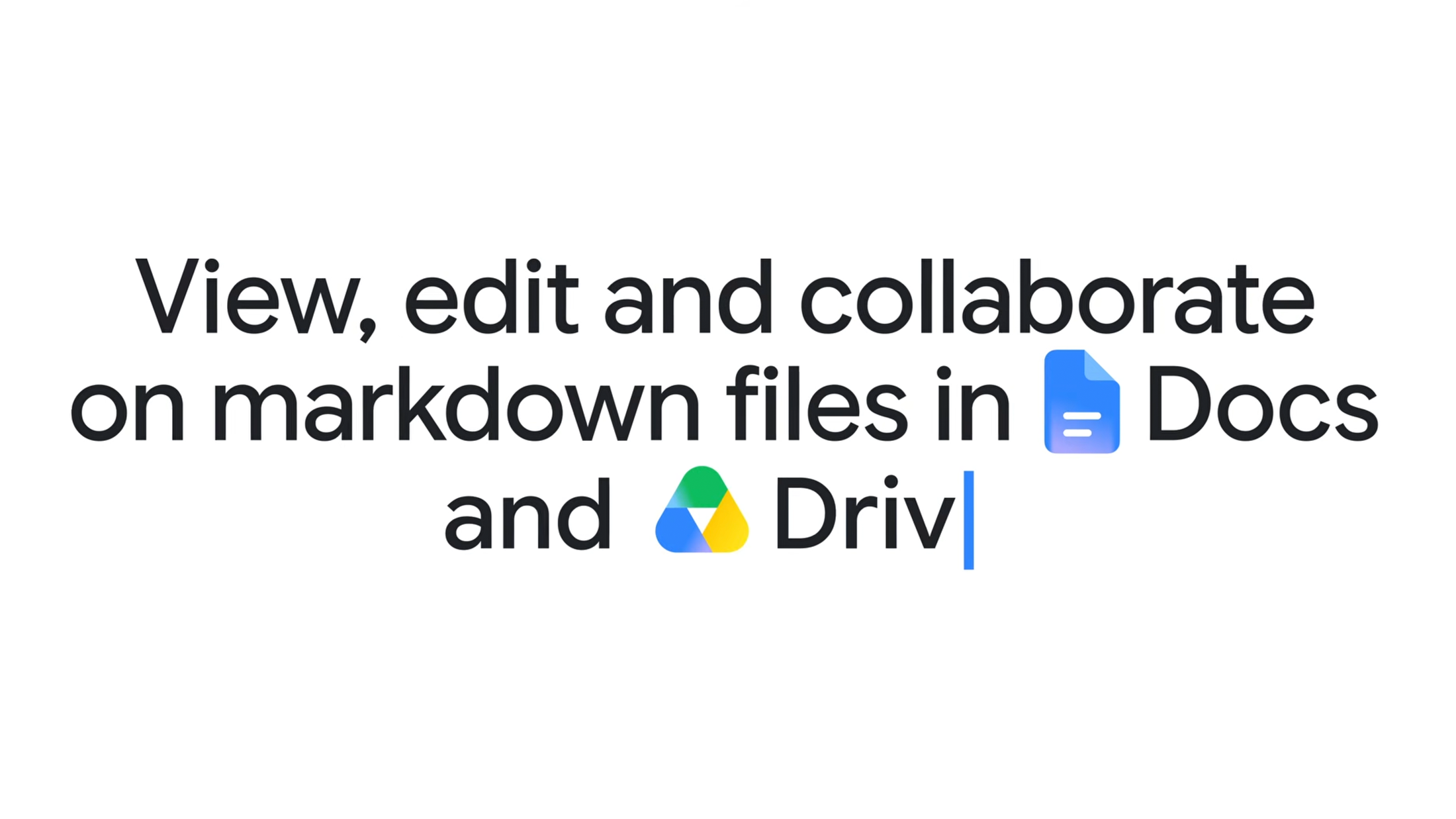
A prominent .md badge in the document header confirms you are editing a Markdown file in Docs, giving your teams full co-editing access with real-time comments and version history. Plus, Drive now renders Markdown previews directly, transforming raw files into rendered, reader-friendly documents. Learn more.
Get work done hands-free with conversational voice in Gmail and Docs
Instead of navigating an overflowing inbox or staring at a blank document, try using your voice to get more done.
Speak to search your inbox with Gmail Live: This is perfect for getting quick answers to questions like "What are the key points we need to hit for this morning’s meeting?" or checking a project update status, hands-free, while en route to your destination.
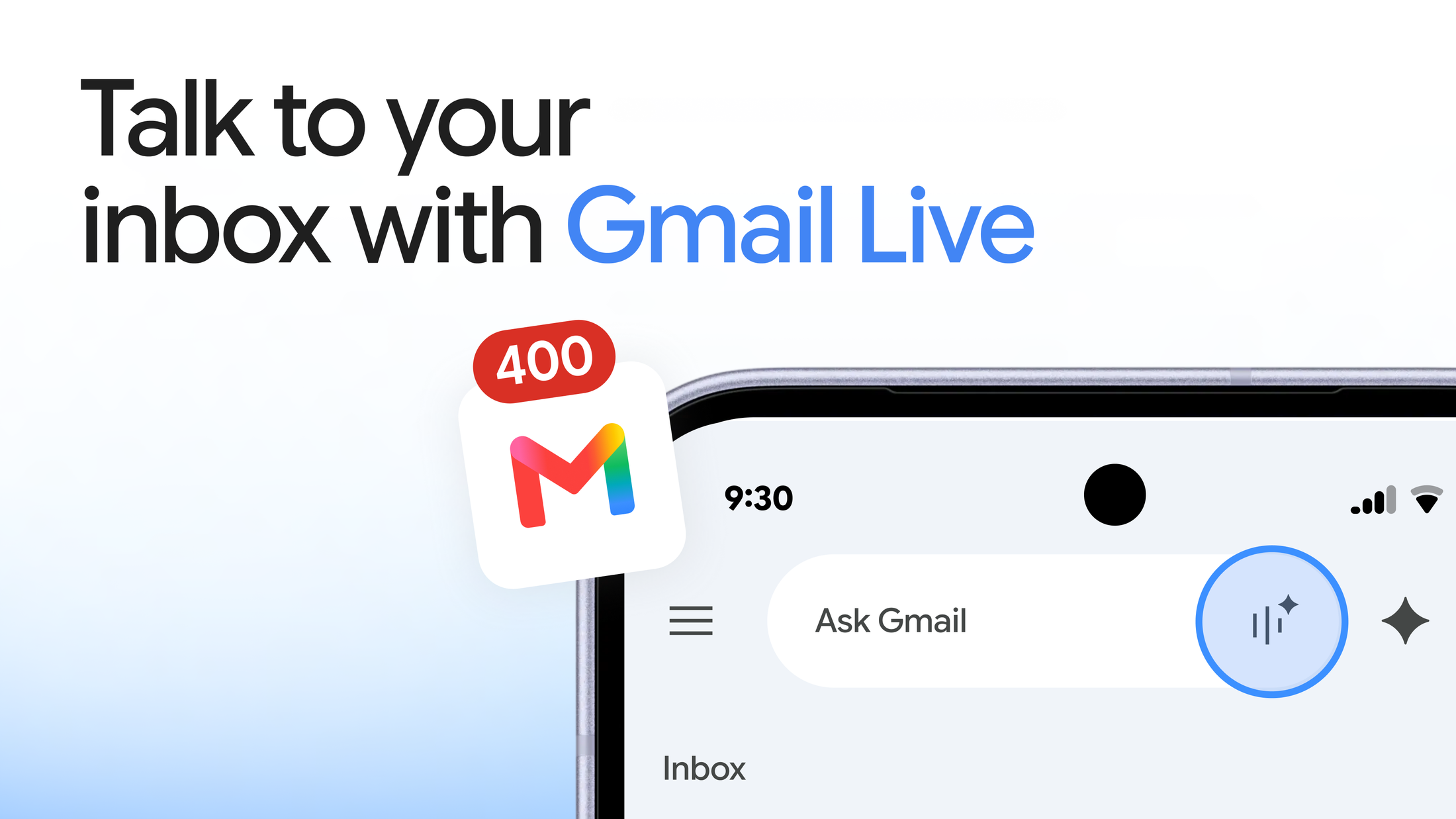
Turn spoken ideas into structured drafts with Docs Live: Go beyond basic dictation in Docs. Just start talking through your ideas, and Docs Live organizes your spoken brainstorms into project briefs, executive summaries, or client strategy memos.
Because Docs Live is powered by Workspace Intelligence, all responses are personalized to your work context and grounded in your emails, chats, and Drive files. Explore the full breakdown of real-time conversational workflows in Docs and Gmail.
Connect global teams and simplify follow-ups in Google Meet
Real-time speech translation across any combination of 63 languages in Meet: Language barriers can slow down global teams when non-native speakers struggle to follow rapid discussions. Built with Gemini 3.5 Live Translate, real-time speech translation in Meet now supports 63 languages, enabling you to translate across any combination of them during 1:1 and team meetings. As participants speak, Meet dynamically translates spoken audio and captions into each attendee's preferred language. In just a few clicks, anyone on the call can turn on speech translation independently without disrupting others.

Quick notes in Meet for a faster executive summary: "Take notes for me" in Meet now defaults to Quick notes, giving attendees and absentees a concise one-page summary of key decisions and next steps. The full notes and transcripts are still available in the document tabs. Learn more.
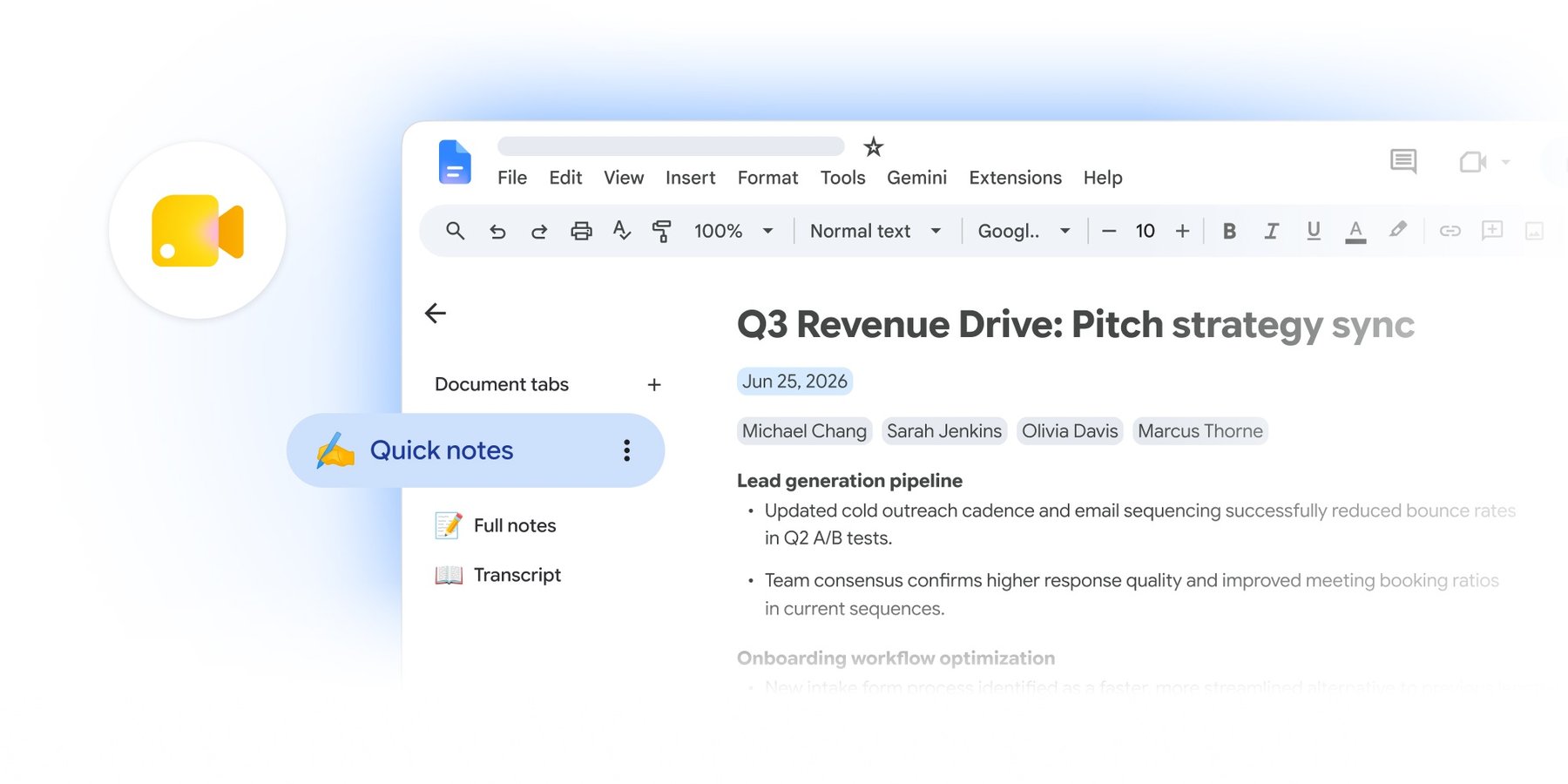
Quick notes in Meet summarizes key decisions and next steps on a single page.
Automate post-meeting follow-ups with Workspace Studio: Find routine next steps directly on your post-call screen in Meet. With one click, you can draft follow-up emails and sync action items to Google Tasks before your next meeting starts. Learn more.

In one click, take action on your routine meeting next steps directly from the post-call screen in Meet.
Migrate from Microsoft 365 to Google Workspace up to 5x faster: Updates to our cloud-native data import service help you migrate Microsoft 365 inboxes, calendars, chats, and files up to five times faster and at no additional cost:
- Microsoft Teams to Google Chat: Migrate channel message history, direct messages, attachments, and spaces with high fidelity. Learn more.
- Microsoft OneDrive to Drive: Quickly transfer individual files, nested folder structures, and user permissions directly into Drive. Learn more.
- SharePoint Online to shared drives in Workspace: Move complex team document libraries, permissions, and metadata into shared drives. Learn more.
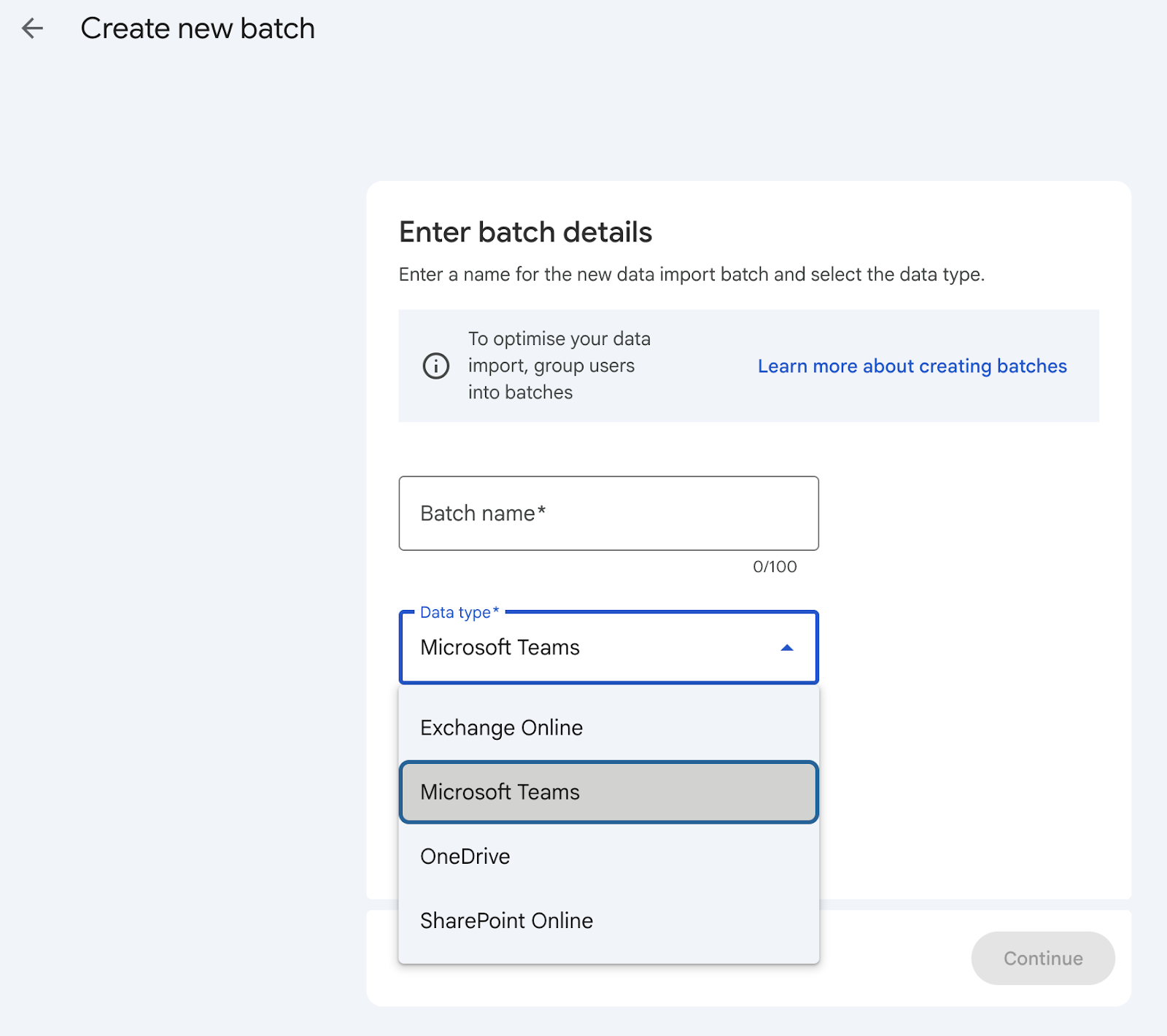
Data import makes it easy to migrate Microsoft 365 files from Teams, OneDrive, and SharePoint Online.
Collaborate more easily with Microsoft 365 users across Gmail, Docs, and Sheets: Office Editing Mode is now more powerful and accessible than ever before. Start by opening your Office attachments directly from Gmail. Edit them seamlessly with our latest interoperability improvements, like cross-references in Docs or improved charts and pivot tables in Sheets. When you’re done, email the latest version back to sender with a single click in the Share menu. Learn more.
Do more with data and video in Sheets and Vids
We're also bringing powerful new AI features to Vids, Sheets, and more.
Citations and 3,000-cell capacity for Fill with Gemini in Sheets: Fill with Gemini and the AI function in Sheets now cite web sources for generated cells, making it easier to verify and audit Gemini’s output. You can also process more data at once with expanded limits of up to 3,000 cells per request. Learn more.
Higher-quality video generation with Gemini Omni 1.1 Flash in Vids: Built with Gemini Omni 1.1 Flash, Vids now delivers higher-quality AI video generation, extended clip lengths, precise duration control, and full 1080p video upscaling. Learn more.
Get started today
These updates are rolling out to Google Workspace customers now. Learn more about unlocking the power of generative AI with Workspace. Want to chat about these features or show off what you’ve built? Join our Workspace Discord community.