Workspace Drops: Pro-level AI image creation and editing, new ways to make your data interactive, and more AI help across your apps

The Google Workspace Team
Try Google Workspace at No Cost
Get a business email, all the storage you need, video conferencing, and more.
SIGN UPWelcome to the latest Workspace Drop, featuring pro-level image editing with AI, boundless ways to make your data interactive in Google Sheets, and new ways to work across apps in Workspace, along with new productivity and security enhancements.
Try pro-level image creation and editing with Google Pics
Built on our Nano Banana image generation and editing model, Google Pics gives you the control you need to create whatever you're imagining, whether you’re developing images for marketing campaigns, customer presentations, or product storytelling.
Pics provides precise, object-based editing directly inside Docs, Slides, or the new Pics app, allowing you to:
- Select and edit individual objects within an image.
- Edit, reformat, or translate individual text elements.
- Crop your image for web, social media, print or digital.
- Upscale your image to 2K or 4K.
- Process multiple edits at once, and revert changes easily.

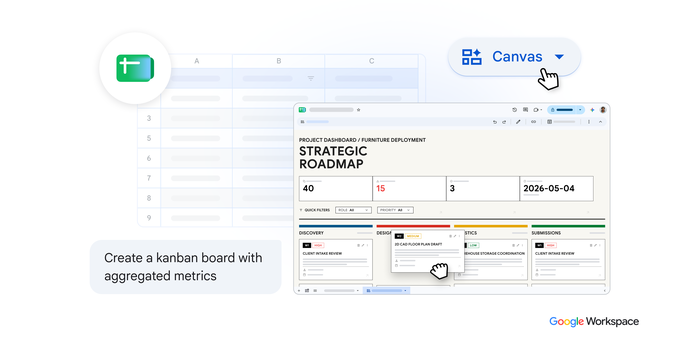
Transform your data into interactive mini-apps with Sheets canvas
Spreadsheets are essential for organizing and analyzing data, but navigating endless rows and columns can feel overwhelming. With one click, Sheets canvas helps you turn your spreadsheet data into custom, interactive mini-apps like Kanban boards, financial scenario planners, and executive dashboards. Here is what makes it so powerful:
- No coding required: Just describe what you want — like "create a visual study tracker" — and Gemini builds it for you.
- Always in sync: Changes to your canvas or sheet are synced between the canvas and the original sheet in real time.
- Easy to adjust: Continue to polish and refine your Sheets canvas by prompting Gemini to edit the layout, design, functionality, and more.
- Fully collaborative: Since it lives as a tab in Google Sheets, your canvas can be shared with anyone, just like a regular sheet.

Tackle tasks across apps, with real-time context from Workspace Intelligence
Completing a single task shouldn't mean breaking your focus or switching apps. Now, Gemini can tackle complex tasks behind the scenes with the help of Workspace Intelligence — your intelligent collaborator across Workspace. Prompt Gemini from wherever you are working to help you:
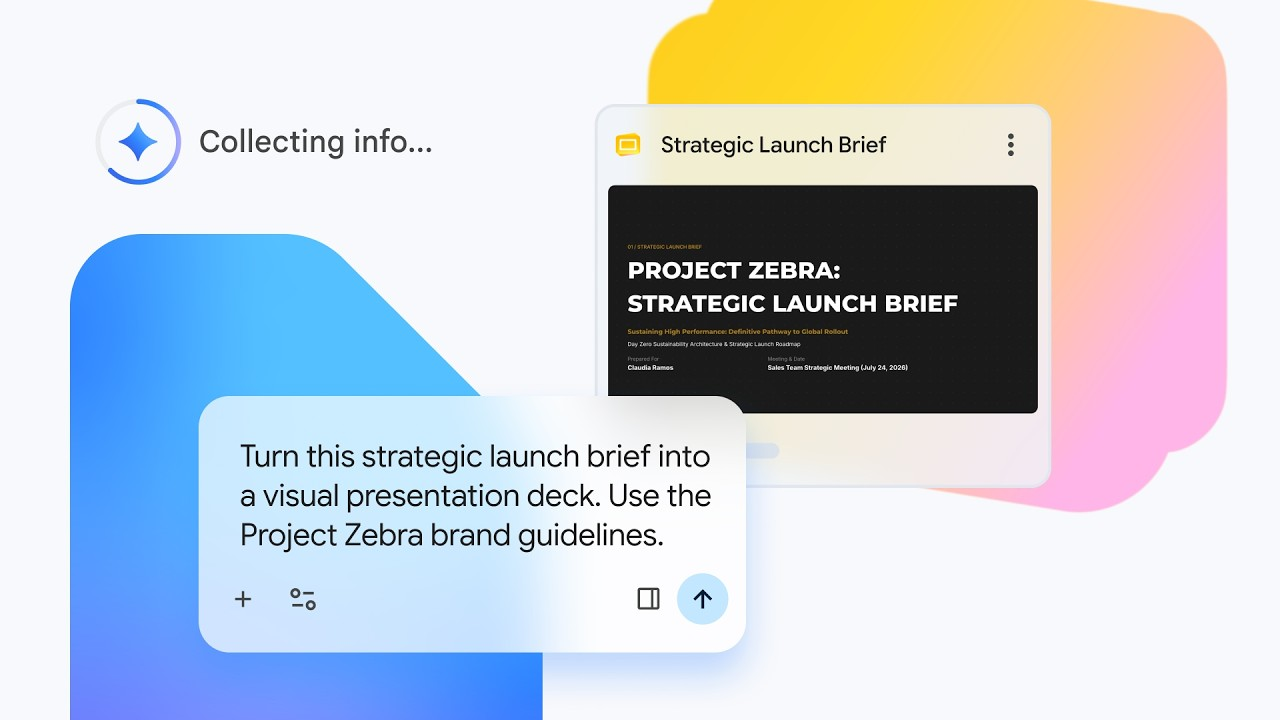
- Create content across Workspace: Generate formatted Google Docs, structured Sheets from scratch, or stylized Slides in the background, without leaving the app you're in, all saved securely to your Drive.
- Draft and send emails from anywhere: Compose detailed and precise emails directly inside places like Docs without switching to Gmail.
- Schedule meetings and keep track of to-dos: Find open times, schedule meetings, or resolve calendar conflicts directly while talking with your team in Chat without opening Google Calendar. Instantly log reminders or create actionable task lists mapped straight into Google Tasks.
Unlock your productivity superpowers with Ask Gemini in Chat
Handling routine daily workflows used to mean bouncing between different apps and tabs. Not anymore. Ask Gemini in Chat acts as a unified command center that knows your work context. It connects your emails, calendar events, Drive files, and chat conversations, so you can:
- Find answers quickly: Search across Gmail, Drive, or Calendar to gather information.
- Create content: Generate images or draft critical updates without leaving the conversation.
- Stay on top of discussions: Catch up on all your conversations in one place.
- Manage tasks and events: Schedule your meetings and manage tasks without breaking your flow.
- Organize your workflow: Use individual conversation sessions to explore topics and revisit over time with consistent context.
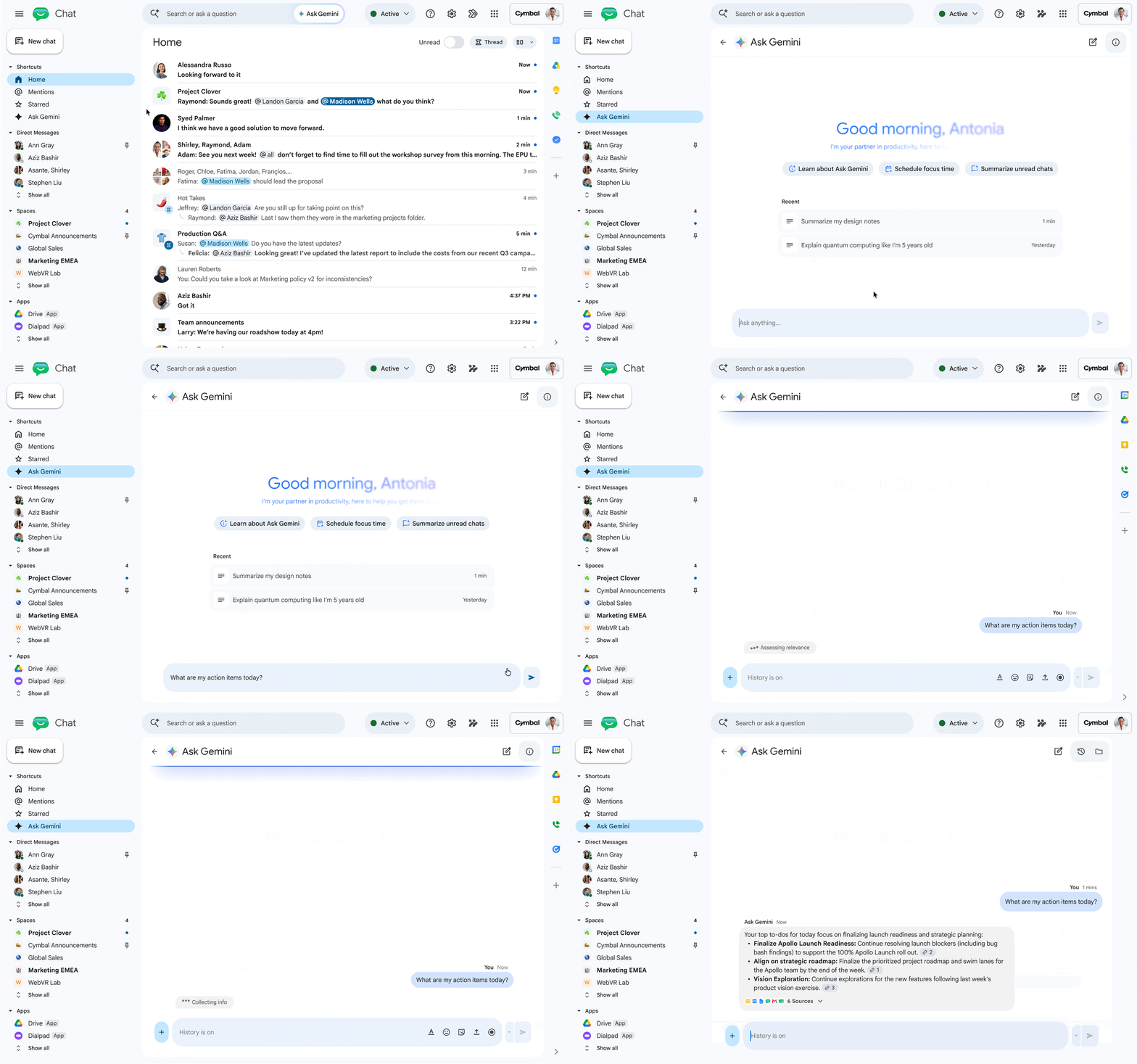
Stay on top of your tasks, navigate your workday, collaborate, and take action with Ask Gemini in Chat.
Transform Docs, PDFs, and Word files into animated explainer videos with Vids
Turn company updates, training sessions, and meeting notes into engaging video explainers for your team or customers. Vids uses your doc to automatically generate an editable script, animated visuals, and voiceover to help everyone quickly digest key information without reading through pages of text.
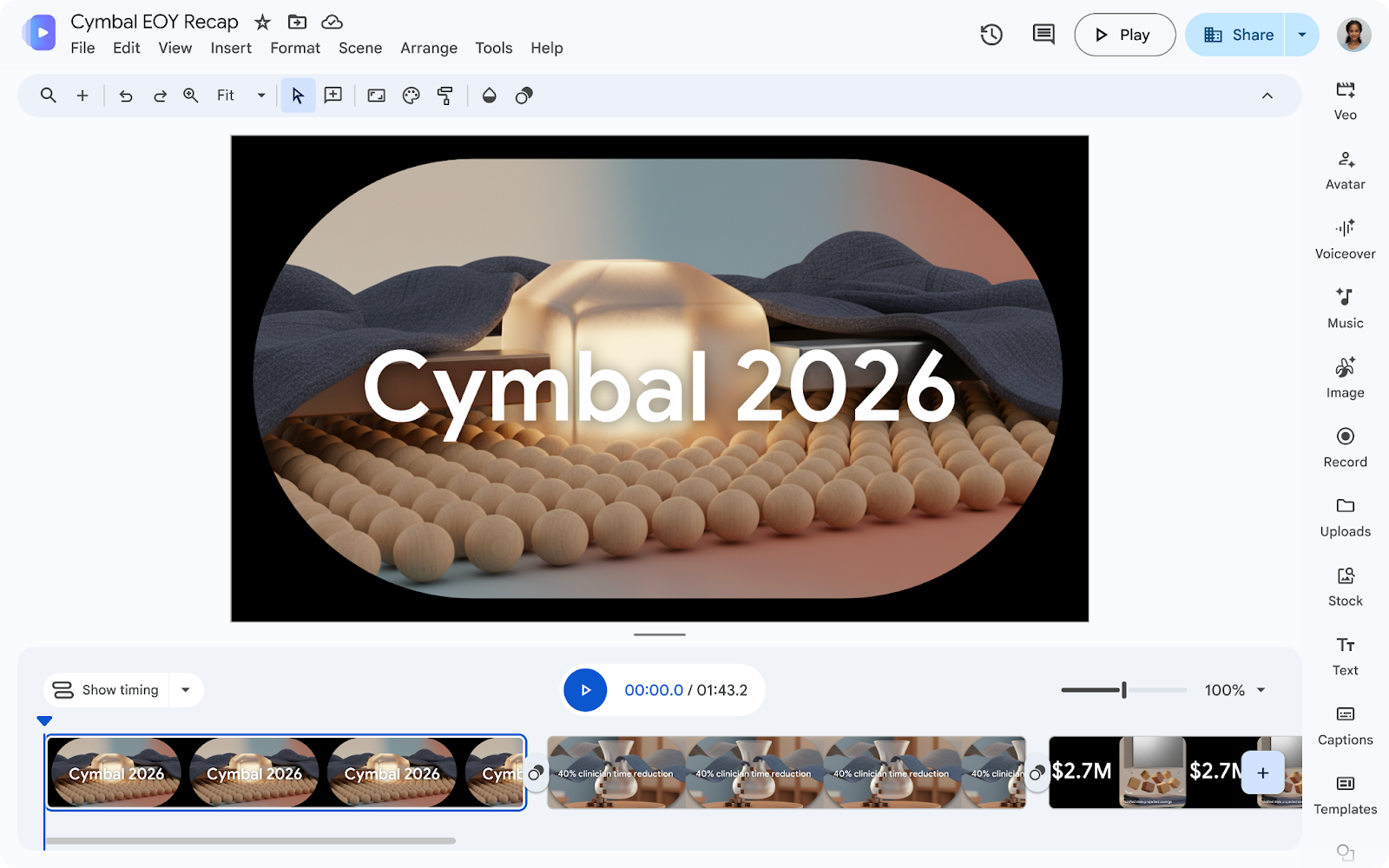
Transform Google Docs, PDFs, and Word files into engaging video recaps with Google Vids.
Protect enterprise data at scale with Gemini-based data classification in Drive
Gemini-based data classification in Google Drive provides a faster and more efficient way to help your organization protect data at scale. Using natural-language instructions, you can automatically categorize and label files, eliminating the need for manual model training. This makes it easier to apply granular data loss prevention (DLP) policies and retention rules across massive file volumes, with a higher degree of accuracy in classifying the data.
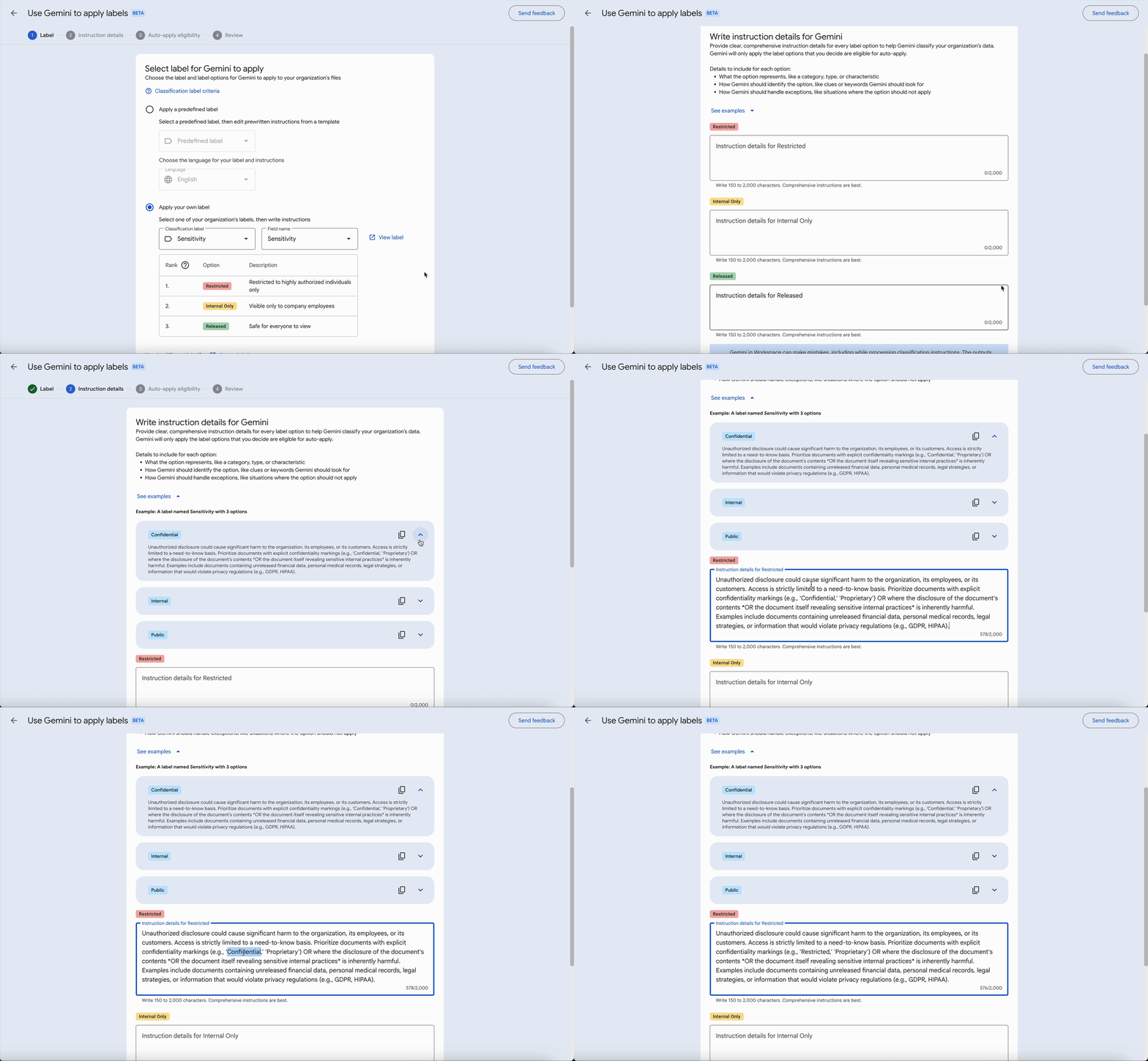
Gemini models interpret instructions, evaluate files, and apply appropriate data classification labels.
Get started today
These updates are rolling out to Google Workspace customers now. Learn more about unlocking the power of generative AI with Workspace. Want to chat about these features or show off what you’ve built? Join our Workspace Discord community.