Reimagining content creation with Gemini in Google Docs, Sheets, Slides, and Drive

Yulie Kwon Kim
VP, Product - Workspace
Try Google Workspace at No Cost
Get a business email, all the storage you need, video conferencing, and more.
SIGN UPToday, we are reimagining how people create content, transforming Gemini in Docs, Sheets, Slides, and Drive into a collaborative partner that works alongside you throughout the creative process. With insights from across your emails, chats, files, and more, Gemini helps you draft, iterate, and perfect your work.
These updates will help people bring their ideas to life faster and with more polish than ever before. Here’s a closer look at what’s rolling out today for our Gemini Alpha business customers and Google AI Pro & Ultra subscribers.
Go from blank page to brilliance in Google Docs
We’ve all experienced the dread of the flashing cursor. You know what you want to achieve, but taking that first step is often the hardest part — especially when your source material is scattered across emails, Drive folders, and chats.
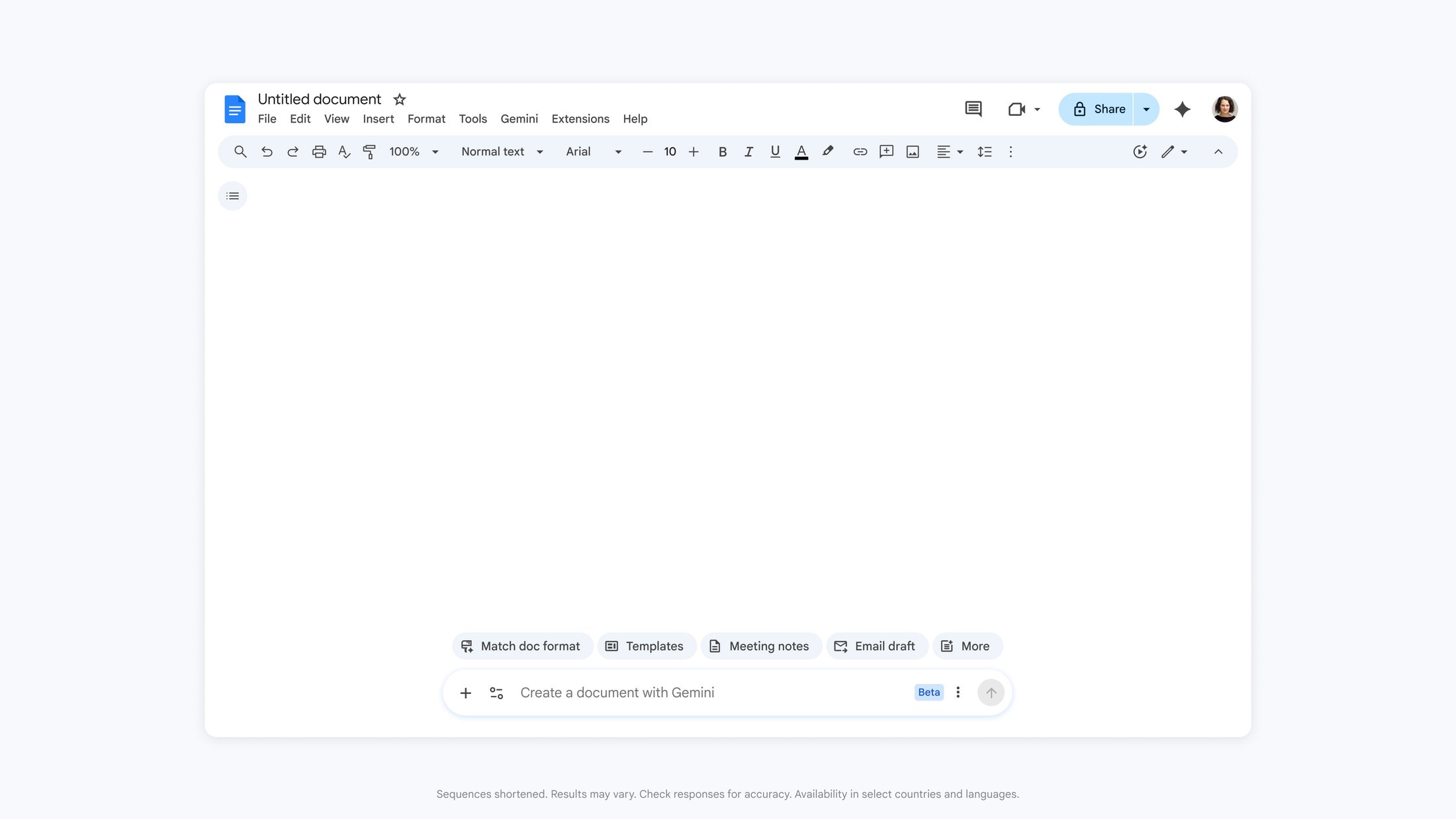
To help you overcome this hurdle, we are introducing a new Help me create experience in Docs. Simply describe what you want to create and Gemini will follow your instructions, synthesizing information from your Drive, Gmail, Chat, and the web to generate a relevant, fully formatted first draft. This experience is available in the side panel or the new bottom bar in Docs.
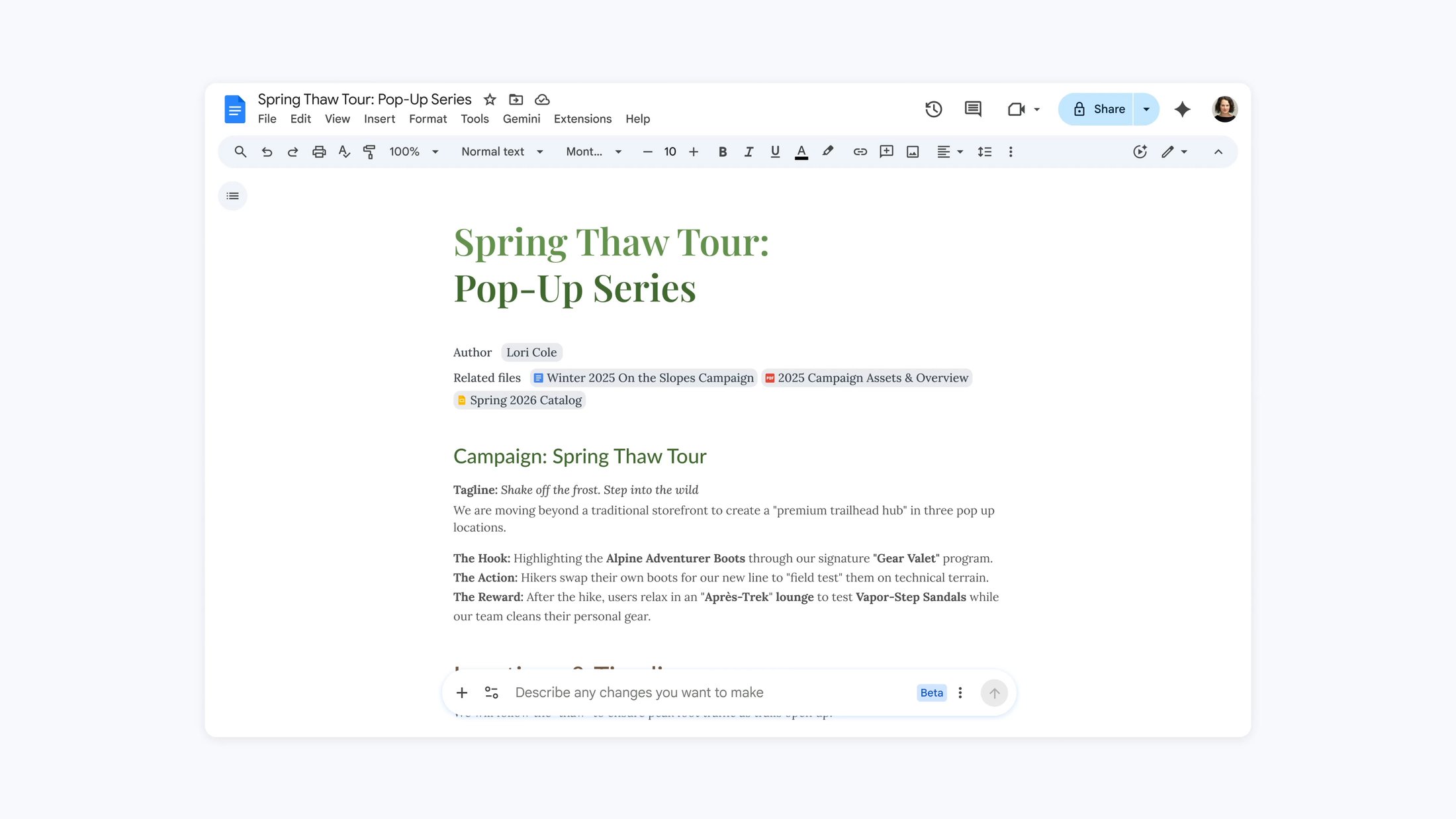
For example, you can ask Gemini to create a marketing campaign plan for an idea you have, based on successful campaigns from the past. Gemini finds the relevant details from across Workspace, structures the document, and applies styles and smart chips, delivering a beautiful first draft in moments.
Once you have a draft, Gemini helps you refine specific sections without regenerating the entire document. Use Help me write to tighten your arguments, polish your prose, or add fresh insights exactly where you need them.
Continuing the example above, you can ask Gemini to strengthen your document to stand out to your leadership team. Gemini understands this context and suggests copy edits for you to review and accept. These edits remain private until you approve them, keeping you in full control.
Multiple co-workers collaborating on a draft can lead to messy documents with differing voice and tone. Gemini can help unify your document with Match writing style. In a single click, Gemini analyzes your document and suggests edits to make the tone and voice consistent throughout the document.

AI produces amazing content, but it’s not formatted to align with your company’s brand. Starting today, Gemini can match the format of your favorite documents to mirror their structure and style, eliminating the need for file copies or tedious manual formatting.
Become a data expert instantly in Google Sheets
Whether you’re building a team project tracker or a complex financial model, the friction of finding scattered data, manually formatting tables, and writing complex formulas can be a significant barrier to getting started on any project.
To address this, you can now build or edit entire spreadsheets with Gemini in Sheets using natural language to describe what you need. It then orchestrates the complex, multi-step construction from start to finish, synthesizing data across your files, emails, and chat, and the web. Gemini in Google Sheets has set a state-of-the-art benchmark, achieving a 70.48% success rate on the full SpreadsheetBench dataset. This performance not only exceeds competitors but nears human expert ability.

Gemini in Google Sheets SpreadsheetBench Accuracy.
Imagine you’re a small business and you need a quick view of last year’s financial health. You can ask Gemini to create a P&L dashboard leveraging your historic service incidents and rate cards. Gemini constructs a plan for you to approve, then retrieves the relevant details structuring the data in a well-formatted spreadsheet with stylized tables and charts.

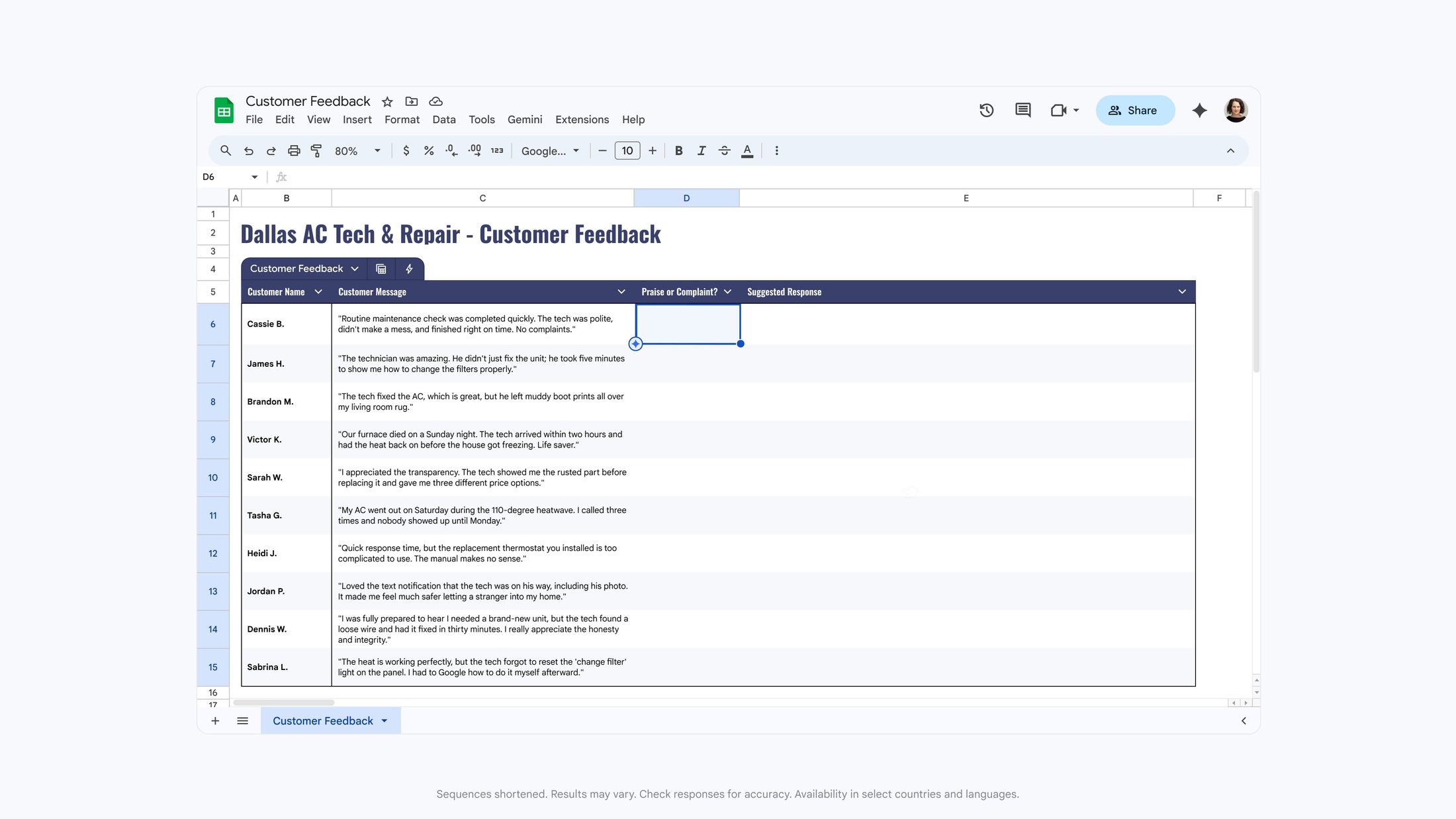
With a spreadsheet in hand, you can now easily enrich your data using Fill with Gemini to auto-populate your tables with summarized, categorized, or brand-new data from your existing sheet or the web. This method of populating data is 9x faster than manual entry for 100-cell tasks.*
Do you have a long list of customer feedback to process? By adding new columns named “Praise or Complaint?” and “Suggested Response”, Fill with Gemini instantly infers your intent. It analyzes each customer message and automatically fills the rows with the appropriate categorization and a tailored reply. If you need something more specific, you can also write a prompt in natural language describing the data you need.
Gemini in Sheets can now handle the hardest analytical tasks, including advanced optimization problems that typically require complex manual formulas or third-party tools to solve. Powered by research from Google DeepMind and Google Research OR-Tools, you can now find the solution to these tough questions with a natural language prompt. Simply describe your goal and your rules in the side panel, and Gemini will crunch the numbers to help you find the optimal solution.
For instance, you can ask Gemini to optimize your weekly employee scheduling to maximize profit while balancing staff availability and required skills. Gemini handles the complex logic to identify the best way to deploy your team.

Design beautiful presentations with ease in Google Slides
Great presentations require a compelling narrative and beautiful design, but building them can be time-consuming or require costly design agencies. We’re introducing a new way to create slides that focuses on your story, while leaving the design, formatting, and messaging to Gemini.
Now, when you ask Gemini to help create a slide in your deck, it automatically crafts messaging to convey your ideas and beautiful layouts that balance hierarchy, spacing, and visual weight while matching the style of your other slides. It can even turn brainstorm sketches or tables into fully editable charts and diagrams.
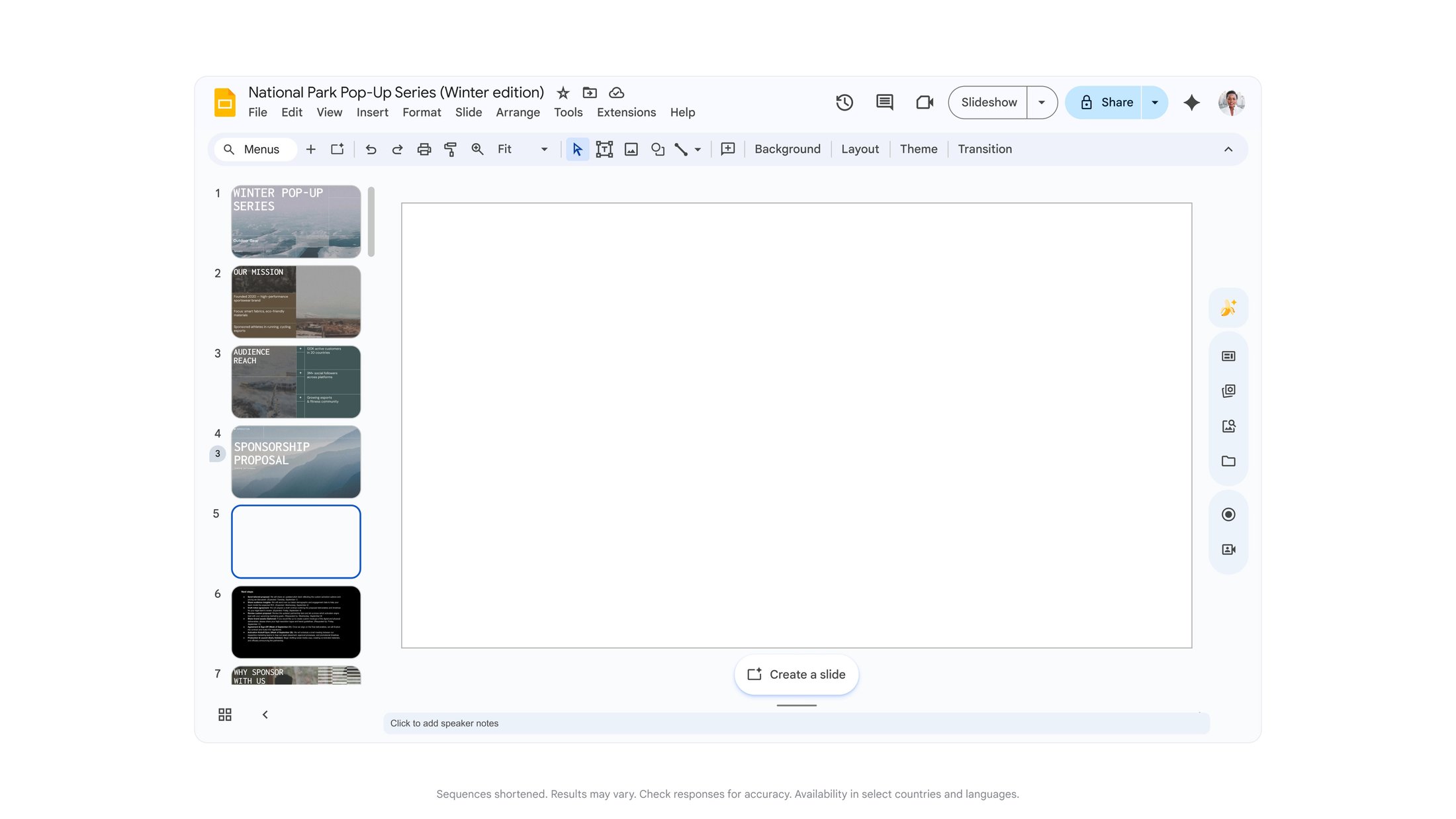
While this is a massive leap forward, we know slide creation is just the start. That’s why we are announcing that you will soon be able to generate a presentation from scratch by simply describing what you need. Gemini will leverage your Workspace data to generate a complete presentation that is on-brand in a fraction of the time it typically takes. These slides are fully editable by prompting Gemini for changes or making those adjustments yourself.
For example, to pitch your new campaign plan you can ask Gemini to build a presentation based on your document and a style in line with your corporate branding. Gemini instantly synthesizes the document, organizes the narrative into a presentation format, and applies visually appealing layouts to create your presentation.

Turn your files into knowledge in Google Drive
Since its launch, Google Drive has fundamentally changed how we store, access, and share our most important files. Today, we are taking the next leap into the Gemini era by transforming Drive from a passive storage container into an active knowledge base. These new Drive features are coming first to our US-based customers.
Traditional keyword searches often return long lists of files, requiring you to open each one to find what you need. AI Overviews help you find what you’re looking for without the digging. Based on your intent, we use Gemini to conduct a semantic search to generate a highly relevant list of documents or a complete answer with citations, right at the top of your search results.
For example you can ask “Help me find customer feedback from the winter 2025 campaign.” Gemini’s advanced reasoning pulls the answer, quickly summarizing the exact details you need.

When you are looking for more than a quick answer, you can dive deeper with Ask Gemini in Drive. This new experience lets you ask questions and get detailed responses, all based on the content from your files in Drive, as well as Gmail, Calendar, and Chat. You can control which sources are included in your search or narrow your focus to a specific set of folders or files to create a comprehensive and personalized knowledge repository. This is great for brainstorming sales strategies, crafting responses to complicated customer questions, or quickly getting up to speed on a new job.
You can even save this curated list of sources as a project for you to reference later, or share with others. Projects adhere to Drive’s built-in security and compliance controls, so only those with access to the underlying content can access it in the project.

Ready for your business
These new capabilities are designed with the same enterprise-grade data protections as the rest of Workspace, helping to ensure your business data remains protected, confidential, and under your control. Learn more about Generative AI in Google Workspace Privacy.
We are excited to see how you will use these new capabilities to transform your ideas into reality faster than ever before. You can sign up for Gemini Alpha to start testing these today before they become generally available in the coming months. Everyone else can get access through a Google AI Pro or Ultra plan. All features will launch initially in English only.
_____________________
* Data based on a 95-participant study comparing manual entry against Fill with Gemini on a 100-cell task.